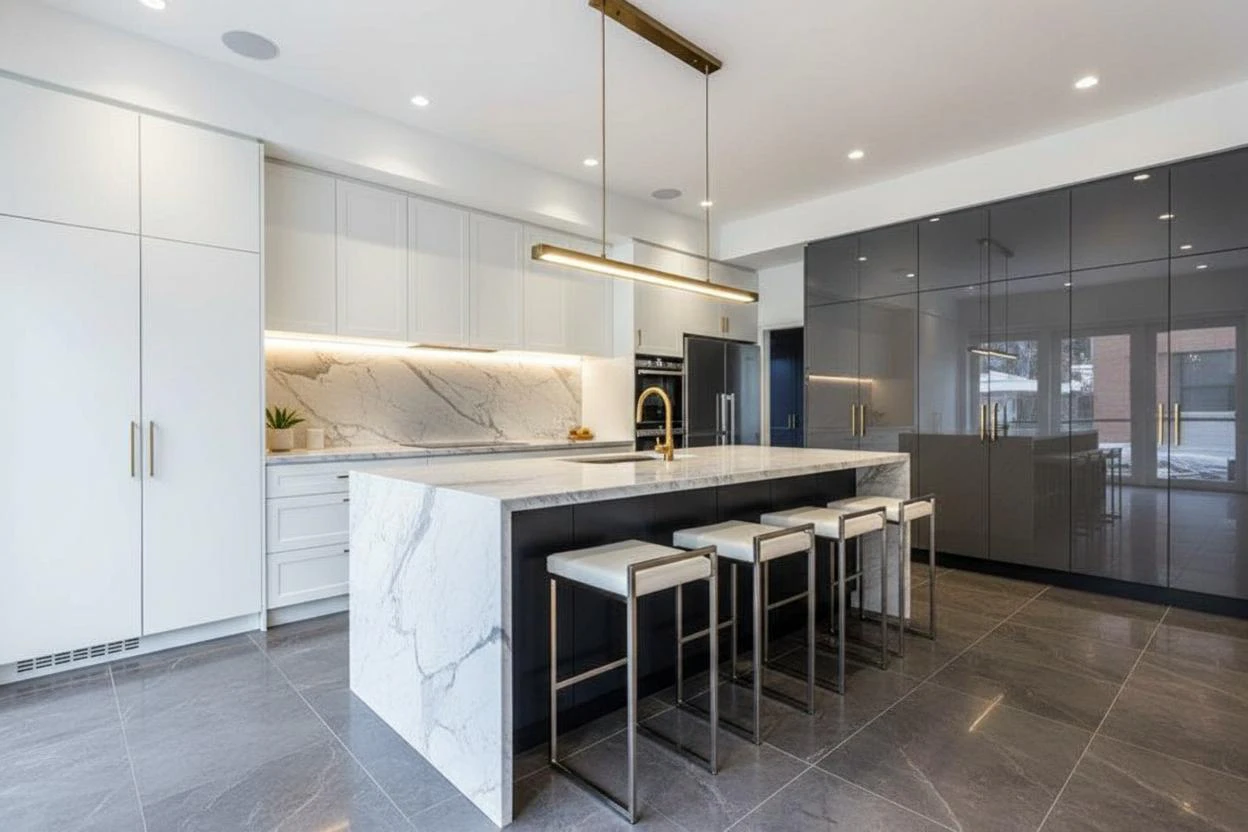
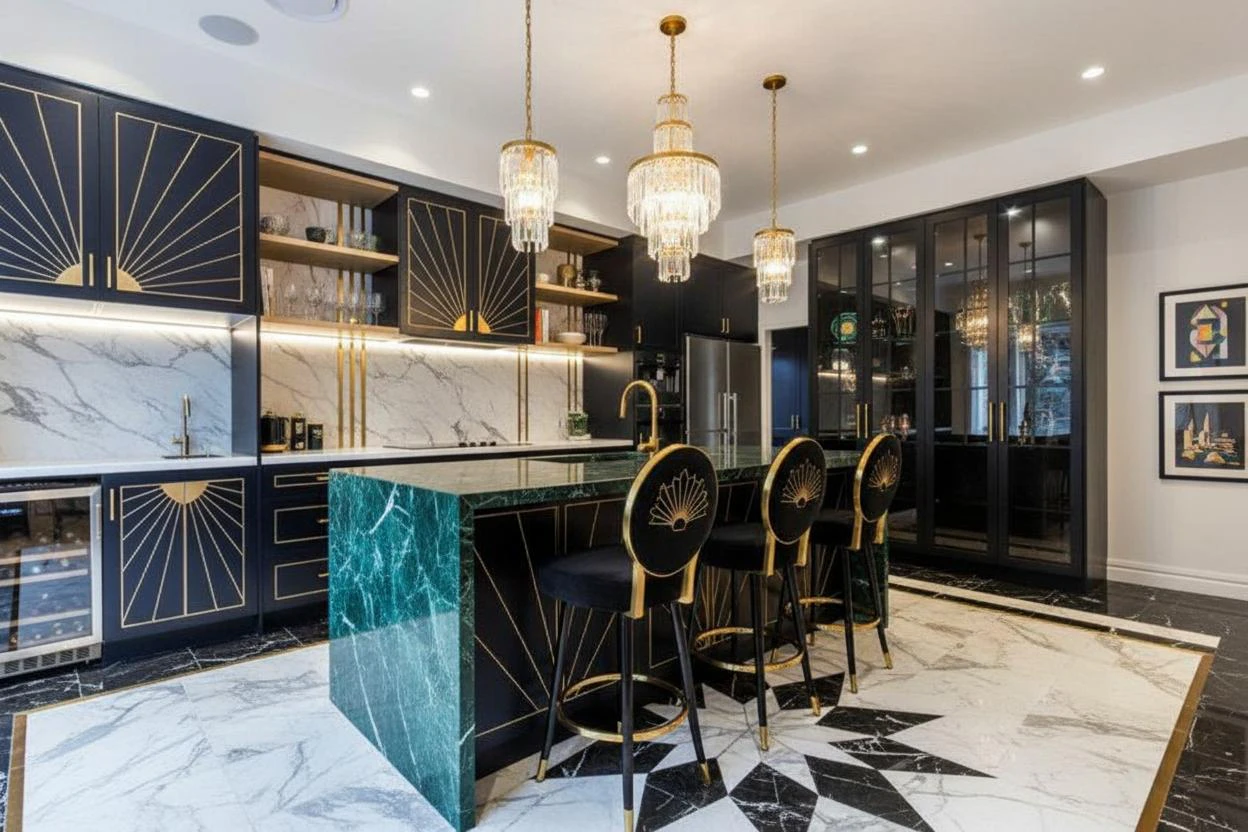
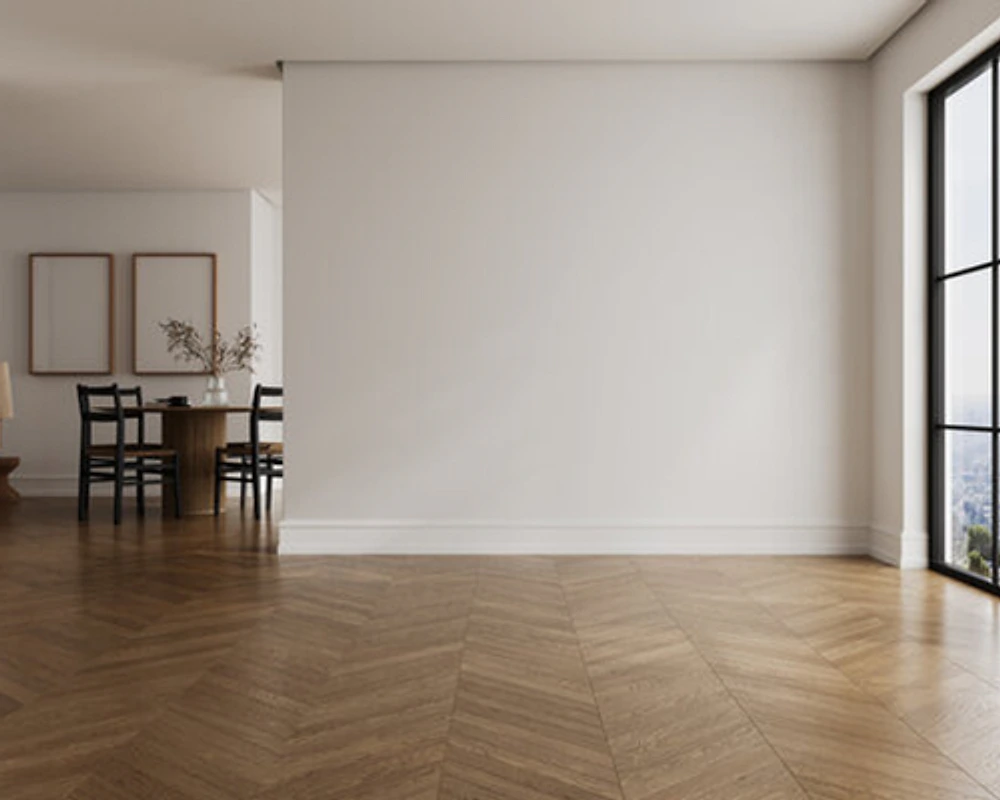
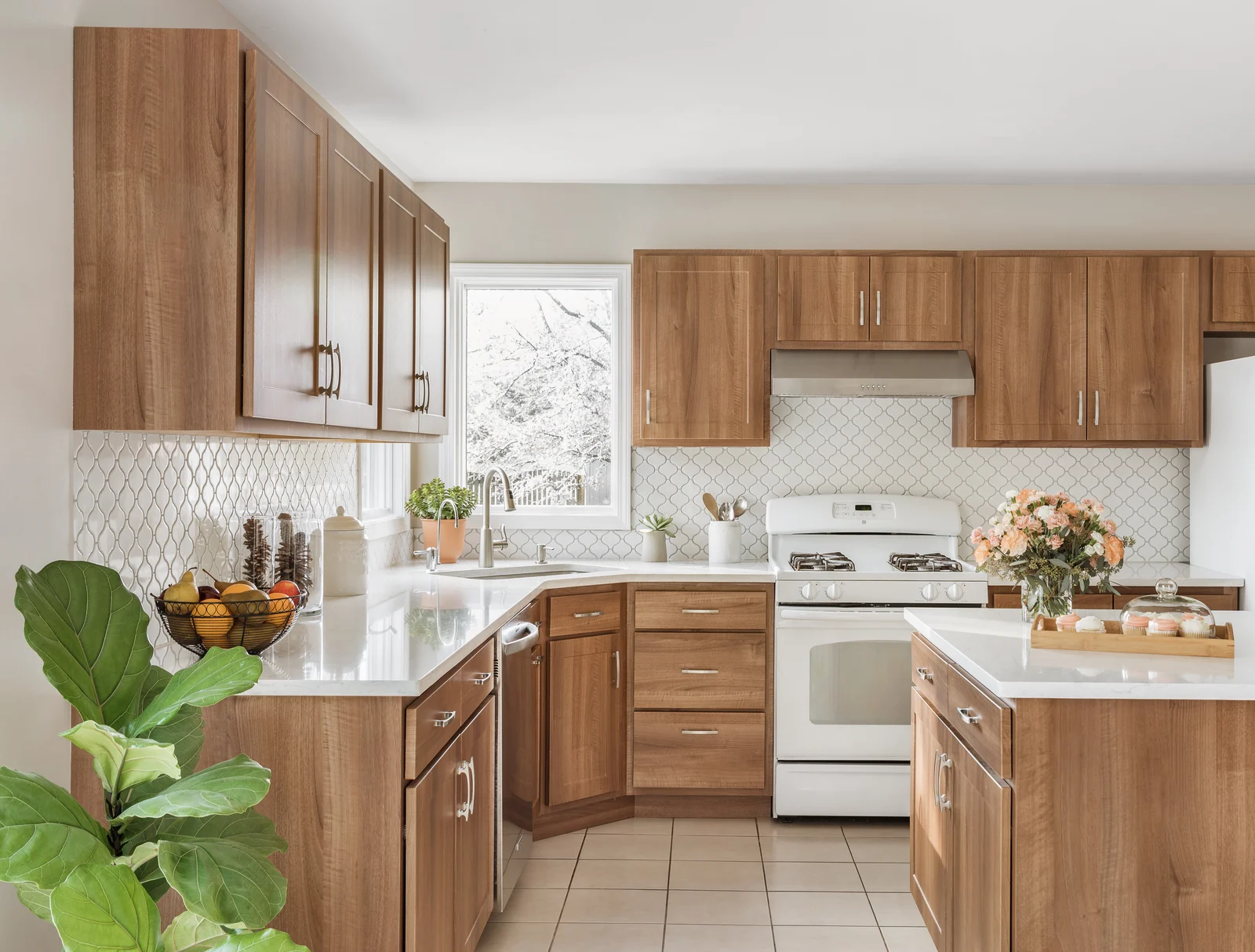
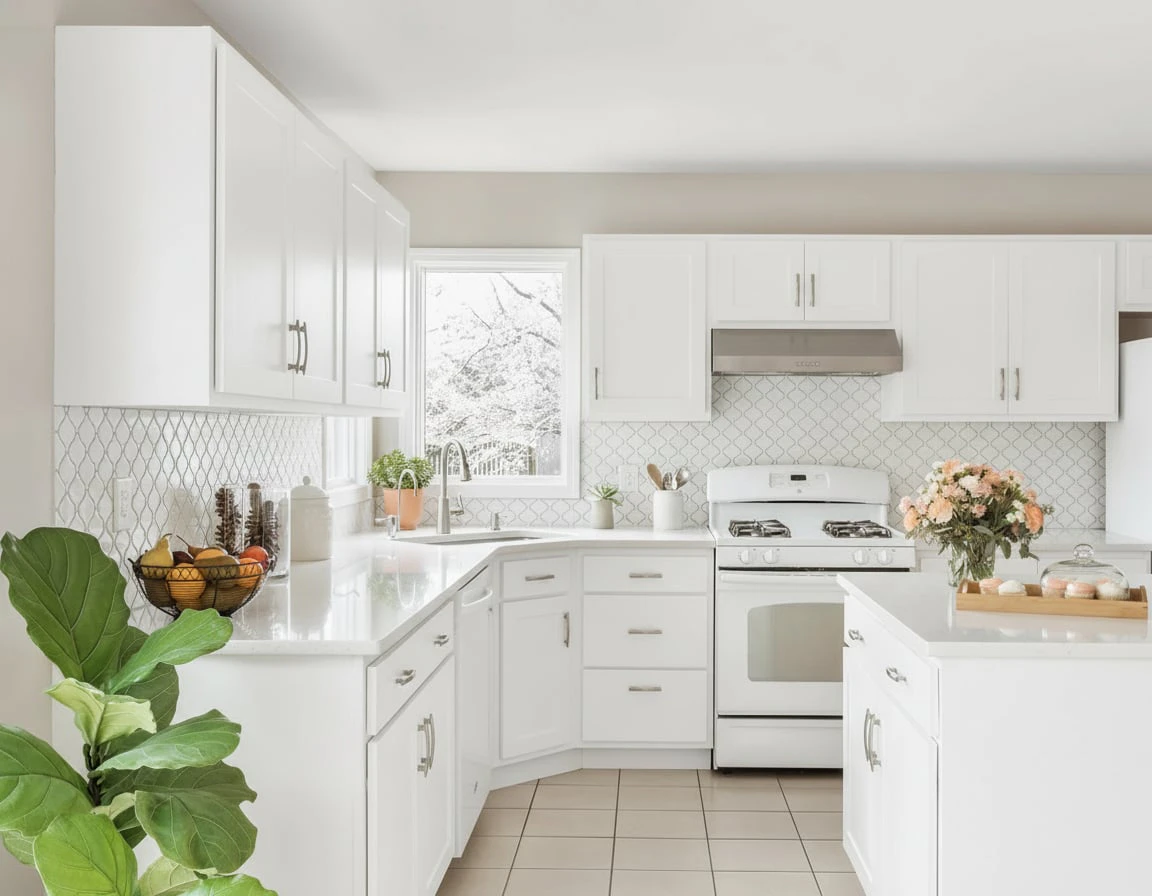
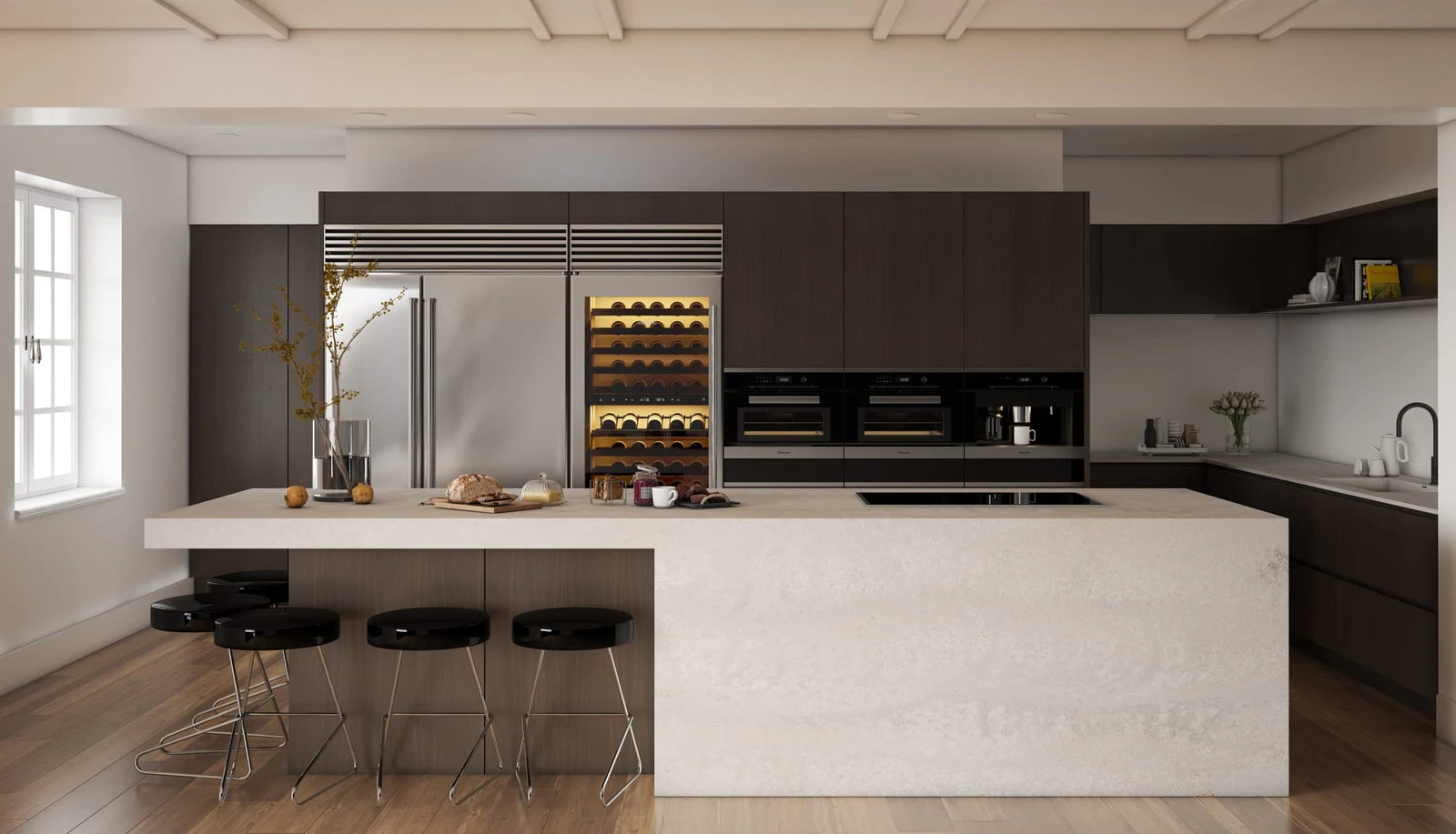
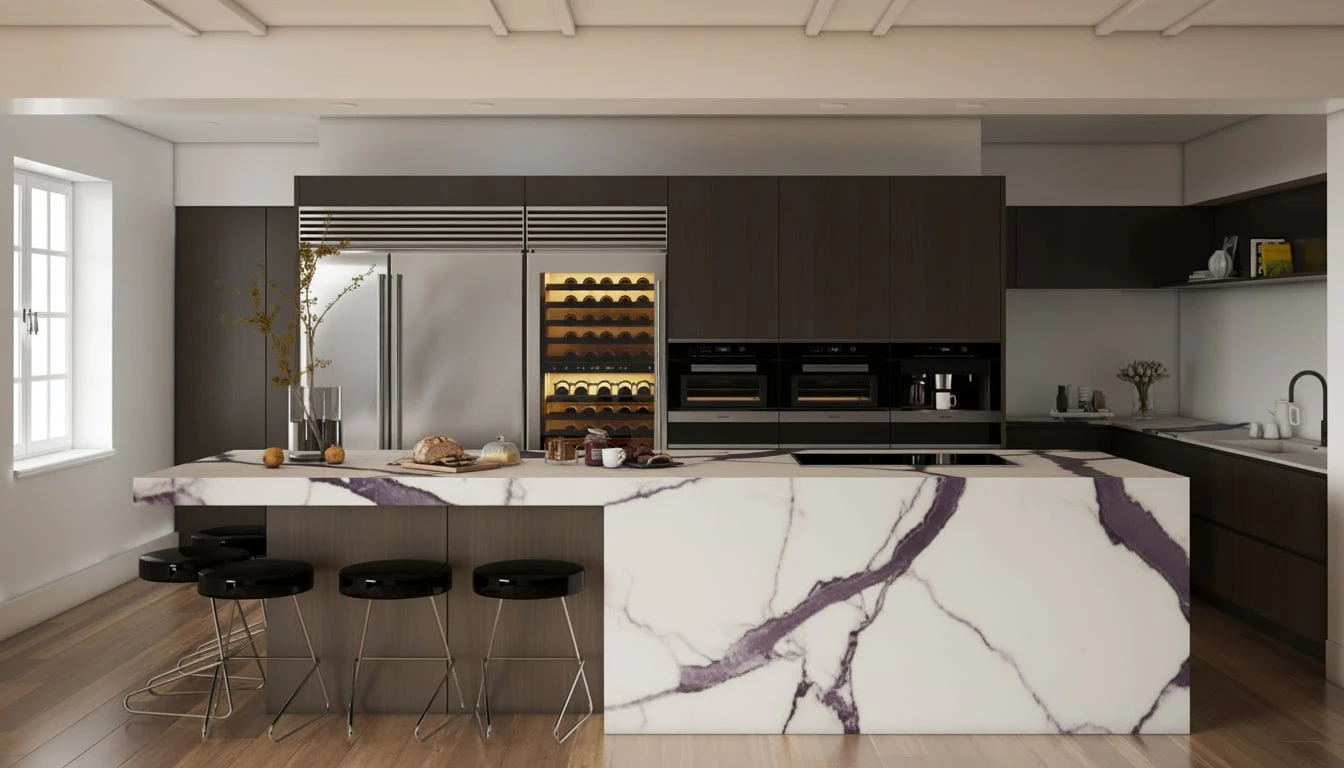
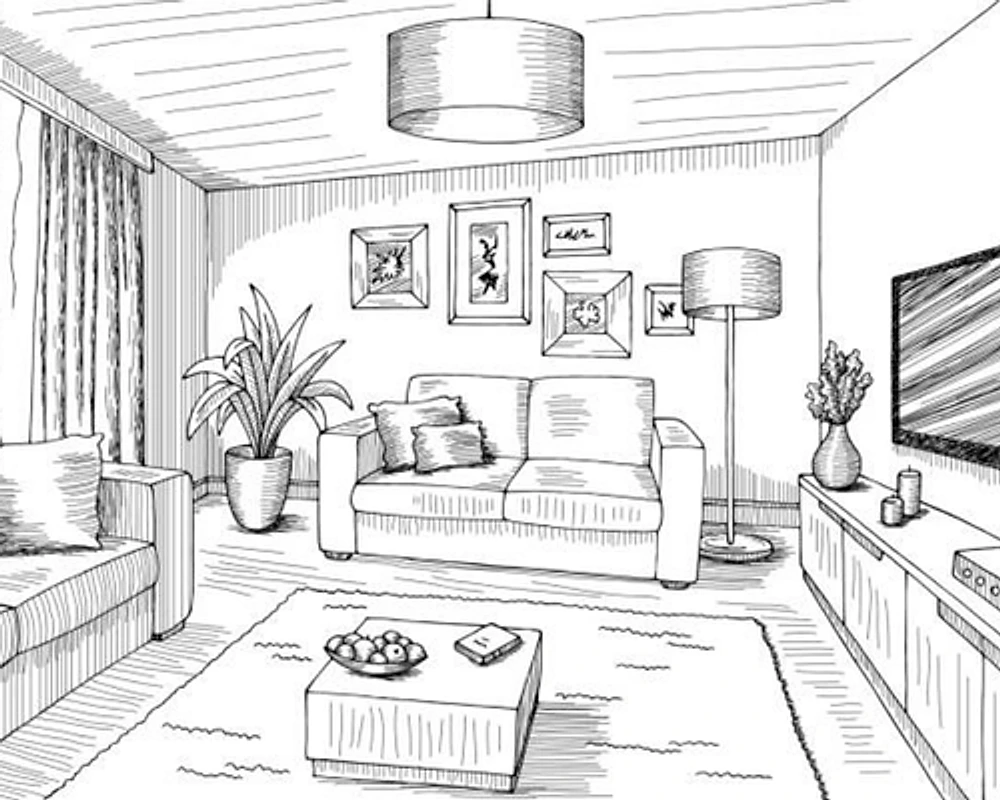
See your home remodeled in 25 seconds before you spend a dollar.

Upload a photo of any room, kitchen, yard, or vacant listing to preview realistic renovations, countertops, paint colors, and MLS-safe virtual staging.

14,800+
Rooms redesigned
~25 sec
Per render
$9
One-time unlock (no sub)
Drop a room or house photo here
JPG, PNG, WebP, or HEIC · Free preview in ~25 sec
See $9 One-Time Pass (no subscription) →Open Studio directly →
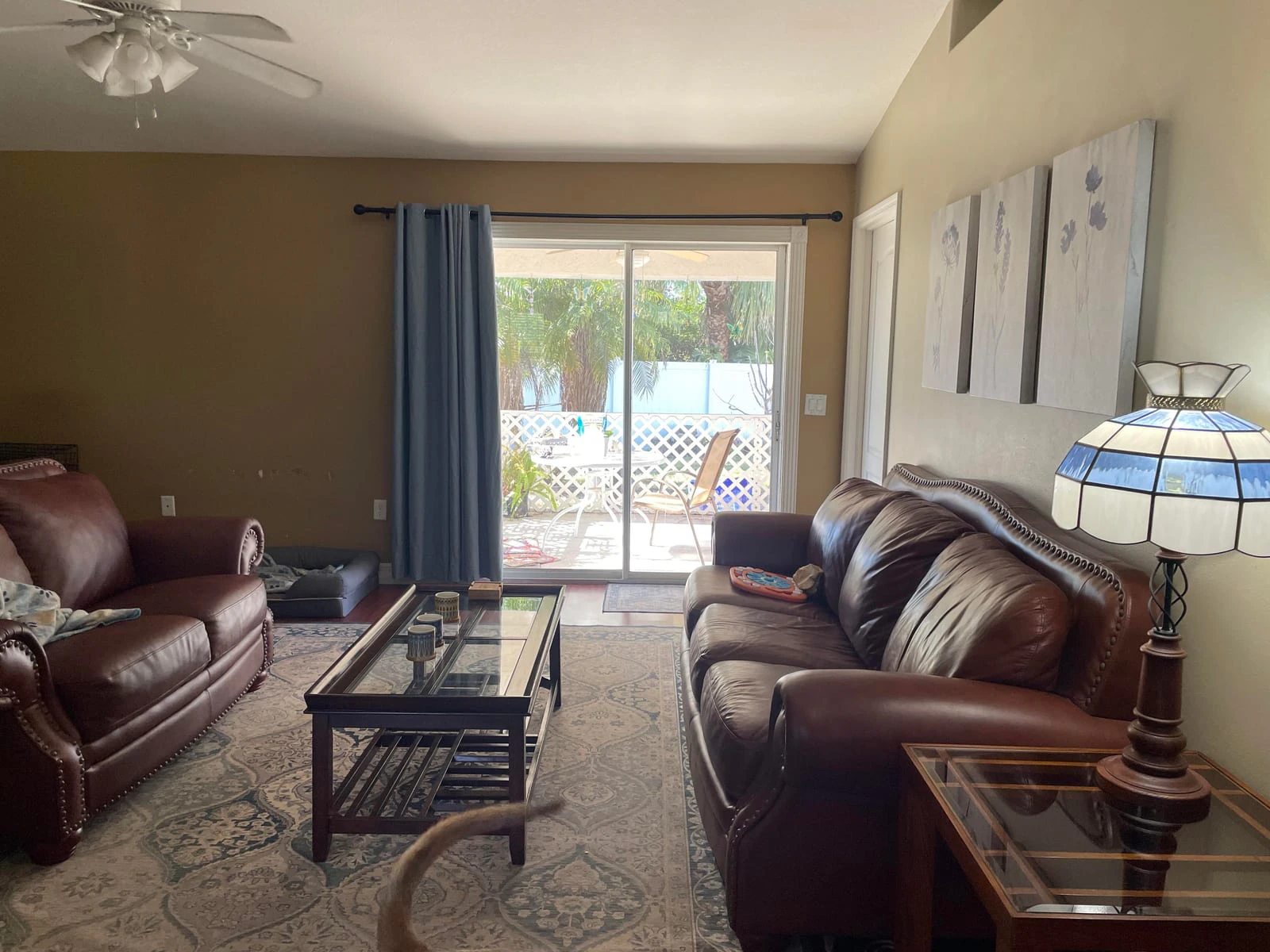
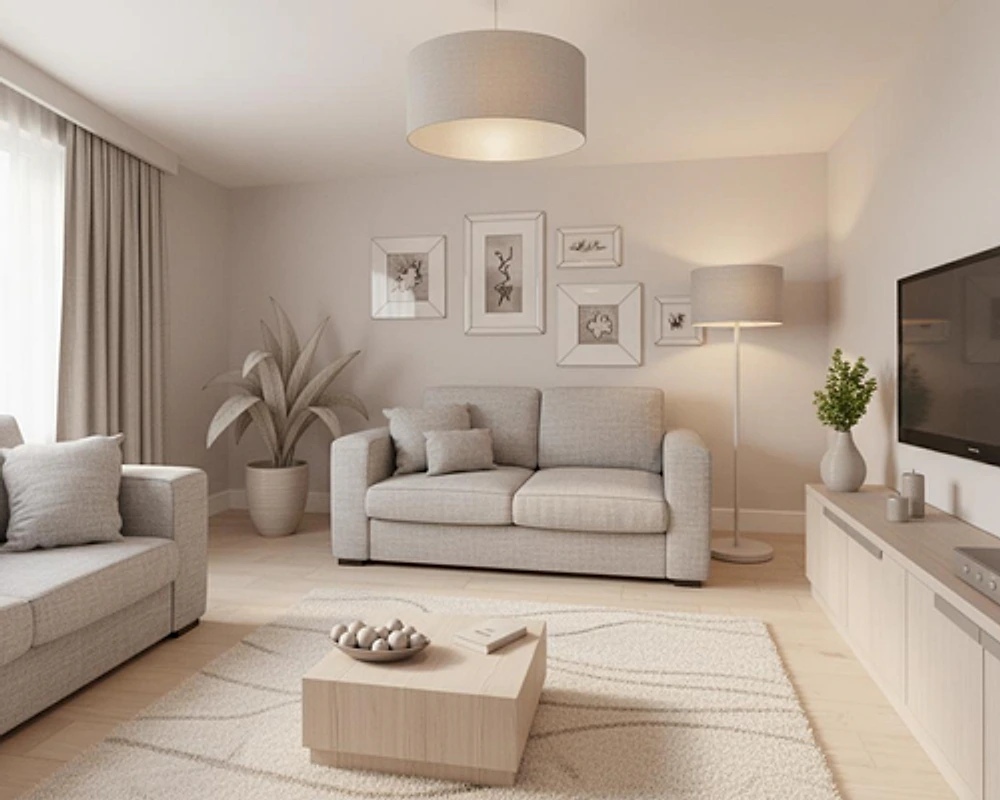
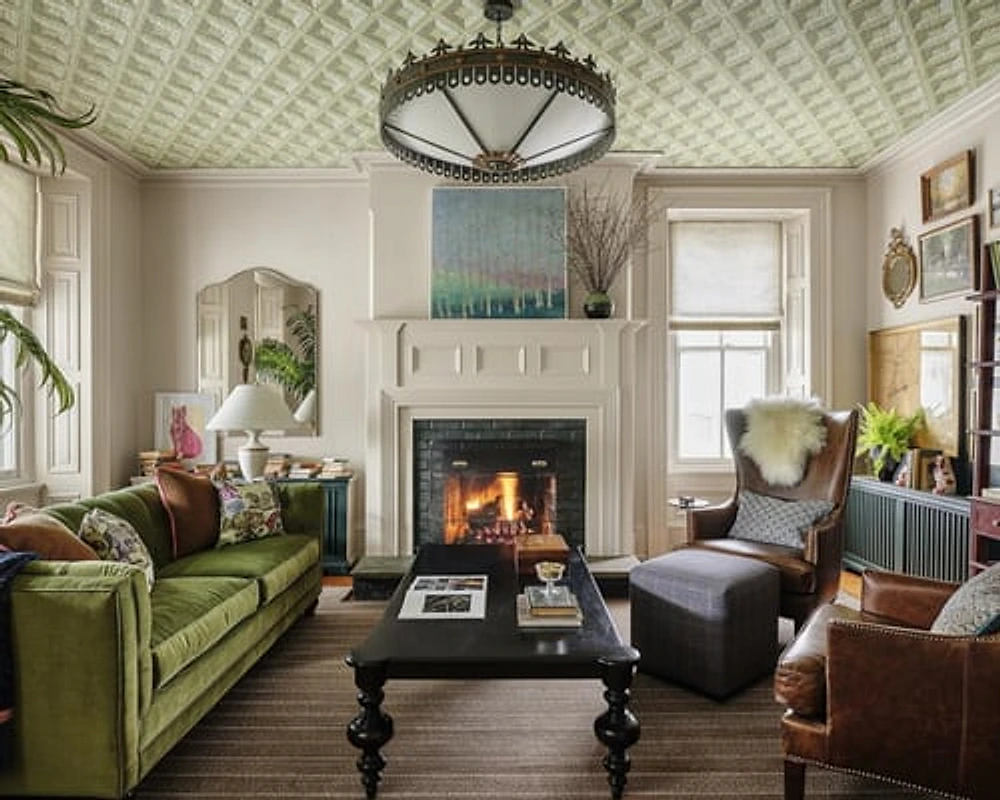
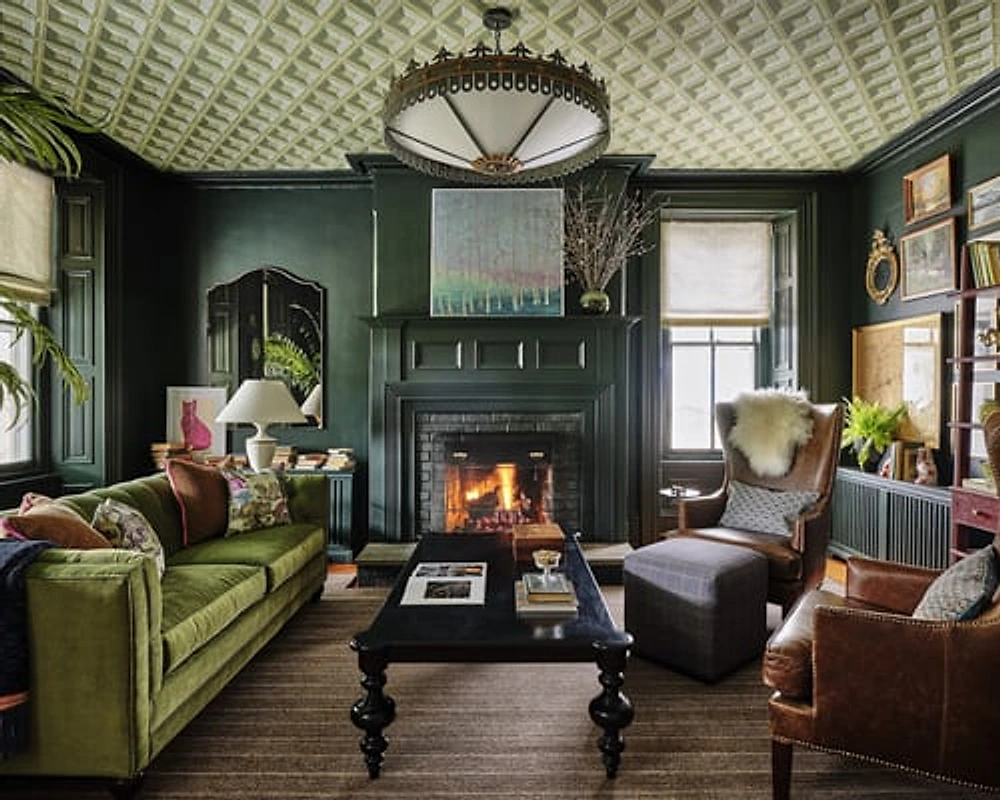
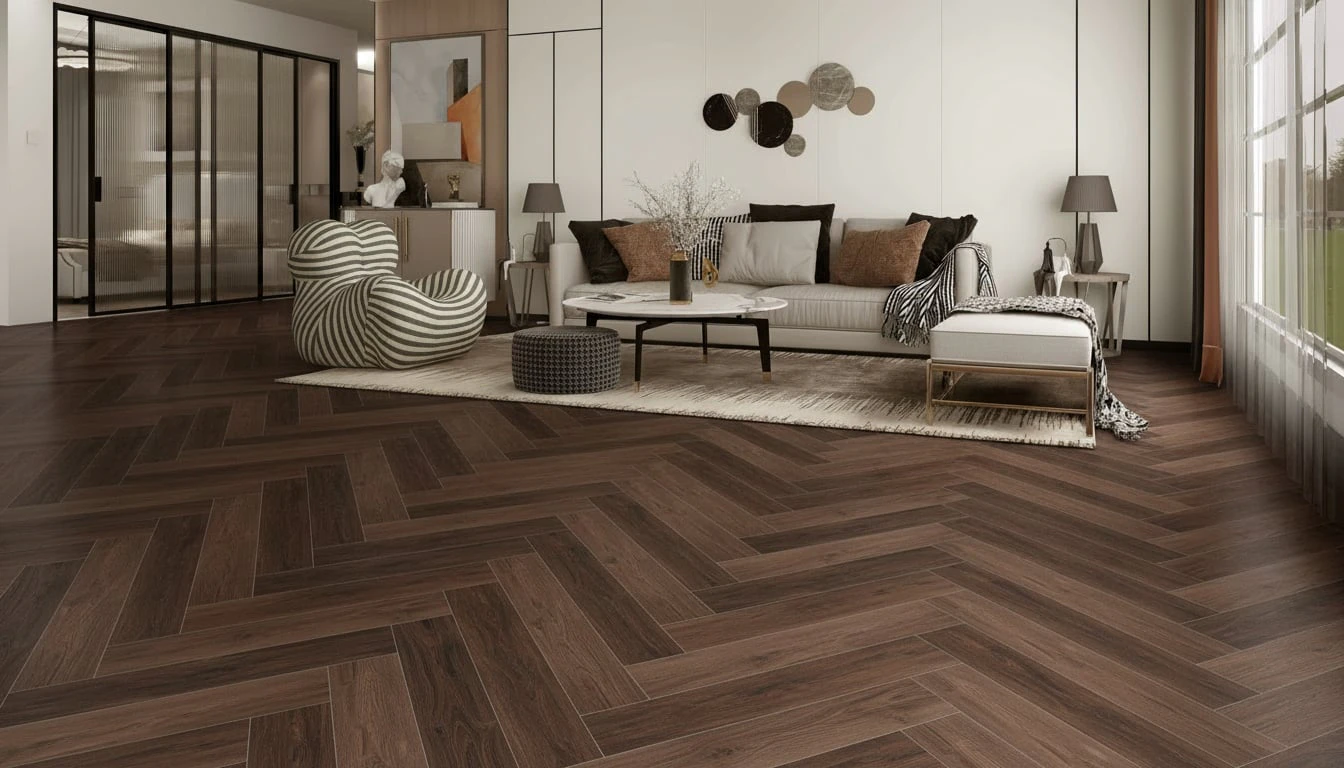
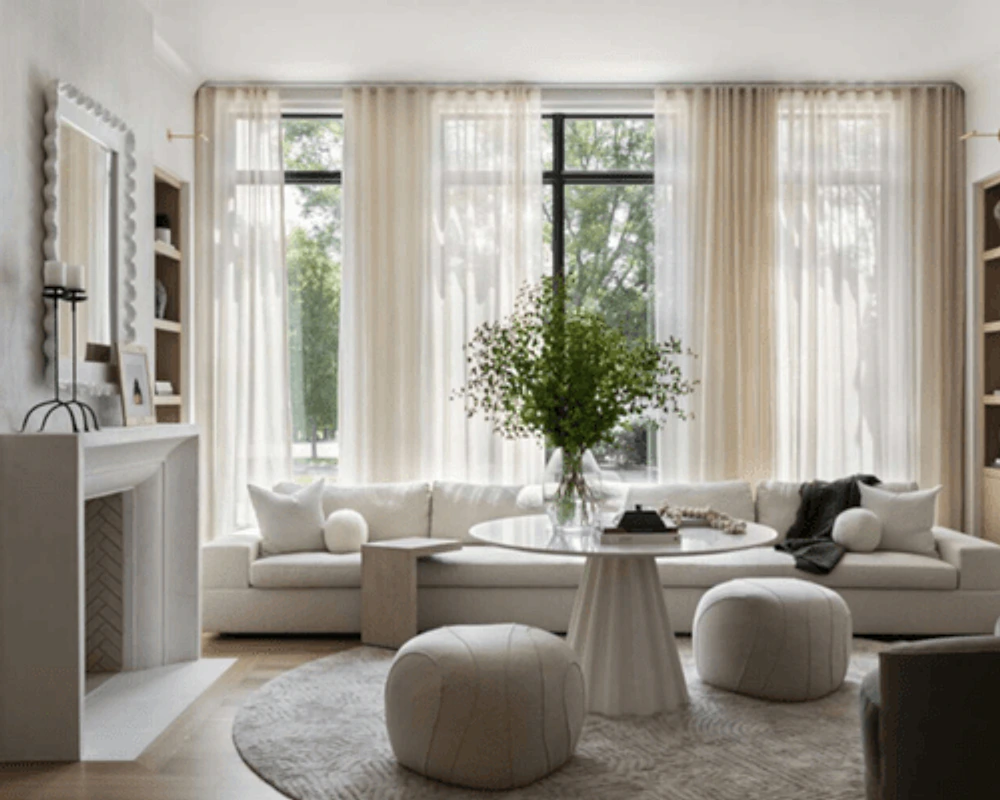
Living Room · Full Modern Restyle (before)
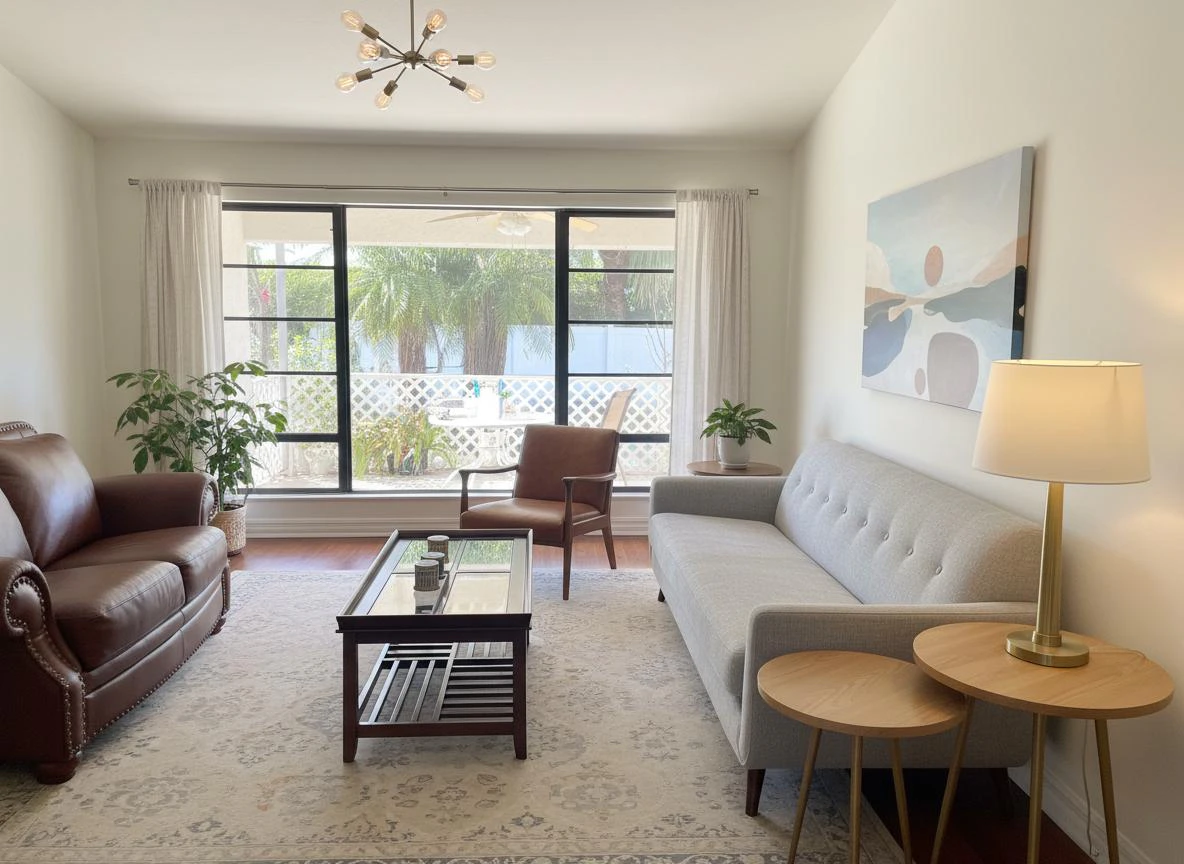
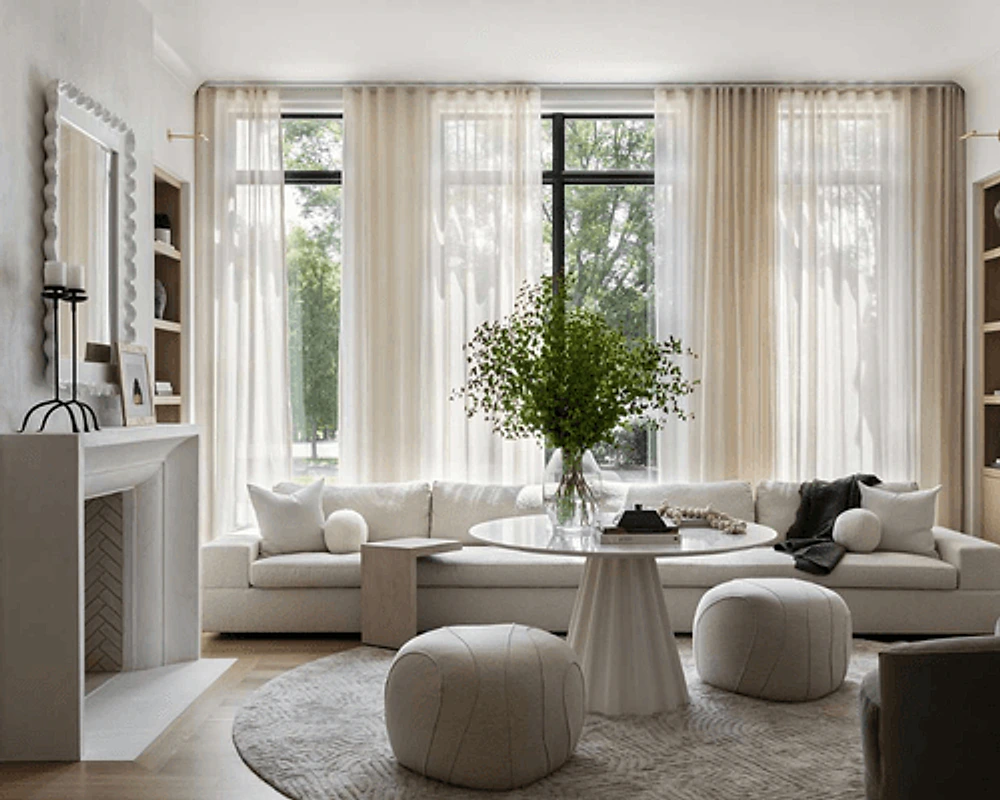
Living Room · Full Modern Restyle (after)
Before
After
Living Room · Full Modern Restyle
01/05
Why AI Renovation

Make renovation choices with certainty.

Stop guessing from tiny paint swatches and 4-inch stone samples. See the finished room on your actual photo before you pay a contractor.

01See before you spend
Test finishes on your actual home.
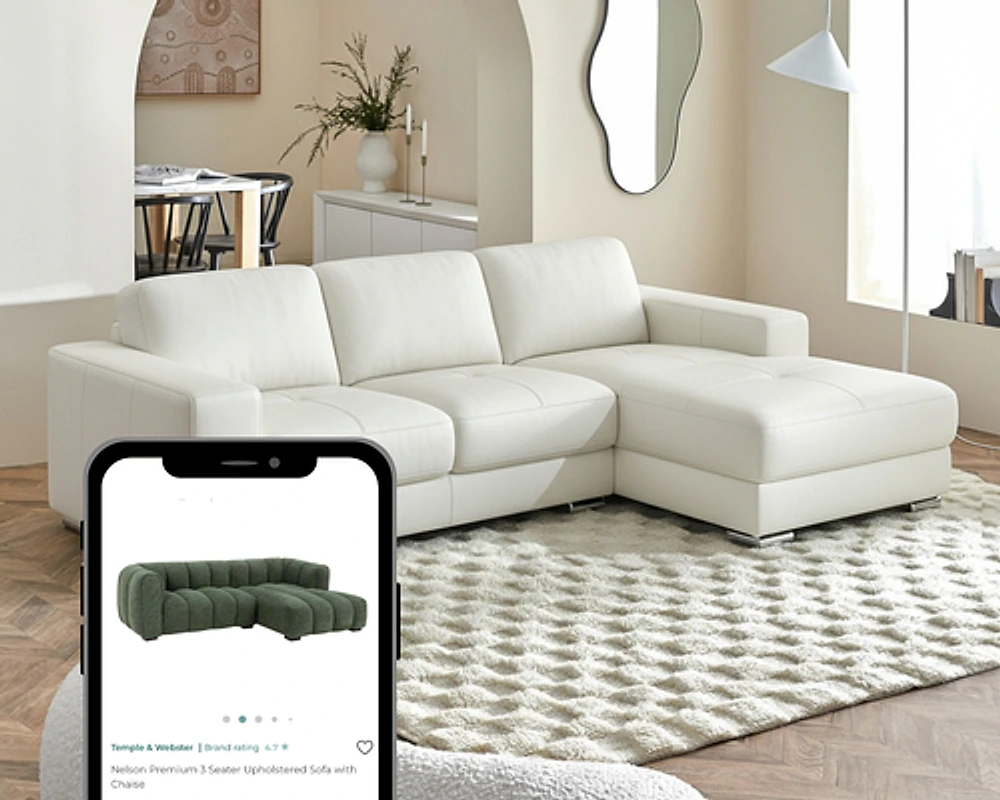
Preview countertops, paint colors, cabinets, siding, and flooring on your real photo so contractor quotes and material orders start with clarity.
02MLS-safe virtual staging
Stage listings in 25 seconds, not 48 hours.
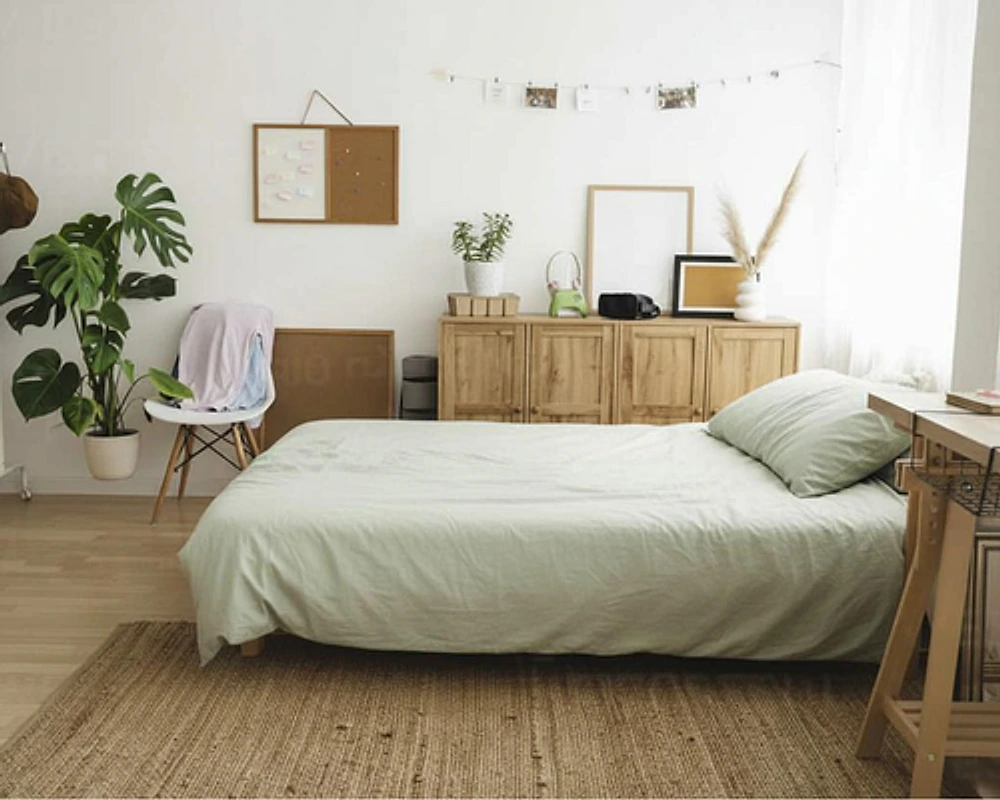
Furnish vacant rooms, remove clutter, and add a 1-click "Virtually Staged" disclosure badge compliant with modern MLS rules for pennies per photo.
03Zero subscription traps
Pay once for your weekend remodel.
Start with free previews, then unlock 25 clean HD renders for $9 one-time or 100 HD renders for $24. No forced annual lock-in.
How it works

From phone photo to finished concept.

Three steps. No CAD software, no 48-hour wait. Just your room, a direction, and a photorealistic render.

01
Upload a photo.
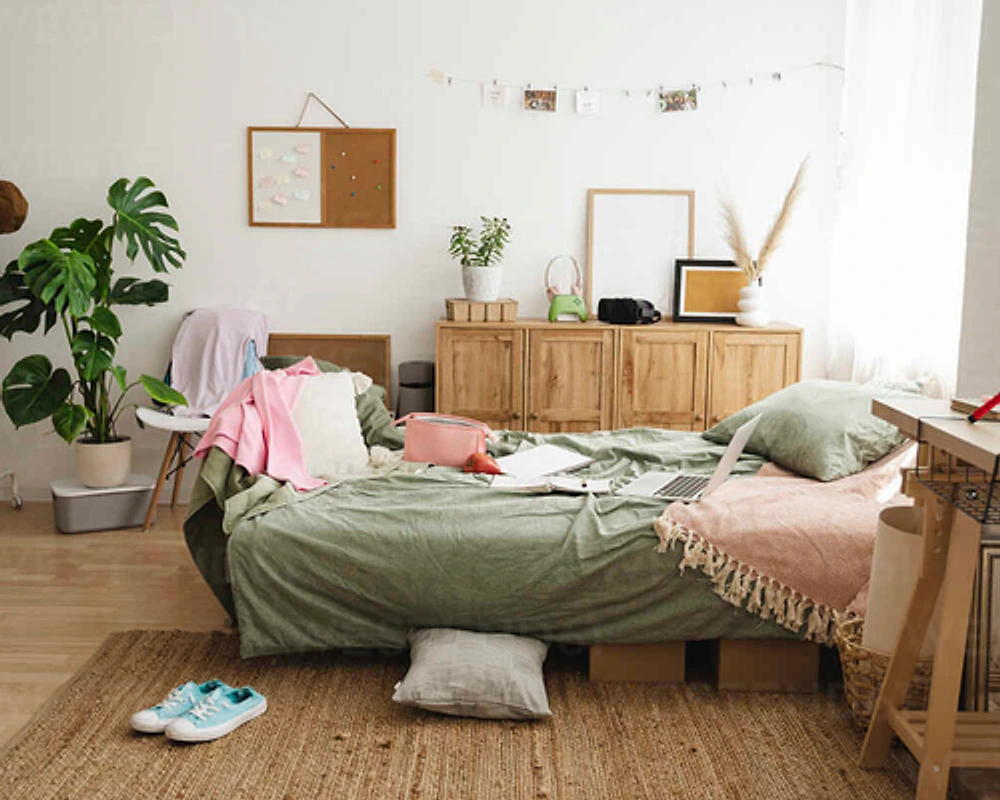
Snap a living room, kitchen, vacant listing, or dated exterior on your phone. Works with furnished, cluttered, or empty spaces.
02
Pick a style or finish.
Choose from 35+ interior styles, 22 exterior presets, dedicated surface tools (cabinets, countertops, paint, flooring), or type a custom prompt.
03
Compare & download HD.
Get a photorealistic redesign in about 25 seconds. Drag the before-and-after slider, share a live link with your partner or client, and export clean HD.
Upload a photo.Pick a style or finish.Compare & download HD.
Step 01Original photo
Inside the studio

One workspace for every decision.

Keep every version of your room organized side-by-side. Swap cabinets, test countertops, or restyle the whole home in seconds.

Open Studio →
Oak Street Remodel
Saved
Tools
6 more studio tools
Interior restyle studio preview (before)
Interior restyle studio preview (after)
Original
Redesigned
Living Room · Full Modern RestyleDrag to compare
Current editOriginalVersion 02
Design · 1 credit

Interior restyle

Keep your room architecture intact while previewing new finishes, materials, and lighting.

Style preset
JapandiQuiet LuxuryOrganic Modern
Preserve room geometry
Preserve windows & doors
Try Interior restyle →Ready in ~25 seconds
Custom prompt

Describe the remodel. See it in seconds.

Want sage green lower cabinets with unlacquered brass pulls and white oak floors? Type it in plain English and preview it on your real photo.

Custom prompt1 credit
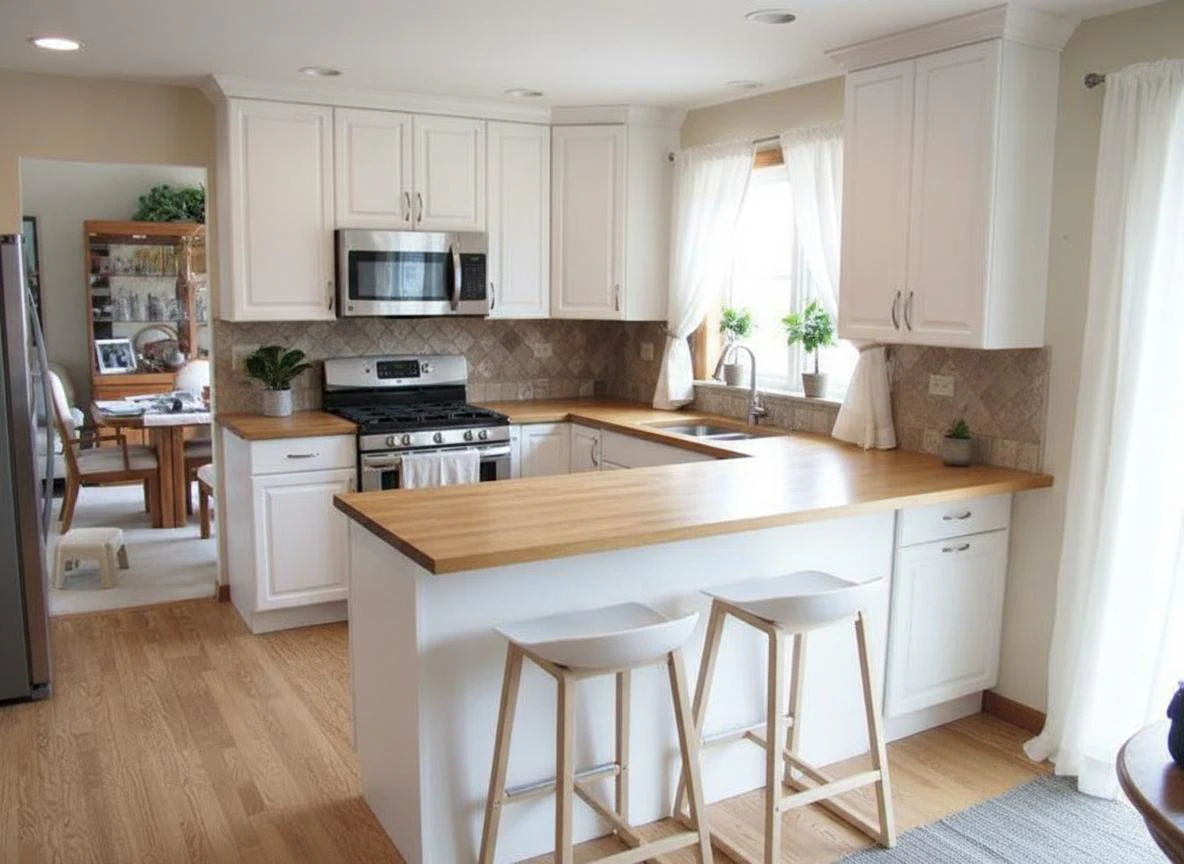
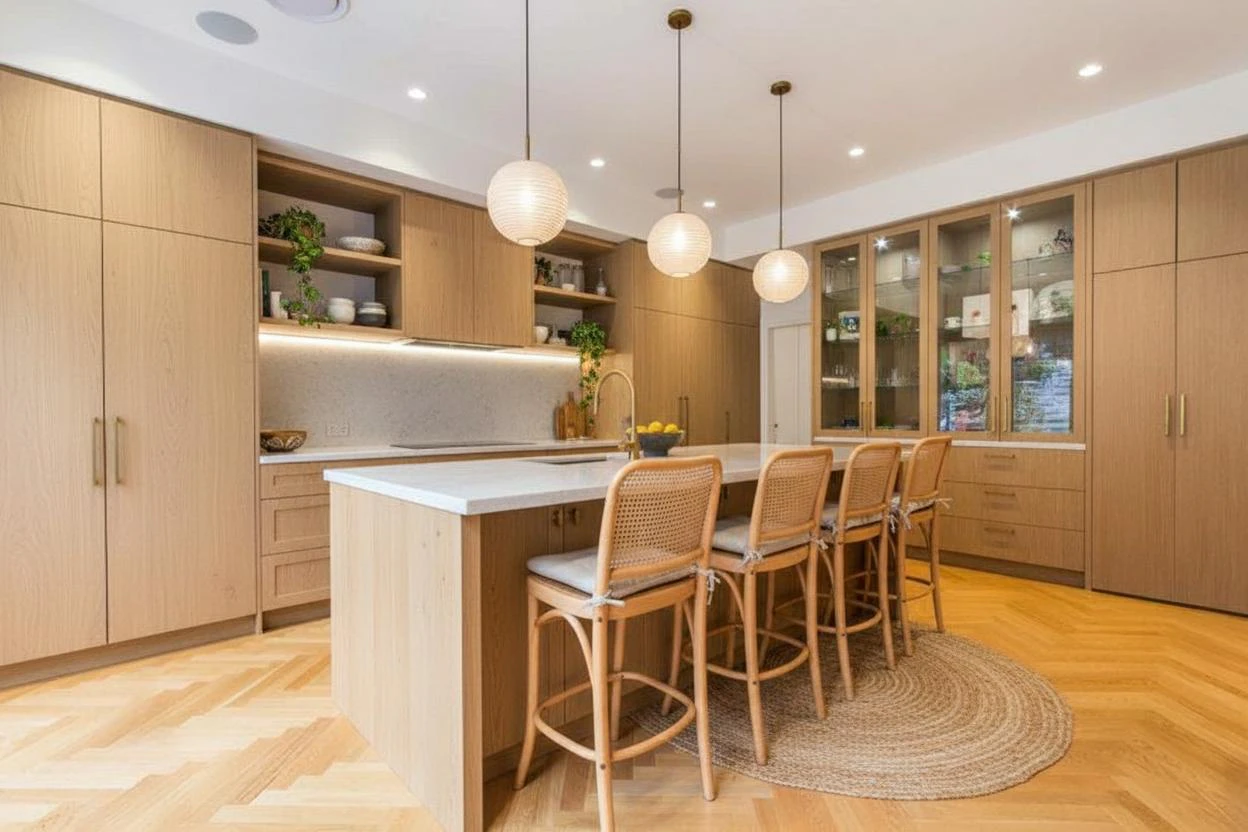
Restyle this kitchen in warm Japandi with pale oak cabinets, woven bar stools, and soft natural daylight.
Try an example
Try Custom Prompt →
Style Preview~25 sec · 1 credit
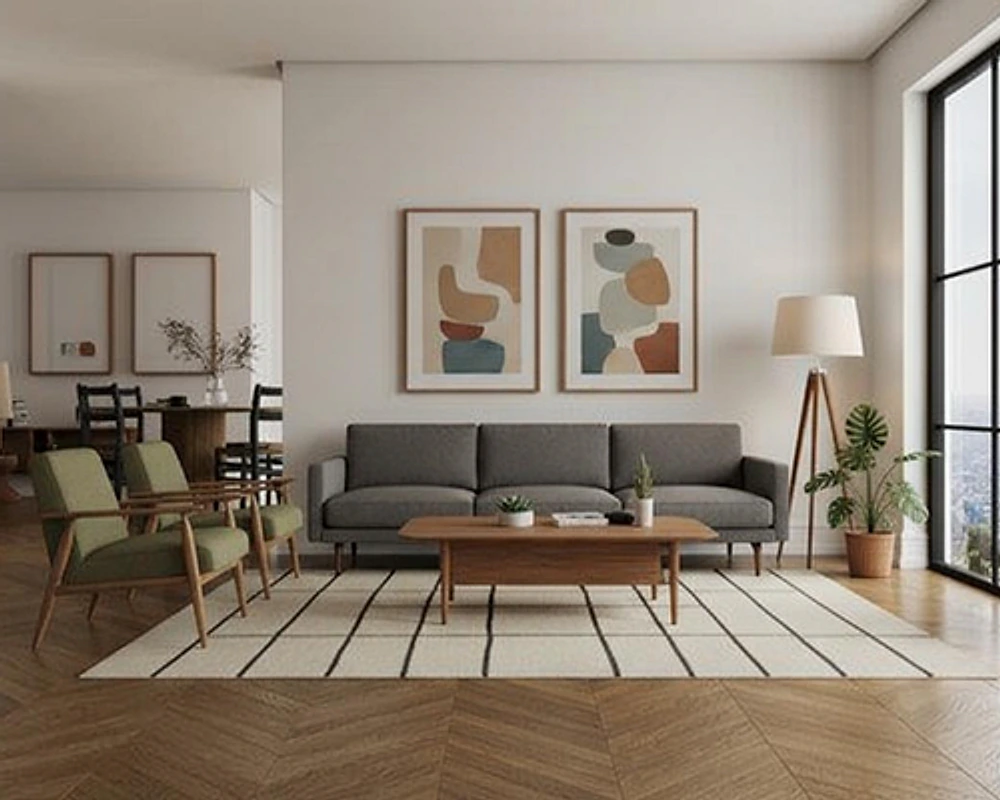
Warm Japandi design direction
Kitchen · Warm JapandiDesign direction preview
What's new

Built for homeowners and agents.

Recent upgrades shipped across web Studio and iOS.

November 2026
New

One-Time Renovation Passes (No Subscription)

$9 Weekend Unlock (25 HD credits) and $24 Whole-Home Pass (100 HD credits) · Credits never expire

November 2026
New

MLS-Safe Virtual Staging Mode

Structure-locked virtual staging with 1-click "Virtually Staged" badge compliant with 2026 NAR & CA AB 723 rules

July 2026
Improved

Swap one surface at a time

Countertops · Kitchen cabinets · Wall paint · Hardwood & tile flooring · Declutter & photo enhancement

Transparent pricing

One-time passes for homeowners. Pro for agents.

Preview your room free first. Unlock clean HD downloads for $9 one-time with zero subscription, or go Pro for MLS-safe virtual staging. Compare all plans & commercial rights →

Weekend Unlock
$9one-time
25 HD credits · No subscription
  • 25 clean HD renders (never expire)
  • Unlocks your saved free previews
  • All 35+ interior & 22 exterior styles
  • Countertops, cabinets, paint & flooring
  • Custom text prompts included
Get Weekend Unlock →
Agents & Designers
Pro
$39/month
250 credits/mo · $32.50/mo annual · Cancel anytime
  • 250 HD credits + 2K Pro Quality mode
  • MLS-Safe Virtual Staging + disclosure badge
  • Commercial listing & client license
  • All interior, exterior, declutter & upscale tools
  • Priority support & billing portal
Start Pro Plan →
FAQ

Questions, answered.

Want to compare tools side by side? Read our 2026 comparison guides or explore MLS-safe virtual staging.

Upload a clear photo of any room, kitchen, yard, or house exterior. Pick one of 57+ interior and exterior presets, swap an individual surface like cabinets or countertops, or write a custom prompt. Your realistic before-and-after render is ready in about 25 seconds.
No. Most homeowners only remodel once every few years, so we offer one-time passes with zero recurring charges: $9 for 25 HD credits (Weekend Unlock) or $24 for 100 HD credits (Whole-Home Pass). Credits never expire. Real estate agents and designers who stage listings every month can choose Pro at $39/month.
Yes. Pro includes a Commercial Listing License and our MLS-Safe Virtual Staging mode, which preserves walls, windows, flooring, and fixed structure while letting you apply a clean "Virtually Staged" disclosure badge to comply with NAR and state disclosure guidelines (including CA AB 723).
Kitchens, cabinets, countertops, backsplashes, living rooms, bedrooms, bathrooms, closets, home exteriors (brick, siding, stucco, paint), front yards, backyards, empty listing rooms, and furniture placement.
AI Renovation generates realistic visual design previews to help you compare styles, colors, and finishes before spending money. Always verify physical samples, exact room dimensions, and local codes with your contractor before ordering materials or starting construction.
Yes. Every render in Studio can be shared via a clean interactive Before/After slider link or downloaded in crisp HD to bring to contractor meetings and showroom visits.

See your space before you spend a dollar.

Upload a room or exterior photo and get realistic AI renovation previews in about 25 seconds. One-time passes from $9 with no subscription required.

Upload Your Photo Free →

Web Studio + iOS App · One-time passes from $9 · Cancel or pause Pro anytime

Free preview
Upload your photo
→