Outdoor Design

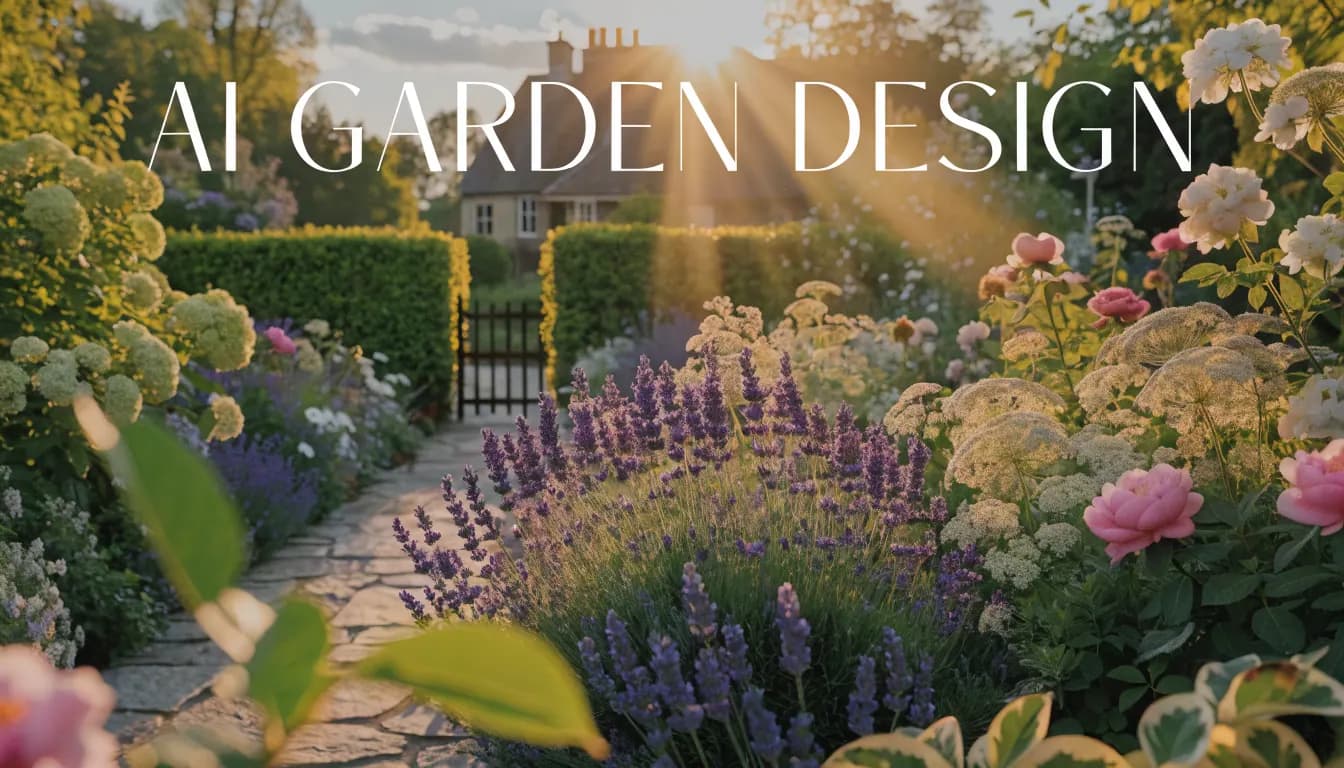
AI Garden Design

Explore a garden appearance from a photo of your yard. Choose an outdoor preset and compare a visual concept with the existing space. The tool does not generate a planting schedule, species list or measured site plan.

Garden appearance concepts only. No plant identification, climate validation, planting schedule or quantities are generated. An account is required to generate. Image generations use one credit; Custom prompt requires a paid plan. See pricing for allowances. View plans and credits.
Varies by imageRender time
Design previewOutput
.jpg, .pngPhoto input
AI Garden Design hero
How to use

Three steps, start to finish.

Start with a photo, choose a direction and review the generated concept.

01
Photograph your garden
Upload a JPG or PNG that shows the planting area, paths and fixed structures. Photograph the real space; this workflow is not a sketch-to-site-plan converter.
02
Choose an outdoor style
Open Outdoor & landscaping and select a preset such as Cottage / English Garden or Desert / Xeriscape. The style guides appearance, not horticultural suitability.
03
Evaluate the visual direction
Sign in and generate one image for one credit. Compare paths and structures with the original. Discuss suitable species, mature sizes and maintenance with a local nursery or landscape professional.
Pro tips

Better briefs, better renders.

Prepare a clearer brief and check the details that matter in your result.

Tip · 01
Use high-quality photos
Upload sharp images shot at 1024px or larger. Well-lit, in-focus photos produce sharper, more realistic output.
Tip · 02
Lighting matters
Even, natural daylight reads best. Avoid harsh shadows or overly dark corners. The model infers material from light.
Tip · 03
Try multiple styles
Run the same room through two or three directions before locking one. You often discover a look you hadn't imagined.
Tip · 04
Clear the clutter
Minimal clutter lets the model understand room structure. Tidy visible surfaces before you shoot.
Tip · 05
Shoot multiple angles
Generate from the door, from the window, from the corner. The best angle is rarely the first one you try.
Tip · 06
Save and compare
Keep a project for each space. Compare variants side-by-side, share them with contractors, and refine from there.
Features

Everything you need, nothing you don't.

Capabilities designed to move a single decision from guesswork to clarity.
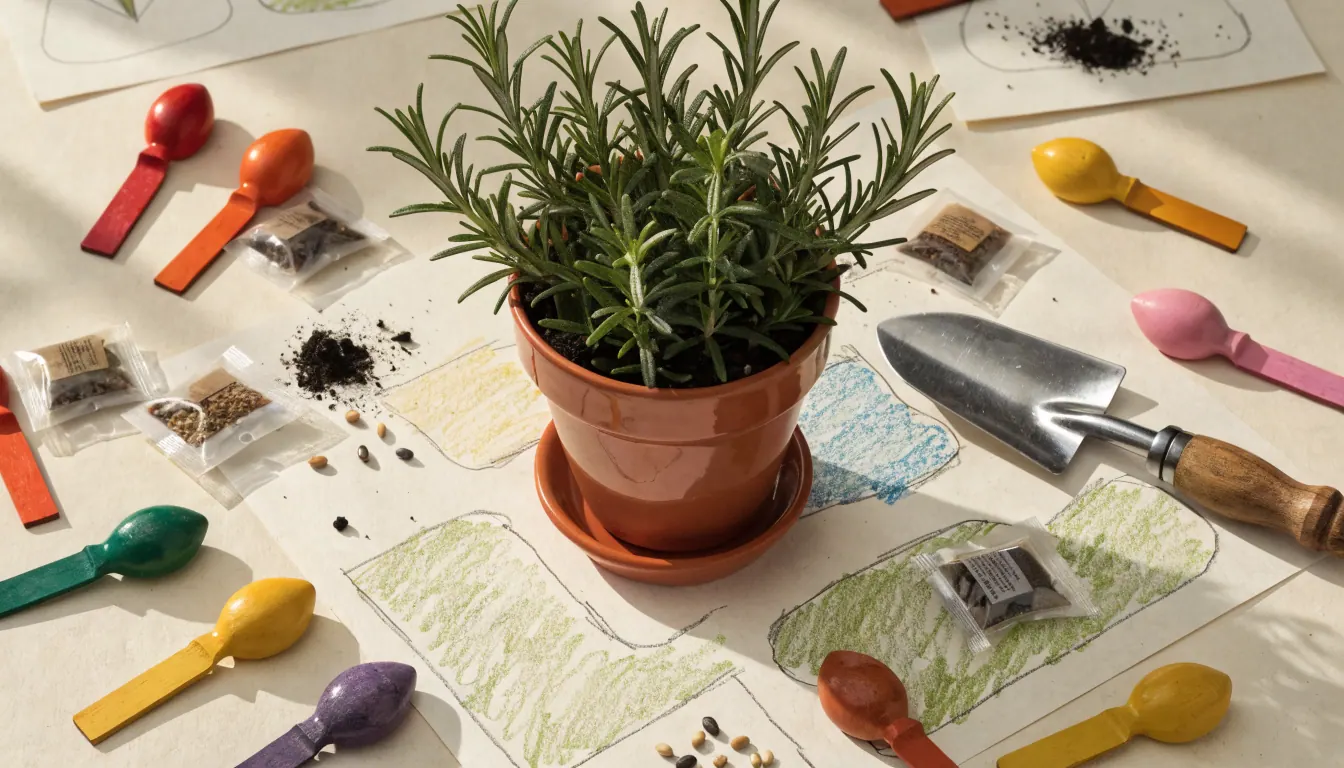
Feature · 01
Explore a different garden mood
Consider the visual balance of planted areas, lawn and outdoor seating before writing a detailed brief. AI can invent features or change boundaries.
Explore a different garden mood
Feature · 02
Connect the garden to the house
Use a view that includes the facade if the planting needs to complement it. The exterior visualizer uses the same outdoor mode.
Connect the garden to the house
Feature · 03
Separate inspiration from plant selection
A rendered plant is not an identified species. Check climate, sunlight, soil, local restrictions, toxicity and mature growth with suitable local guidance.
Separate inspiration from plant selection
Feature · 04
Prepare for the site visit
Save a useful concept alongside real site measurements and photos of drainage or access problems. The image cannot design irrigation, retaining structures or stormwater works.
Prepare for the site visit
FAQ

AI Garden Design, answered.

Updated September 2026

No. It does not export plant names, quantities, spacing, a seasonal schedule or companion-planting advice. Build a planting list with a knowledgeable local supplier or designer.
No climate validation is performed. A style name or written prompt does not make a generated garden suitable for your site.
Custom prompt is a separate paid mode for image requests. Its result is still a visual concept, with no guarantee of plant identity or technical correctness.

Explore a photo concept in Studio.

An account and credits are required to generate. Custom prompt and video require paid access. Review the available mode and pricing before starting.

Open Outdoor & landscaping

Available on the App Store. Android coming soon.

Free trial
Open Outdoor & landscaping