Interior Design

Bedroom Renovation

Apply an Interior restyle preset to a bedroom photo and compare an overall design direction. The generated image is a visual concept, not a measured bedroom plan.

AI-generated images are visual concepts. Check dimensions, colours and fixed features against the original before using a result. An account is required to generate. Image generations use one credit; Custom prompt requires a paid plan. See pricing for allowances. View plans and credits.
Varies by imageRender time
Design previewOutput
.jpg, .pngPhoto input
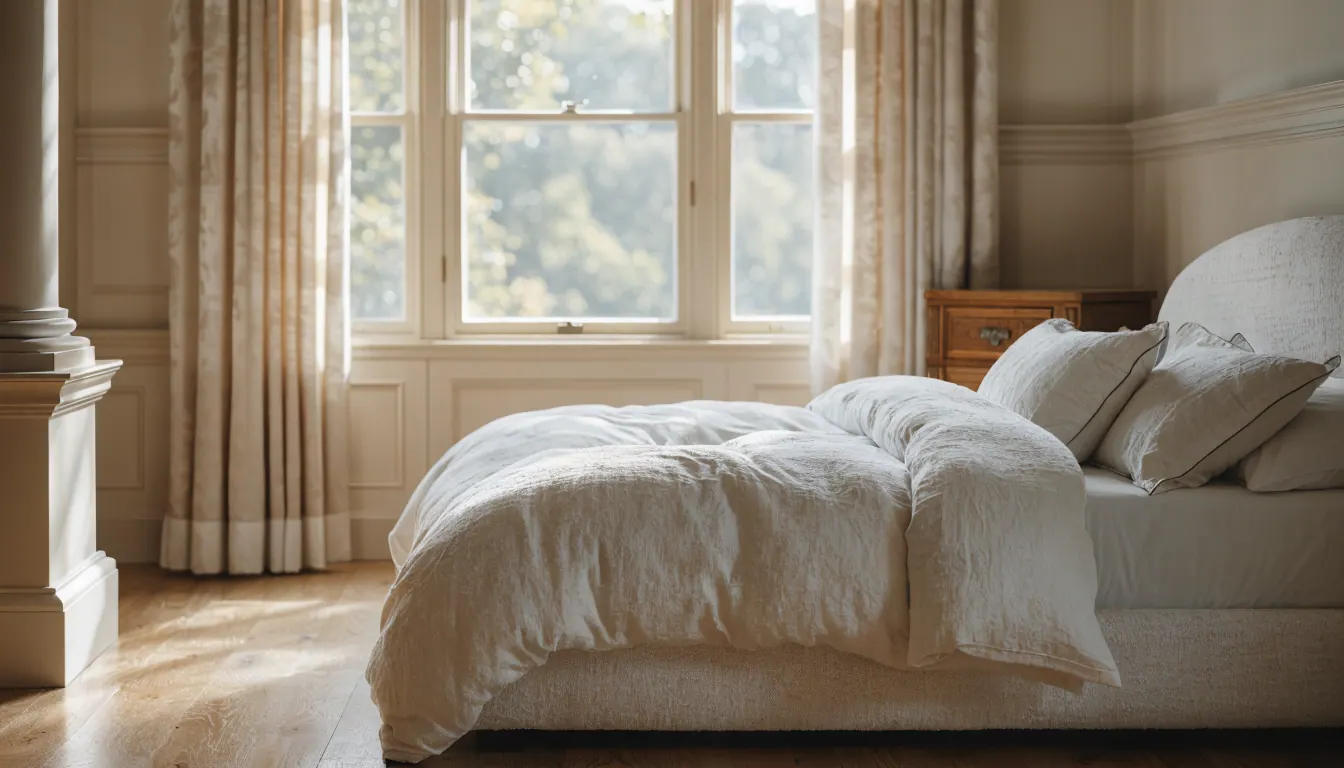
Bedroom Renovation AI hero
How to use

Three steps, start to finish.

Start with a photo, choose a direction and review the generated concept.

01
Photograph the existing bedroom
Upload a clear JPG or PNG that shows the bed, doors, windows, wardrobes, and the floor area you want to review.
02
Choose an Interior restyle preset
This entry opens Interior restyle. Select a style preset for the whole image; it does not provide direct wall, built-in, or furniture-position controls.
03
Generate and compare
Sign in and use one image credit to generate. Compare the result with the original, then keep the useful visual direction separate from measurements and construction decisions.
Pro tips

Better briefs, better renders.

Prepare a clearer brief and check the details that matter in your result.

Tip · 01
Use high-quality photos
Upload sharp images shot at 1024px or larger. Well-lit, in-focus photos produce sharper, more realistic output.
Tip · 02
Lighting matters
Even, natural daylight reads best. Avoid harsh shadows or overly dark corners. The model infers material from light.
Tip · 03
Try multiple styles
Run the same room through two or three directions before locking one. You often discover a look you hadn't imagined.
Tip · 04
Clear the clutter
Minimal clutter lets the model understand room structure. Tidy visible surfaces before you shoot.
Tip · 05
Shoot multiple angles
Generate from the door, from the window, from the corner. The best angle is rarely the first one you try.
Tip · 06
Save and compare
Keep a project for each space. Compare variants side-by-side, share them with contractors, and refine from there.
Features

Everything you need, nothing you don't.

Capabilities designed to move a single decision from guesswork to clarity.
Feature · 01
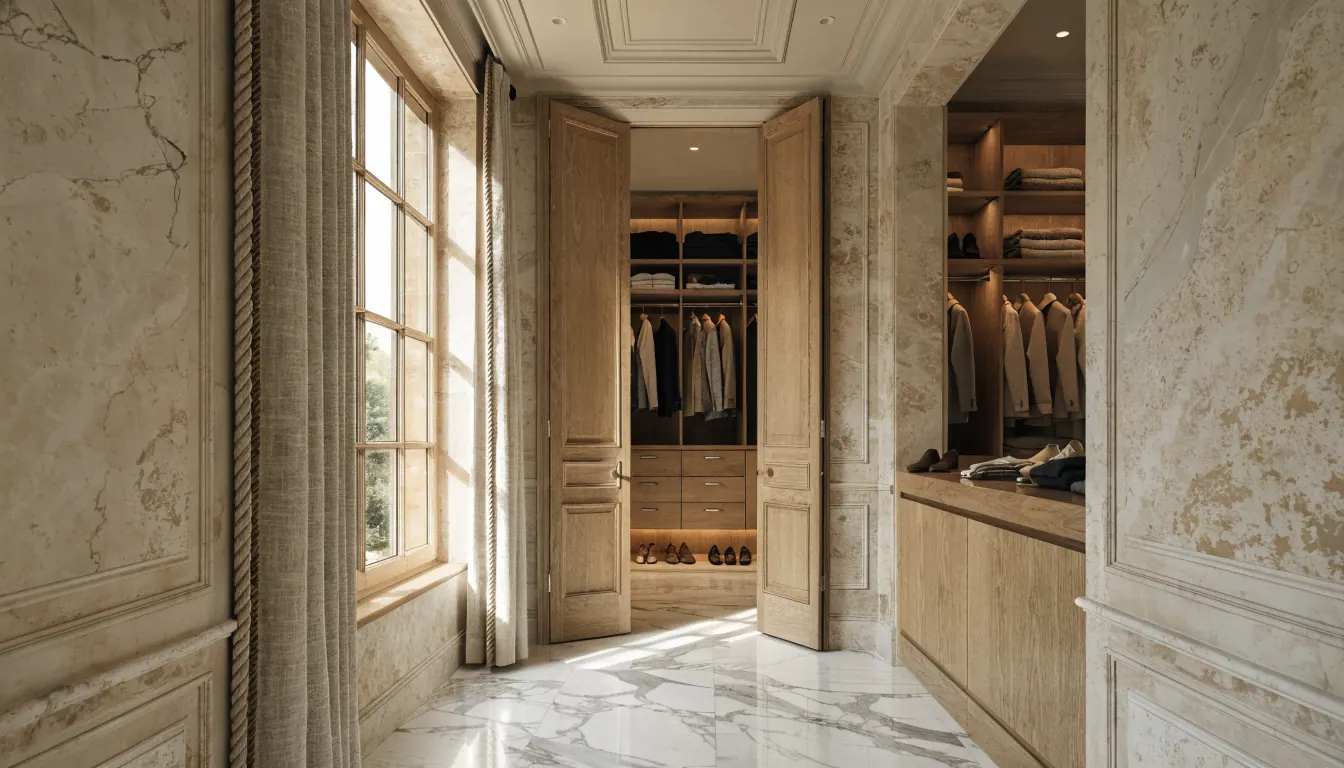
Use the image to compare an overall look
A preset can help you discuss a broad combination of colour, finishes, furniture, and atmosphere. It does not create a room plan or a selectable list of renovation components.
Use the image to compare an overall look
Feature · 02
Measure bed and wardrobe clearances yourself
Record bed dimensions, walking space, wardrobe depth, door swings, and drawer clearance in the real room. The generated image does not establish scale or fit.
Measure bed and wardrobe clearances yourself
Feature · 03
Check retained bedroom features
Compare windows, doors, wardrobes, outlets, lights, flooring boundaries, and the bed against the source photo. Any of them can change in a generated result.
Check retained bedroom features
Feature · 04
Separate specific surface questions
Use Wall paint or Flooring when you want the corresponding Studio control. Switching modes starts a separate image task rather than refining the same render in place.
Separate specific surface questions
Feature · 05
Prepare a useful bedroom brief
Note what must stay, the style direction you selected, real dimensions, and any result errors. Give those notes and measurements to the relevant designer, supplier, or contractor.
Prepare a useful bedroom brief
FAQ

Bedroom Renovation AI, answered.

Updated September 2026
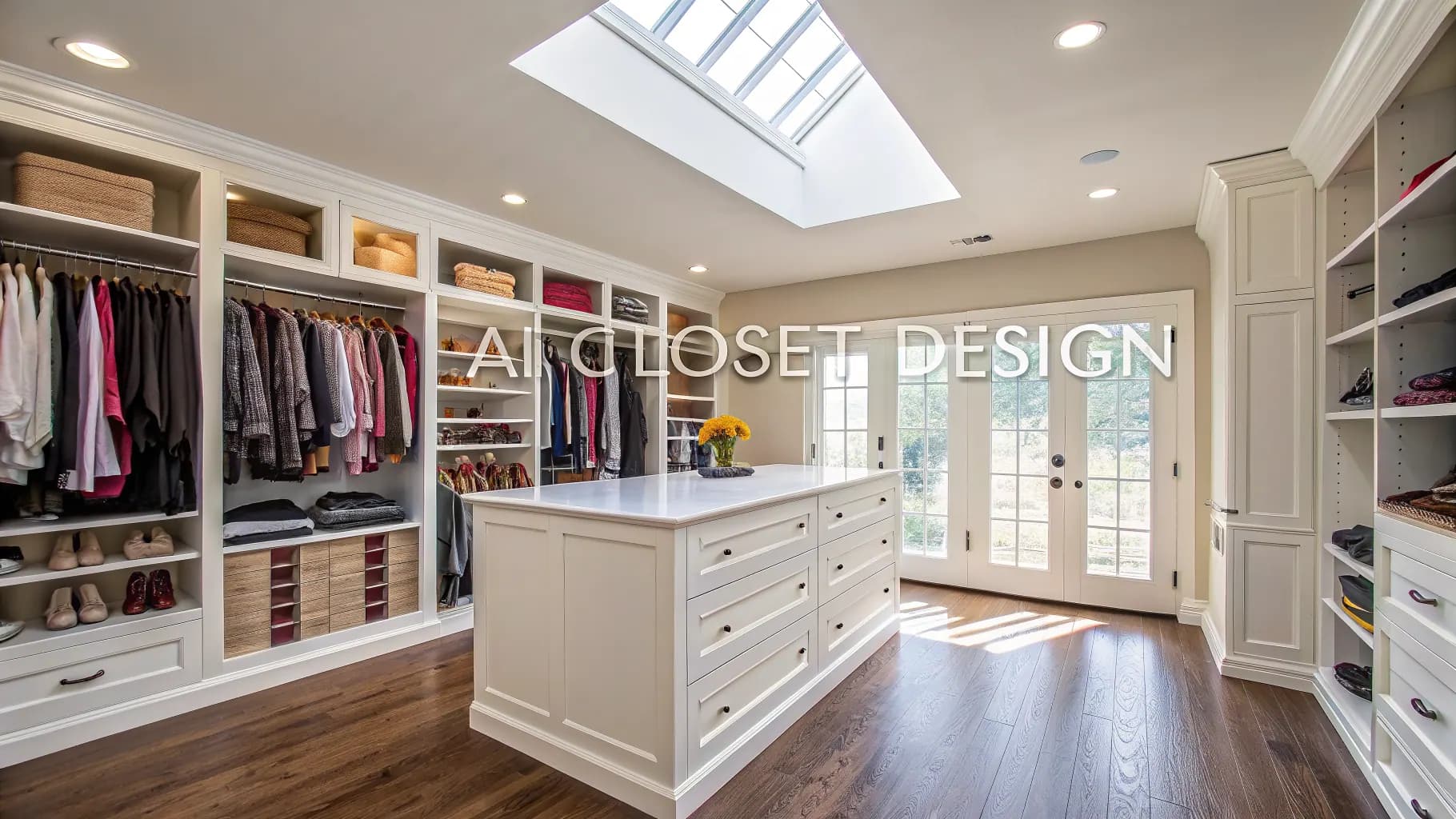
Interior restyle in AI Renovation Studio. You upload an existing bedroom photo and choose a style preset for the generated image.
No direct wall-position, wardrobe-layout, or built-in-design controls are documented for this entry. Any apparent structural change is conceptual and must be measured and designed separately.
Exact preservation is not guaranteed. Check room shape, openings, furniture proportions, and clearances against the original and your measurements.
No whole-home palette-lock control is documented for this entry. Save your chosen colours and material references separately when comparing rooms.
No. An account and available credits are required. The trial provides three one-time image credits, and each image generation uses one credit.
Use it only as a visual reference. It does not contain verified dimensions, construction details, services, pricing, or evidence that a proposed change is buildable.

Explore a photo concept in Studio.

An account and credits are required to generate. Custom prompt and video require paid access. Review the available mode and pricing before starting.

Open Interior restyle

Available on the App Store. Android coming soon.

Free trial
Open Interior restyle