
White Kitchen Cabinets Visualizer
See how crisp white or soft off-white cabinets brighten your actual kitchen before paying a cabinet painter or ordering new doors.
On iPhone? Try our iOS app →
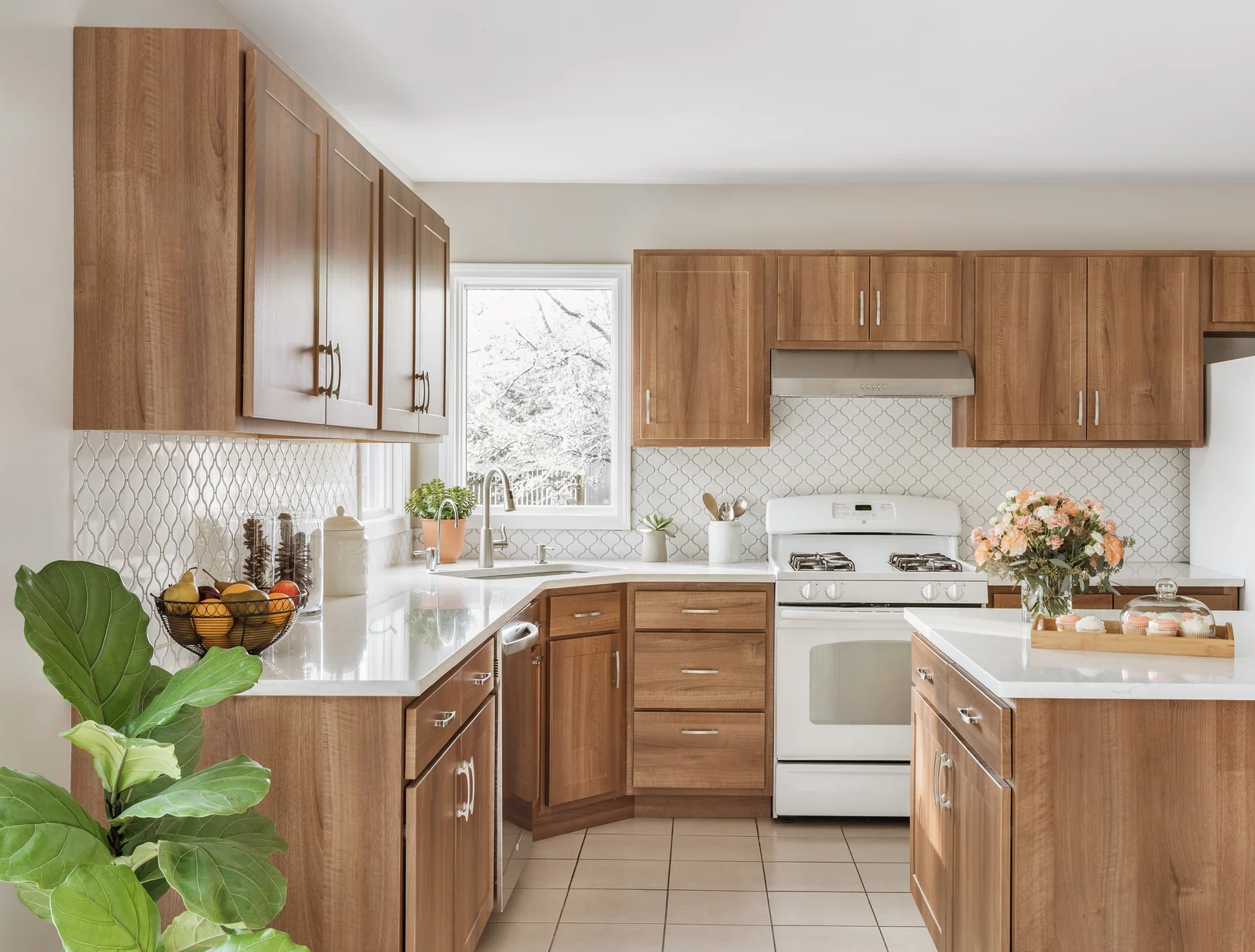
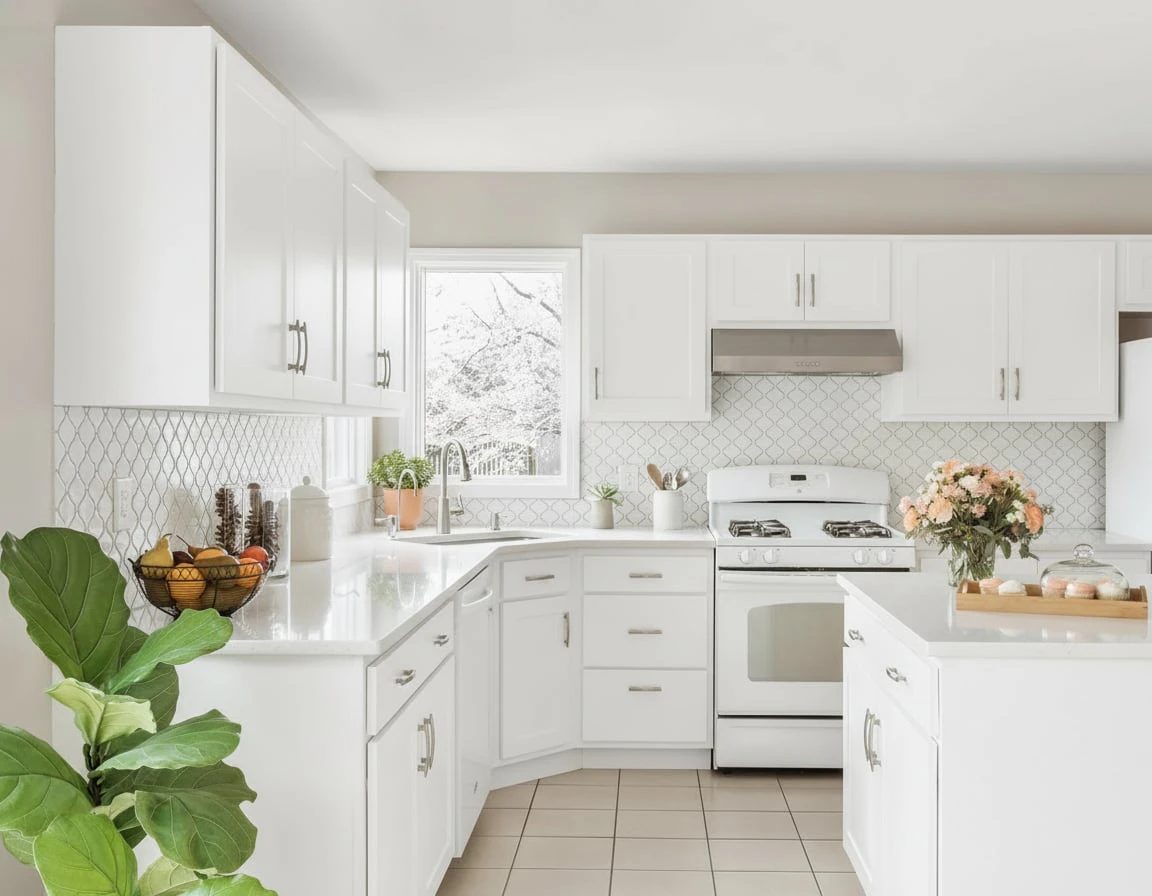
Drag the slider left or right to compare before and after.
Preview on your own photo in under a minute.
Upload one clear daytime shot, apply your finish or style direction, and compare clean HD options side-by-side.
Picking the right white cabinet finish.
Practical checks that prevent costly material and paint regrets once you move from preview to project.
White Kitchen Cabinets Visualizer, answered.
Part of our Kitchen Remodel AI suite. Always confirm physical samples and measurements before purchasing or building.
Can I preview white cabinets while keeping my existing countertops and appliances?
Yes. Selecting Cabinet Design in AI Renovation Studio swaps only your cabinet doors and boxes while preserving your countertops, backsplash, appliances, and flooring.
Will white cabinets work with older beige granite or honey oak floors?
Yes, when you choose a warm creamy white rather than bright blue-white. Upload your real photo to see how white doors balance your existing stone and wood tones before repainting.
How long does the white cabinet render take?
Your before-and-after render generates in about 25 seconds, so you can compare white against sage green, oak, or two-tone cabinets in one sitting.
How much does it cost to visualize my kitchen cabinets?
Try 3 free previews first. Unlock 25 clean HD renders with a $9 one-time Weekend Unlock or 100 renders with a $24 Whole-Home Pass—no subscription required.
See it on your own home in 25 seconds.
Start with 3 free previews, then unlock 25 clean HD renders with a $9 one-time pass or 100 HD renders for $24. Zero subscription required.
Preview White Cabinets on My Kitchen →Web Studio + iOS App · One-time passes from $9 · Cancel or pause Pro anytime