
MLS-Compliant Virtual Staging
Stay compliant with 2026 California AB 723, NAR ethics guidelines, and strict MLS photo audits—structure-locked staging plus a 1-click "Virtually Staged" disclosure badge.
On iPhone? Try our iOS app →
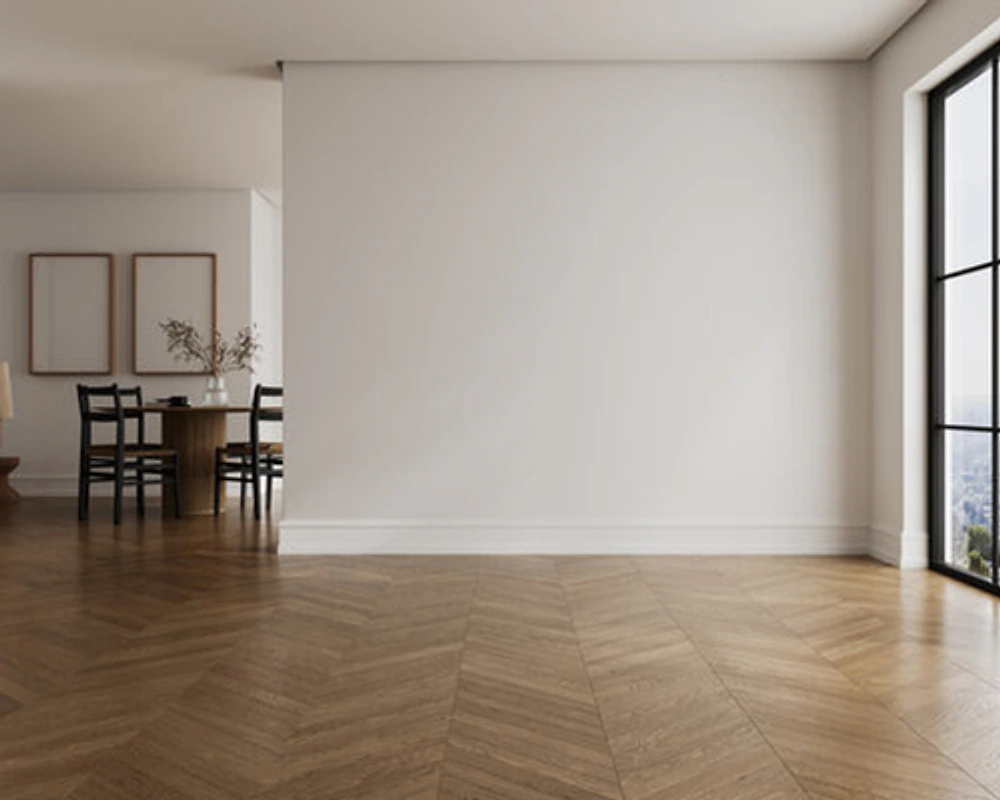
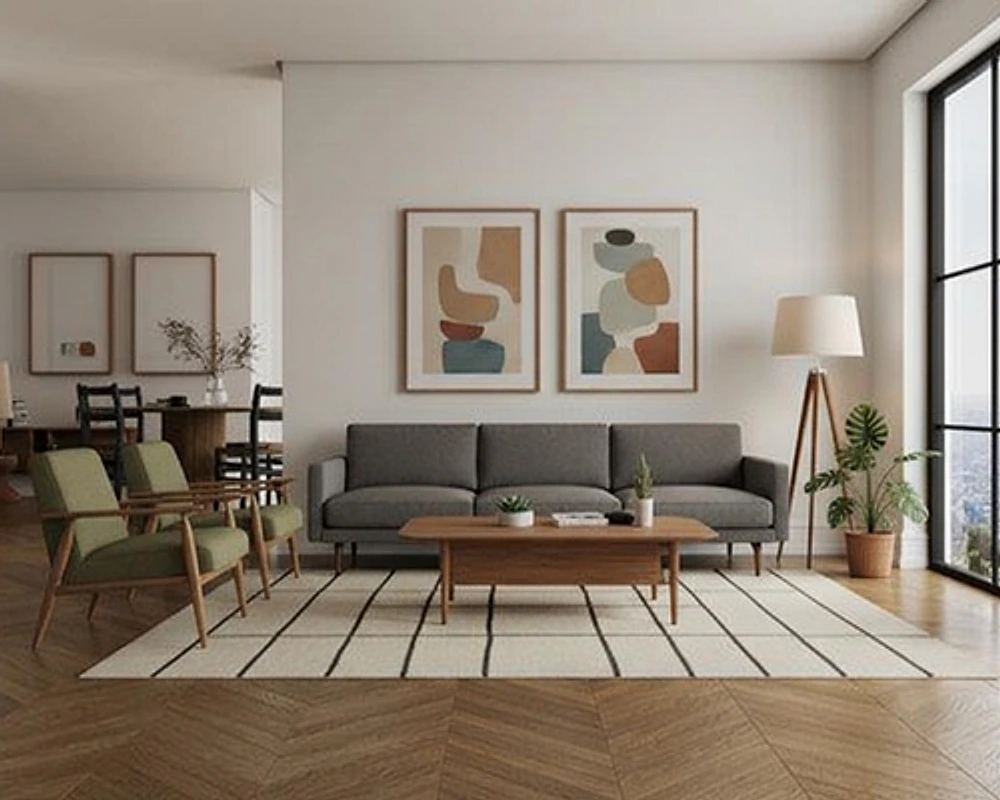
Drag the slider left or right to compare before and after.
Preview on your own photo in under a minute.
Upload one clear daytime shot, apply your finish or style direction, and compare clean HD options side-by-side.
2026 MLS & CA AB 723 virtual staging checklist.
Practical checks that prevent costly material and paint regrets once you move from preview to project.
MLS-Compliant Virtual Staging (CA AB 723 & NAR Ready), answered.
Part of our MLS-Safe Virtual Staging suite. Always confirm physical samples and measurements before purchasing or building.
How does AI Renovation support California AB 723 (effective 2026)?
AI Renovation Pro pairs structure-locked virtual staging prompts with a 1-click "Virtually Staged" on-image disclosure badge and keeps your unaltered source photo saved in your workspace so you can deliver both to the MLS as required.
Is commercial MLS publishing included in the price?
Yes. Pro ($39/month for 250 HD credits, or $390/year) grants full Commercial Listing Rights for agents, brokerages, and listing photographers.
Why switch from Virtual Staging AI or BoxBrownie for MLS listings?
You get an independent platform (not owned by Zillow), 25-second turnaround, built-in disclosure badging, clutter removal, and photo enhancement at $0.16/photo.
Can I still use AI Renovation to show renovation potential separately?
Yes—when showing renovation concepts (like a new kitchen) to buyers, label them clearly as "Renovation Concept / Artist Rendering" and keep them separate from MLS virtual staging photos.
See it on your own home in 25 seconds.
Start with 3 free previews, then unlock 25 clean HD renders with a $9 one-time pass or 100 HD renders for $24. Zero subscription required.
Launch MLS-Safe Staging Free →Web Studio + iOS App · One-time passes from $9 · Cancel or pause Pro anytime