
Empty Living Room Virtual Staging
Turn cold, vacant living rooms into warm, scaled, buyer-ready listing photos in 25 seconds—with walls, floors, and windows locked for MLS compliance.
On iPhone? Try our iOS app →
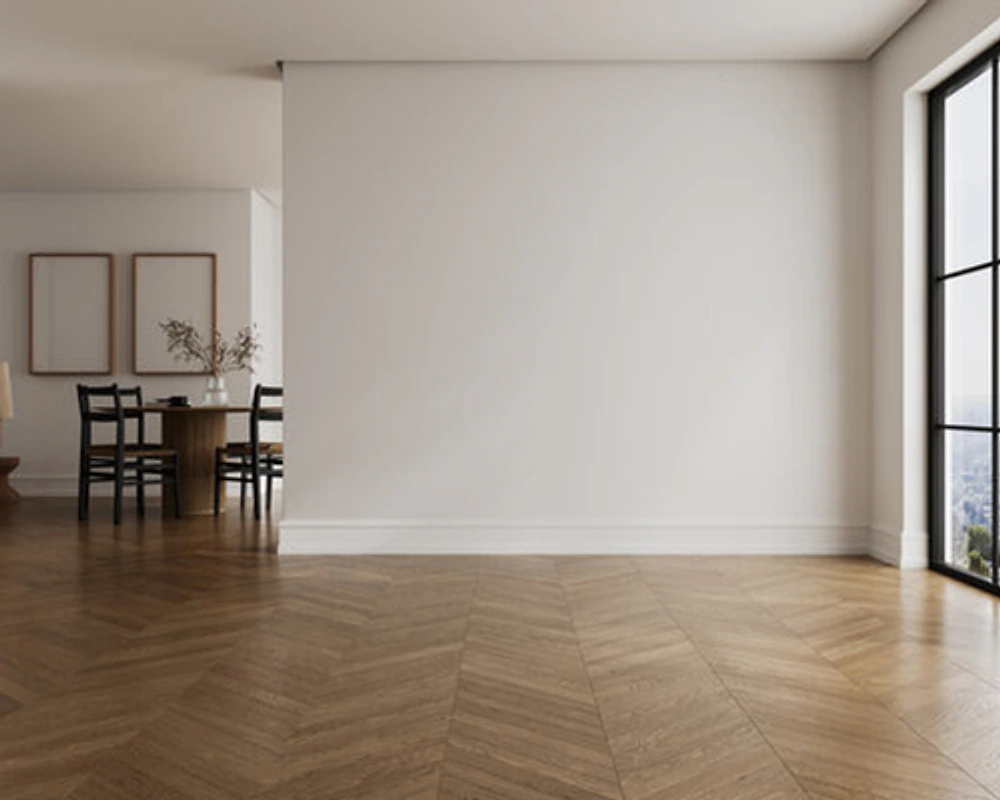
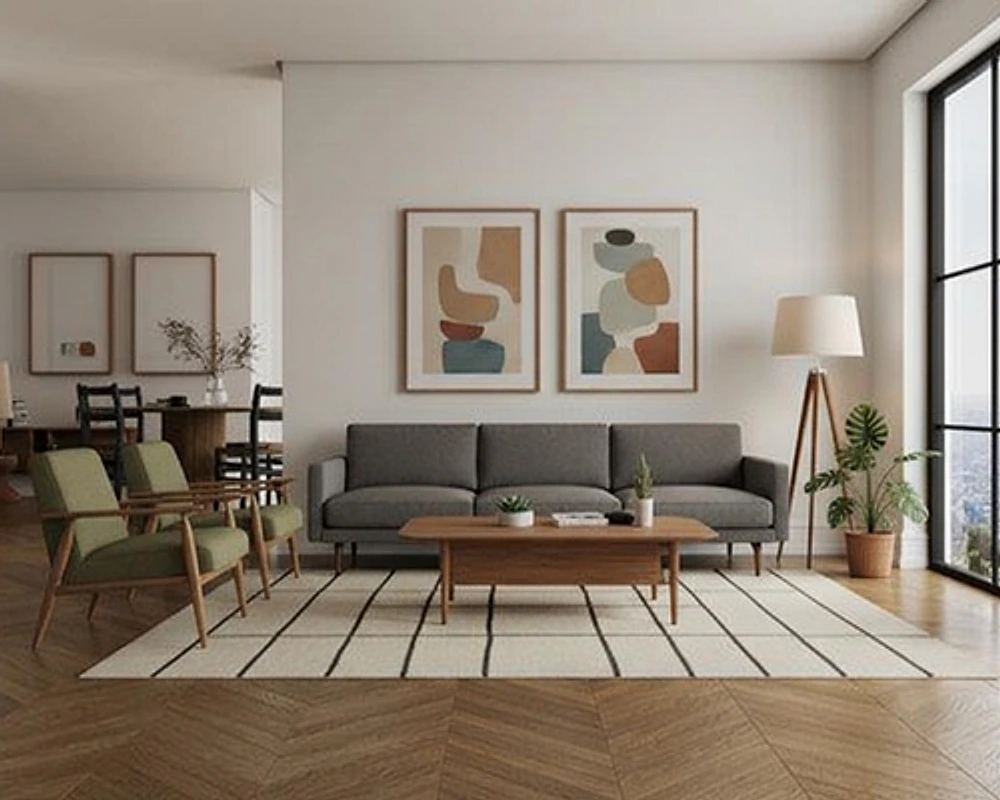
Drag the slider left or right to compare before and after.
Preview on your own photo in under a minute.
Upload one clear daytime shot, apply your finish or style direction, and compare clean HD options side-by-side.
Staging empty living rooms that convert online buyers.
Practical checks that prevent costly material and paint regrets once you move from preview to project.
Empty Living Room Virtual Staging, answered.
Part of our MLS-Safe Virtual Staging suite. Always confirm physical samples and measurements before purchasing or building.
How much does it cost to virtually stage an empty living room?
On AI Renovation Pro ($39/month for 250 credits), staging costs just $0.16 per photo with a full Commercial Listing License—compared to $24–$30/photo at BoxBrownie or $10.50–$15 at Apply Design.
Does it include a "Virtually Staged" disclosure badge for MLS listings?
Yes. Pro includes a 1-click "Virtually Staged" disclosure badge designed to help agents and photographers comply with 2026 CA AB 723 and local MLS rules.
Will virtual staging alter my baseboards, windows, or flooring?
No. Our MLS-Safe Virtual Staging workflow is specifically prompted to preserve existing walls, windows, doors, flooring, fixtures, and camera angle.
How fast can I stage an entire vacant listing?
Each room finishes in about 25 seconds—you can stage a living room, dining room, primary bedroom, and office in under 5 minutes.
See it on your own home in 25 seconds.
Start with 3 free previews, then unlock 25 clean HD renders with a $9 one-time pass or 100 HD renders for $24. Zero subscription required.
Stage an Empty Living Room Free →Web Studio + iOS App · One-time passes from $9 · Cancel or pause Pro anytime