
Empty Bedroom Virtual Staging
Help homebuyers immediately see that a queen or king bed fits comfortably—stage vacant bedrooms in 25 seconds with structure-locked precision and MLS disclosure support.
On iPhone? Try our iOS app →
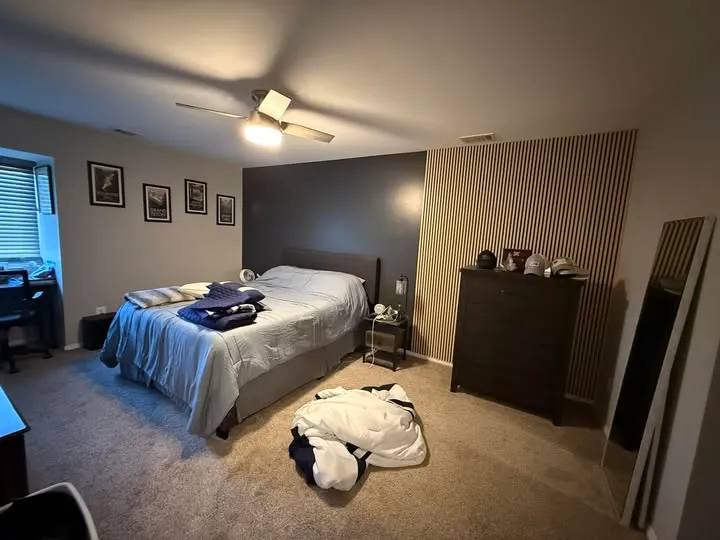
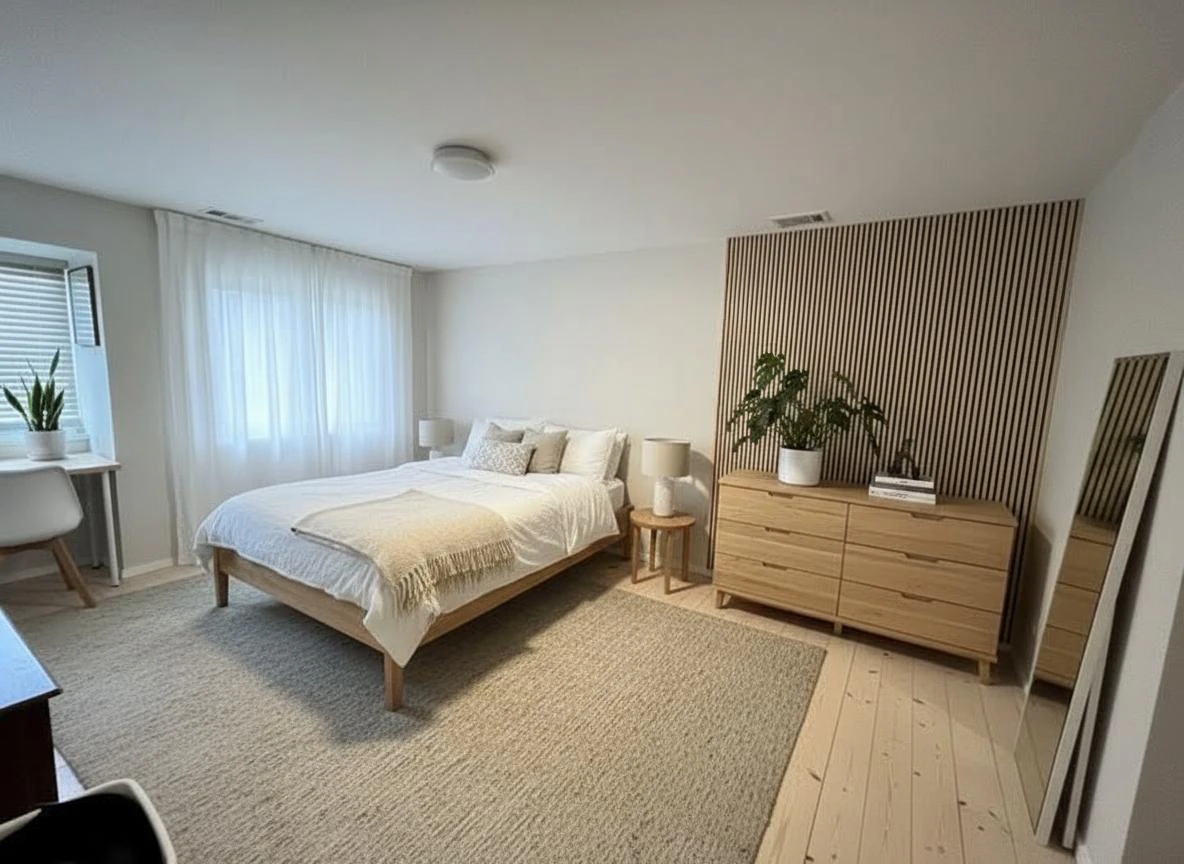
Drag the slider left or right to compare before and after.
Preview on your own photo in under a minute.
Upload one clear daytime shot, apply your finish or style direction, and compare clean HD options side-by-side.
Staging vacant bedrooms for maximum listing clicks.
Practical checks that prevent costly material and paint regrets once you move from preview to project.
Empty Bedroom Virtual Staging, answered.
Part of our MLS-Safe Virtual Staging suite. Always confirm physical samples and measurements before purchasing or building.
Can I stage both empty bedrooms and declutter lived-in bedrooms?
Yes. Use Virtual Staging for vacant bedrooms and Clean Up / Declutter to remove laundry, boxes, and loose cords from occupied tenant or seller bedrooms.
Are staged bedroom images licensed for MLS, Zillow, and print flyers?
Yes. AI Renovation Pro ($39/month for 250 credits, $0.16/photo) includes a full Commercial Listing License plus 2K Pro Quality exports.
How does this compare to BoxBrownie or Apply Design?
You pay $0.16/photo and wait 25 seconds instead of paying $10.50 to $30/photo and waiting up to 48 hours.
Can I test it on a vacant bedroom photo before paying?
Yes. Upload your room photo and try 3 free previews right in your browser.
See it on your own home in 25 seconds.
Start with 3 free previews, then unlock 25 clean HD renders with a $9 one-time pass or 100 HD renders for $24. Zero subscription required.
Stage an Empty Bedroom Free →Web Studio + iOS App · One-time passes from $9 · Cancel or pause Pro anytime