Interior Design

Farmhouse Interior Design

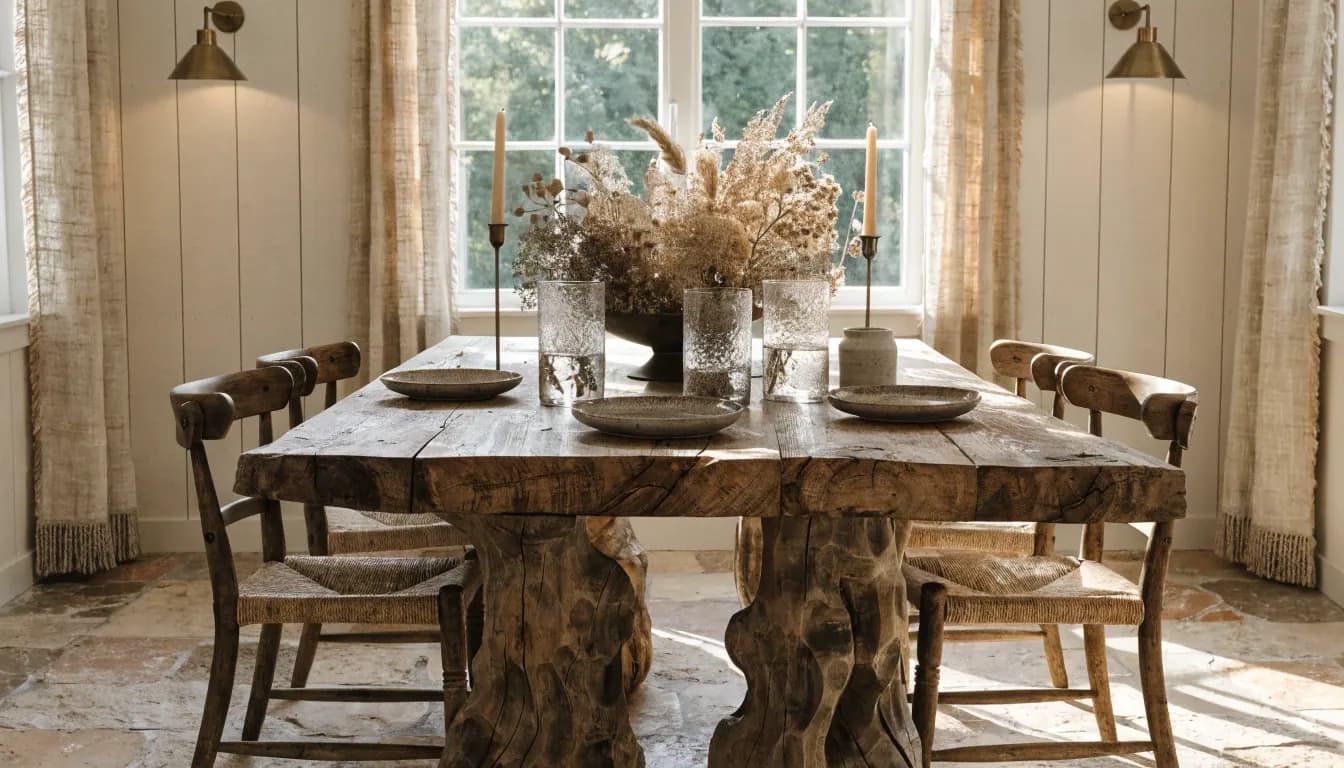
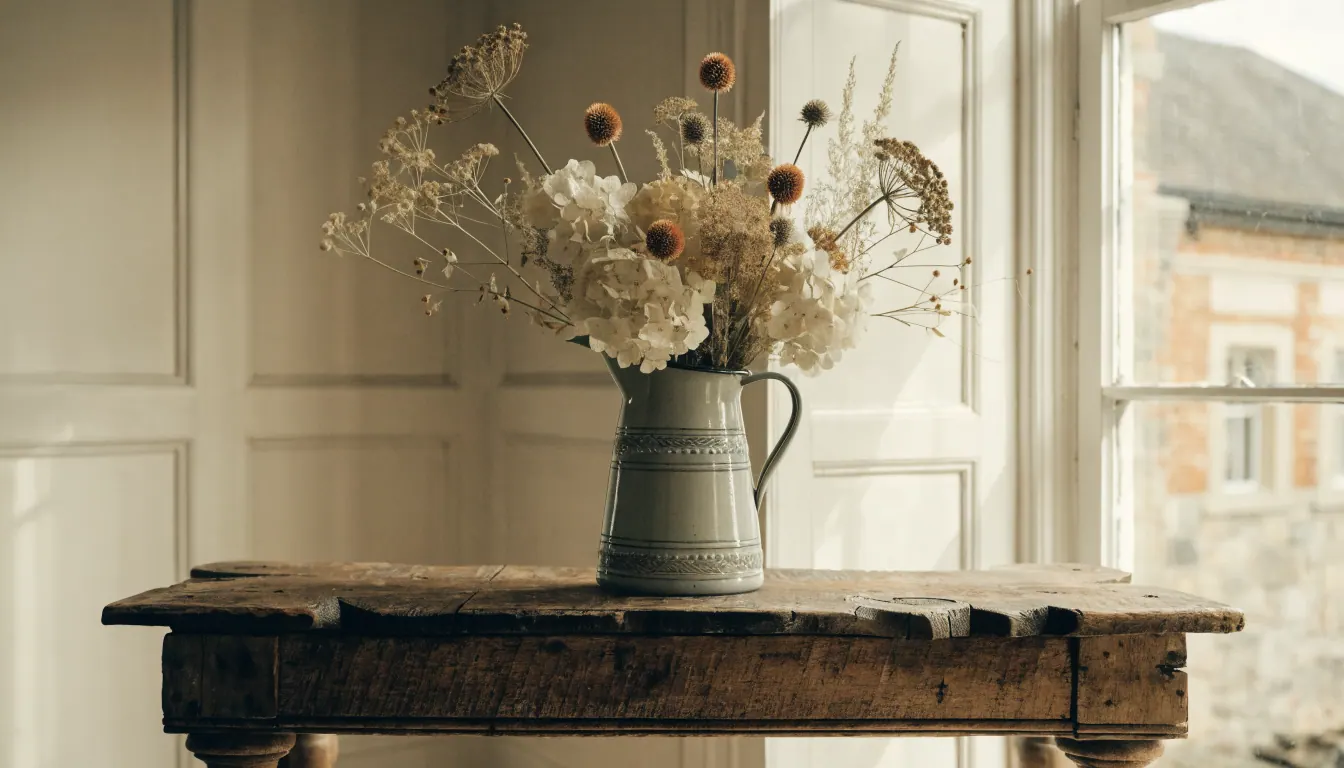
Restyle any room in a farmhouse look from one photo. Reclaimed wood, soft whites, shiplap, and vintage accents rendered in under a minute so you can plan before you buy.

~10sAvg. render
Full HDResolution
.jpg, .pngFormats
Farmhouse Interior Design AI hero
— How to use

Three steps,
start to finish.

No CAD training, no mood-boarding rabbit holes. A photo in, a photoreal render out.

01
Shoot the room from a corner
Frame the opposite wall with the full floor and ceiling in view. One wide, clear photo gives the AI the footprint, light, and trim it needs to apply a farmhouse look to your actual room.
02
Choose a farmhouse direction
Pick modern farmhouse, rustic farmhouse, or coastal farmhouse. Call out the feature wall, beams, or kitchen island you want restyled first so the render leads with the piece that anchors the room.
03
Compare, tweak, and save
Flip between the original photo and the restyled render. Swap palette, wood tones, or hardware in plain language, and save the final look as the brief you take into shopping or a contractor meeting.
— Pro tips

Better briefs,
better renders.

Six habits that consistently produce sharper, more believable, more useful output.

Tip · 01
Use high-quality photos
Upload sharp images shot at 1024px or larger. Well-lit, in-focus photos produce sharper, more realistic output.
Tip · 02
Lighting matters
Even, natural daylight reads best. Avoid harsh shadows or overly dark corners — the model infers material from light.
Tip · 03
Try multiple styles
Run the same room through two or three directions before locking one. You often discover a look you hadn't imagined.
Tip · 04
Clear the clutter
Minimal clutter lets the model understand room structure. Tidy visible surfaces before you shoot.
Tip · 05
Shoot multiple angles
Generate from the door, from the window, from the corner. The best angle is rarely the first one you try.
Tip · 06
Save and compare
Keep a project for each space. Compare variants side-by-side, share them with contractors, and refine from there.
— Features

Everything you
need, nothing you
don't.

Capabilities designed to move a single decision from guesswork to clarity.
Feature · 01
Restyle any room in a farmhouse look
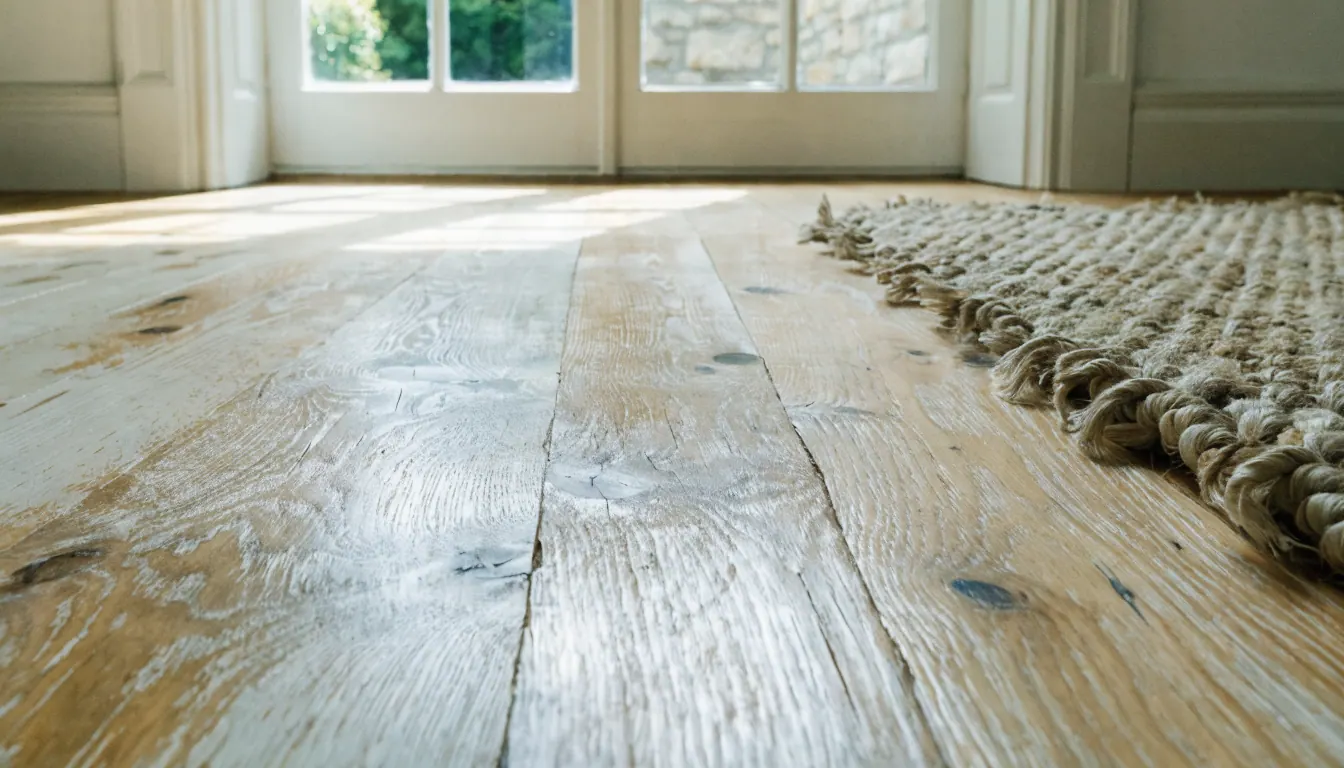
Upload a single photo and get a farmhouse render back. Cleaner and faster than manually sourcing reclaimed wood mood boards, and the output pairs with the home redesign AI when you want to push the look house-wide.
Feature · 02
Pick from modern, rustic, or coastal farmhouse
Generate three versions of the same room and compare them side by side before you commit. Same photo-to-render loop as the room visualizer tool, tuned to farmhouse palettes and textures.
Feature · 03
Swap wood tones and hardware in plain language
Type what you want different. Whitewashed oak, black iron pulls, a shiplap accent wall, and the render updates without losing the layout in the AI interior design workspace.
Feature · 04
Carry the farmhouse palette across the whole home
Lock a palette on the living room and apply it to the bedroom, kitchen, and dining area so the look feels consistent. Works with the design your own rooms tool for multi-room planning.
Feature · 05
Take the render into shopping or staging
Use the final farmhouse render as the visual brief for buying furniture or prepping a listing. Pairs with the redecorate room tool for lighter refreshes between full renovations.
— FAQ

Farmhouse Interior Design AI,
answered.

Updated April 2026

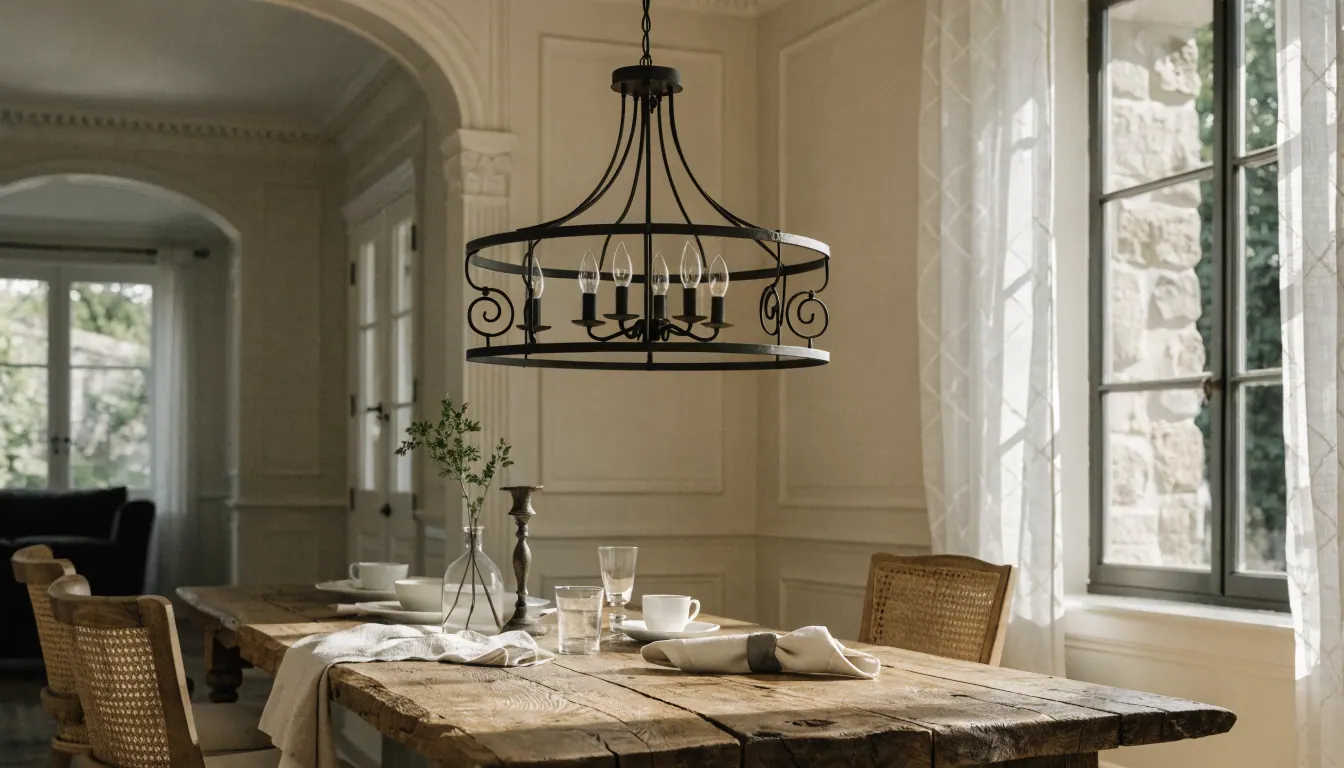
Farmhouse in 2026 is warmer and less cluttered than the 2018 version. Soft whites, natural oak, iron and brass hardware, shiplap accents, and one or two vintage pieces per room. Modern and coastal variations pull the look lighter.
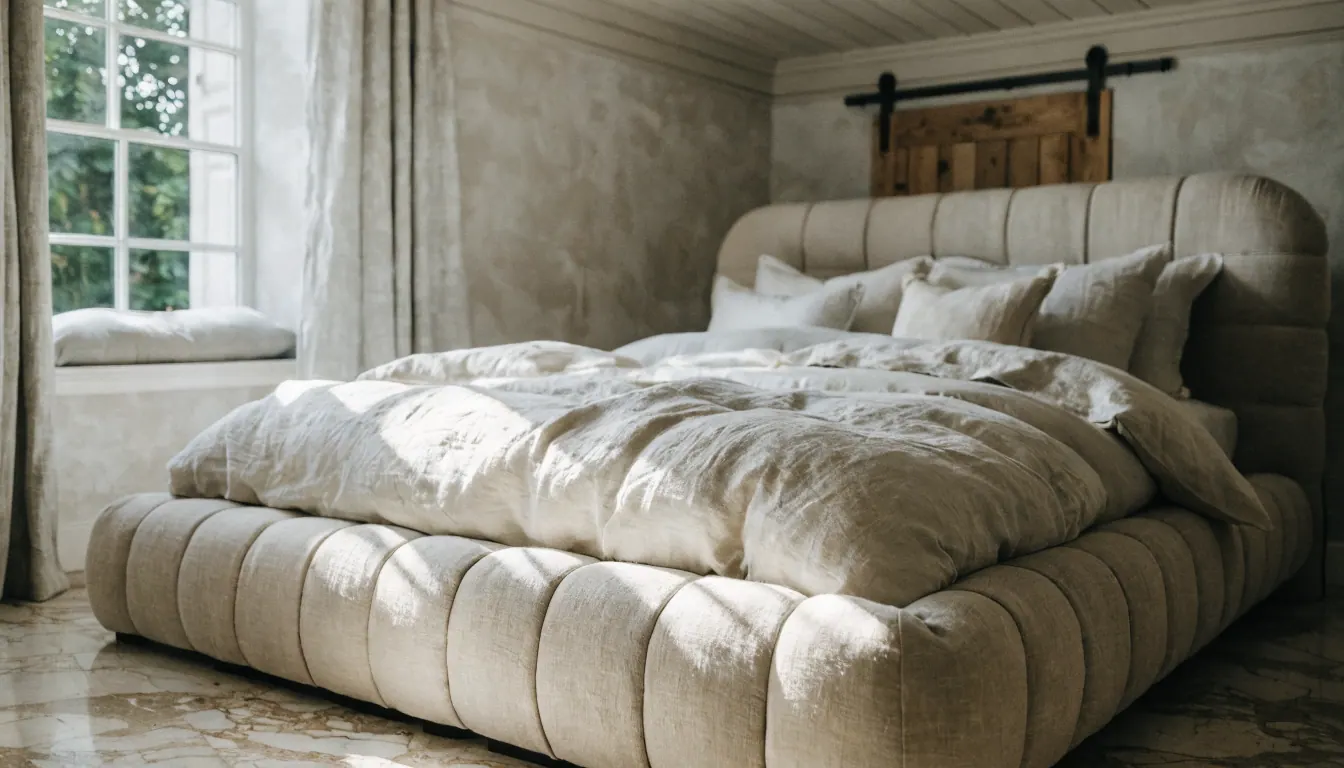
Modern farmhouse is cleaner. Straighter lines, softer whites, less exposed wood. Rustic farmhouse leans heavier on reclaimed beams, distressed finishes, and darker tones. Coastal farmhouse swaps the darker wood for whitewashed oak and pale blues.
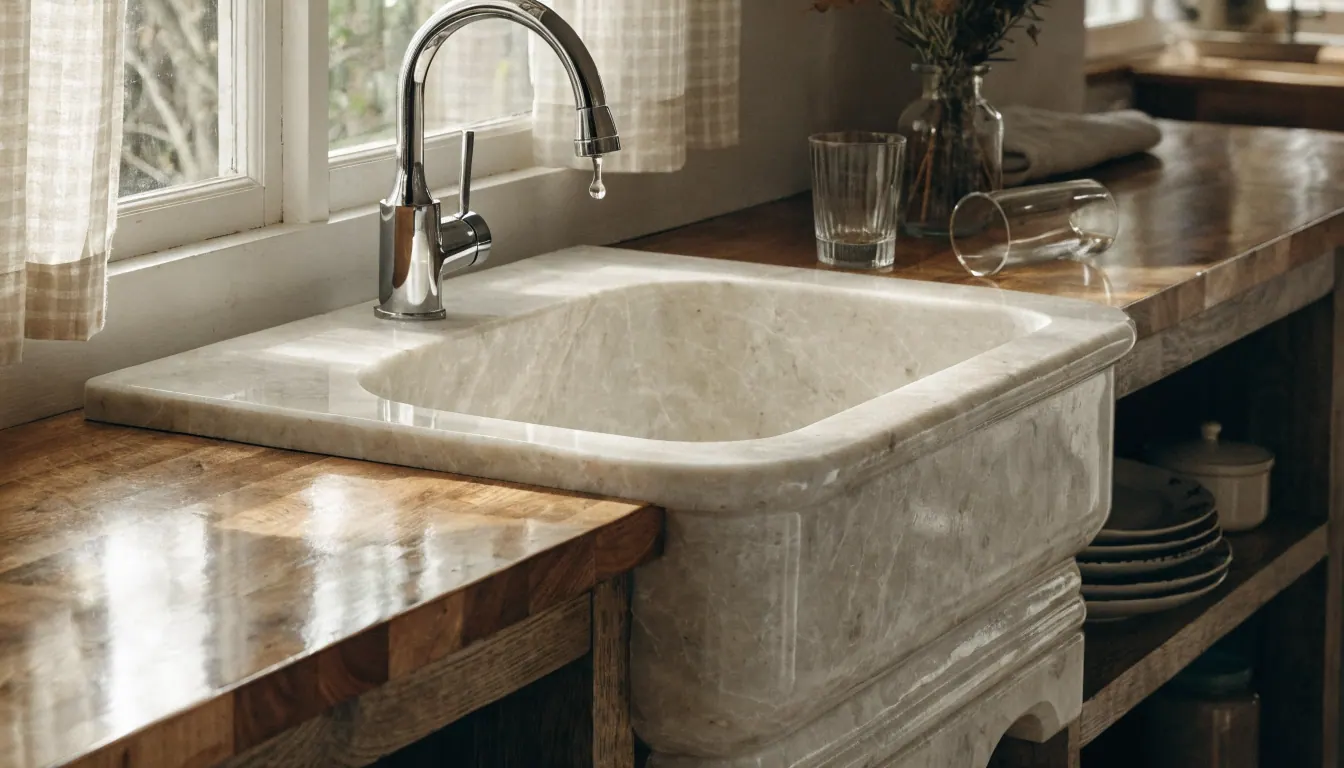
Yes. Upload a photo of the kitchen or bathroom with the core cabinetry and trim visible, and the render applies farmhouse finishes like shiplap, butcher block, apron sinks, and matte black hardware to your actual space.
By default it keeps the layout. Same wall positions, same windows, same footprint. If you want an island moved, a wall opened up, or beams added, call it out in the prompt so the render adjusts before shopping starts.
Start with the look you want. Whitewashed oak reads coastal, natural oak reads modern, walnut reads rustic. Generate two or three wood-tone versions of the same room and compare them next to your existing flooring before you lock a direction.
Yes. Modern farmhouse with Japandi accents or rustic farmhouse with boho textiles both work. Type the blend in the prompt, generate, and adjust. Mixed looks read more personal than a pure farmhouse kit.
Yes, as a planning tool before you shoot or stage. Render the farmhouse look, use it to choose props and paint, and photograph the finished room. The render itself is not a listing photo but the plan behind one.

Farmhouse Interior Design AI
is a render away.

Start for free — no card, no commitment. See your space the way it could be, before you commit to the way it will be.

Try Farmhouse Interior Design AI free

Available on the App Store — Android coming soon.

Free trial
See your space