
Home Plan Guide: Build a Clear Brief Before Drawings Begin
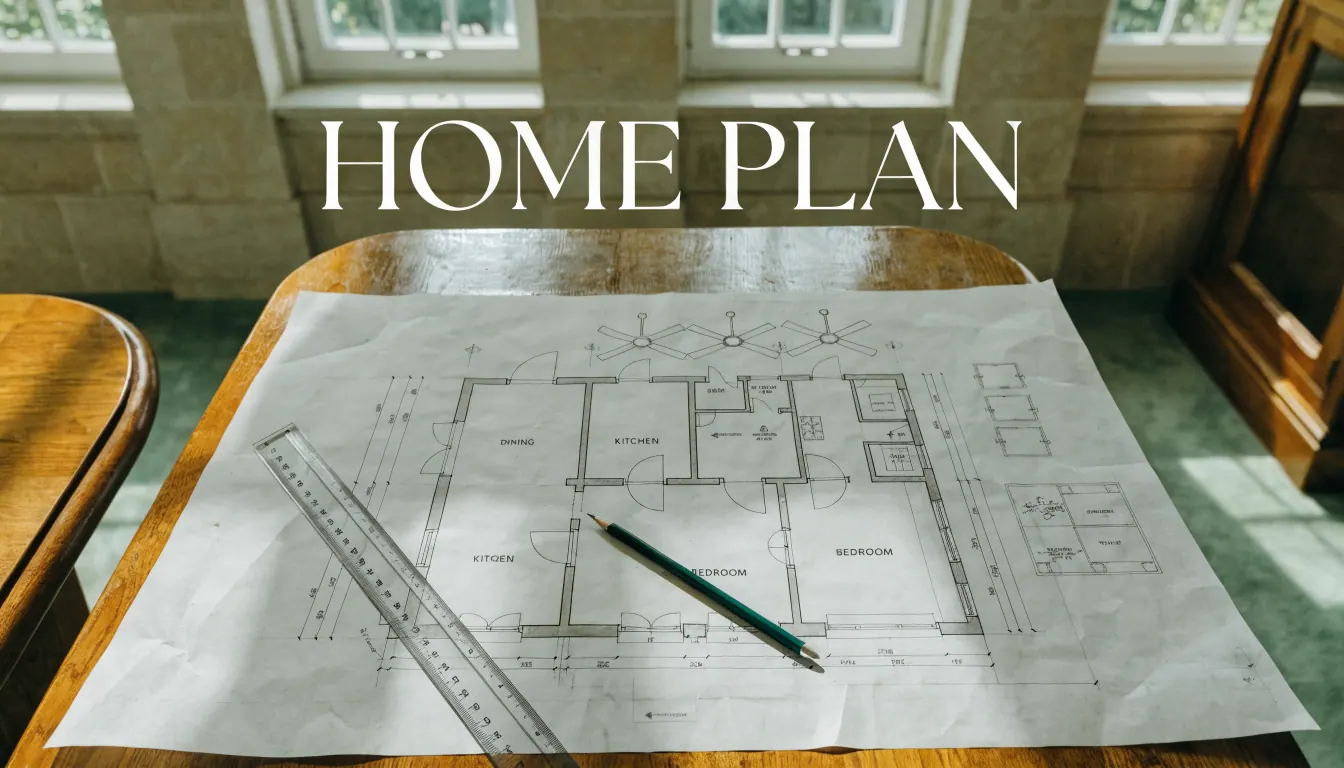
A home plan is not one attractive image. Depending on the project, the working set may include site information, measured floor plans, elevations, sections, services information and details. The exact documents and who can prepare or approve them depend on the project and location.
AI Renovation does not produce that coordinated drawing set. It edits existing photographs into appearance concepts. This guide, reviewed on 10 September 2026, helps you prepare the decisions and evidence that a drafter, designer, architect, engineer or other relevant professional can turn into reliable project documents. It has not been presented as a professionally reviewed design standard.
Start with the decision, then choose the document
| Question | Typical information needed | Useful output |
|---|---|---|
| What is already there? | Verified dimensions, openings, levels, structure and services | Existing-condition survey or measured drawing |
| How should rooms connect? | Room uses, furniture, circulation and accessibility needs | Proposed floor plan |
| What will the exterior look like? | Openings, materials, roof and site relationships | Elevations and, for appearance discussion, a labelled visual concept |
| How is the design constructed? | Assemblies, dimensions, structure, services and specified products | Sections, details and schedules prepared for the project |
| What must be submitted or approved? | Current local requirements and project scope | The documents requested by the relevant authority and professionals |
A photo concept can support the third question. It cannot answer the measured, structural or approval questions around it.
Build a brief that survives handoff
- Describe the project. List the spaces in scope and the problem each change should solve.
- List household needs. Include who uses each space, important routines, storage, access and furniture that must remain.
- Separate facts from assumptions. Mark dimensions and conditions as verified, approximate or unknown, and say who will verify the unknowns.
- Record constraints. Include known boundaries, structure, services, access, budget and timing constraints without guessing at requirements.
- Rank decisions. Separate essentials from preferences. This helps the designer resolve conflicts without quietly dropping the main goal.
- Attach references with notes. Explain what you like in each image: colour, material, proportion or mood.
Download the blank project brief and decision record, then use the related AI house-plan design guide for a shorter preparation checklist. Neither guide turns an image into measured plan data.
Use photo concepts for appearance, not coordination
AI Renovation can explore a visual direction for an existing room or facade. Upload a clear photo to Interior or Outdoor and choose from the available presets. Wall Paint applies an available swatch, Cabinet Design previews a finish, and Furniture Preview takes both a room photo and a furniture reference photo. A paid Custom prompt can describe another appearance change.
The result is a still image. It does not create measured walls, editable rooms, elevations, a site plan, landscape documentation, a CAD/PDF drawing set or a consistent multi-level model. An account and credits are required; the one-time trial includes three credits and each still generation uses one. The current library lists 35 interior and 22 outdoor styles.
For an exterior appearance question, use the facade photo workflow. Keep the original photo beside each generated concept and label altered or invented details.
Review the first drawing set systematically
Return to the brief rather than reviewing only what looks attractive. Ask whether every essential activity has a place, whether known existing conditions are shown correctly and which assumptions remain unresolved. Check that drawing names, dates and revision labels agree across the set. Record questions instead of drawing conclusions from an image.
For every important change, note the affected drawings and the person responsible for resolving it. A moved opening, for example, may affect plans, elevations, structure, services and pricing. Coordination is a deliberate process; sharing a visual style does not make several drawings coordinated.
Prepare the professional handoff
- The latest brief, with essentials and preferences clearly marked.
- Available existing drawings, surveys and verified measurements, including their dates and sources.
- Photographs tied to locations on the existing plan where possible.
- A list of unknown site conditions and who will investigate them.
- Labelled visual references and AI concepts, with the original photos attached.
- A decision log showing what changed, why and when.
- The required deliverables, file formats, review stages and responsible parties agreed in writing.
Ask the relevant professional and local authority which documents, checks and approvals apply to your address and scope. Do not use a generated image to set dimensions, validate a quote or direct construction.
Frequently asked questions
Is a home plan the same as a floor plan?
No. A floor plan is one view. A project may require other drawings and information, depending on what is being designed, priced, approved or built.
Can AI Renovation generate council-ready plans?
No. It produces photo-based visual concepts, not measured or approval-ready documentation.
Can I use a generated facade image as an elevation?
No. An elevation is a coordinated drawing with defined geometry and project information. A generated facade image can be labelled as an appearance reference only.
What should I do if no measured drawing exists?
Record that gap in the brief and arrange the level of survey or measurement the project requires before relying on dimensions.
Can AI handle a multi-storey home plan?
AI Renovation does not create single- or multi-storey measured plans. A professional or dedicated planning system should coordinate levels, stairs, structure and services.
What is the most useful thing to prepare before meeting a designer?
A concise brief that states the problem, household needs, essentials, known constraints, verified information and open questions.
Ready to get started? Try our AI House Plans: Visual Briefs, Not Measured Drawings, or AI Floor Plan: Photo Concepts and Planning Limits.
Frequently asked questions
Is a home plan the same as a floor plan?
No. A floor plan is one view. A project may require other drawings and information, depending on what is being designed, priced, approved or built.
Can AI Renovation generate council-ready plans?
No. It produces photo-based visual concepts, not measured or approval-ready documentation.
Can I use a generated facade image as an elevation?
No. An elevation is a coordinated drawing with defined geometry and project information. A generated facade image can be labelled as an appearance reference only.
What should I do if no measured drawing exists?
Record that gap in the brief and arrange the level of survey or measurement the project requires before relying on dimensions.
Can AI handle a multi-storey home plan?
AI Renovation does not create single- or multi-storey measured plans. A professional or dedicated planning system should coordinate levels, stairs, structure and services.
What is the most useful thing to prepare before meeting a designer?
A concise brief that states the problem, household needs, essentials, known constraints, verified information and open questions.