
AI House Plan Design: A Practical Guide for Homeowners in 2026
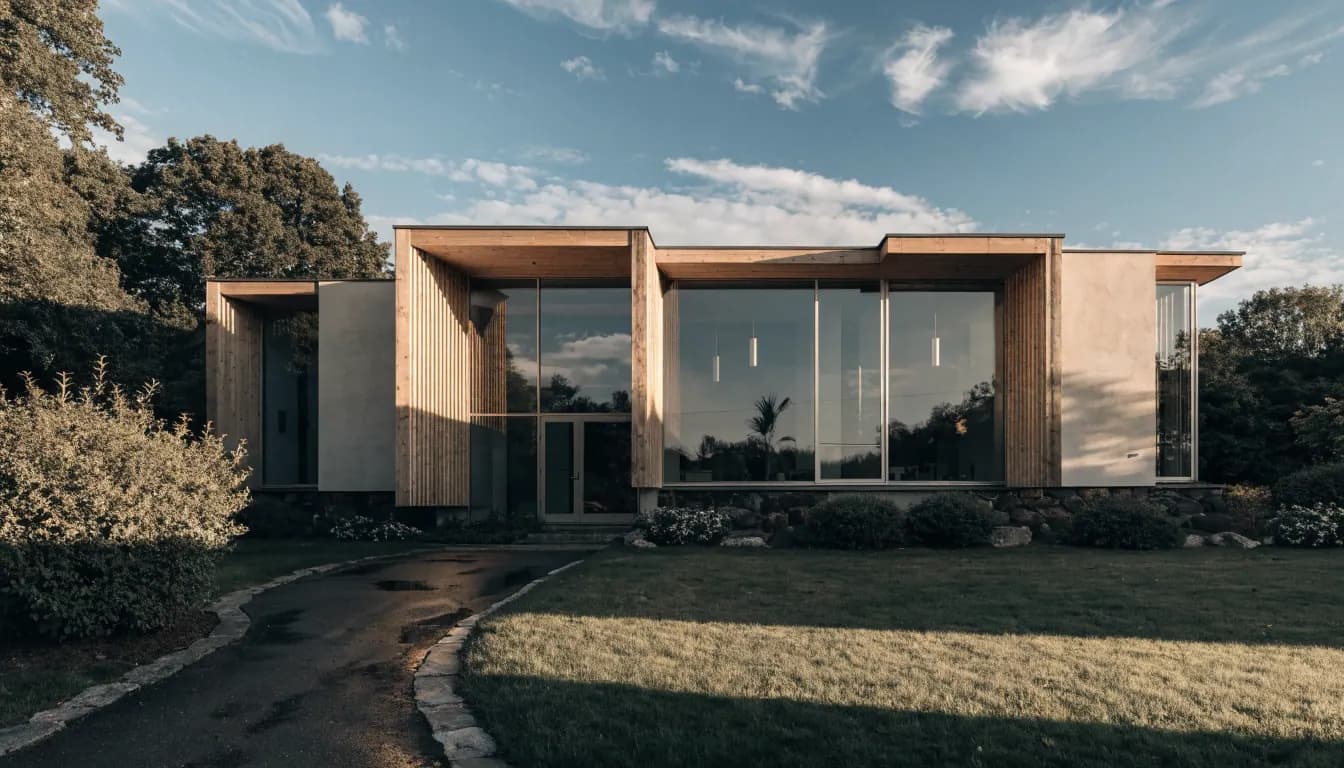
Designing a house plan used to mean an expensive architect retainer, weeks of revisions, and stacks of paper drawings before a single wall was poured. A new generation of AI house plan tools compresses that timeline into an afternoon. This guide walks through what AI actually does in residential design, where it helps, where it still needs a human in the loop, and how to use the AI Renovation house plan workspace to get from idea to a usable draft.
What AI house plan design actually does
An AI house plan generator reads a short brief (lot size, number of bedrooms, style preference, budget range) and produces candidate floor plans in seconds. The underlying model, similar to what powers AI interior design tools, has seen hundreds of thousands of residential layouts and learned the repeating patterns: which rooms sit adjacent to which, how circulation paths work, where plumbing stacks save money. Most tools output a 2D plan you can edit, and some render a simple 3D walkthrough on top of it.
This is not the same as a constructed drawing set. The output from an AI floor plan tool is a starting sketch, often usable for concept discussions with a builder or a licensed architect. It gets you past the blank page faster than hand-drawing, and faster than block-stacking in traditional CAD. It also lets non-architects compare options they would never have thought to draw themselves.
When AI fits, and when to hire an architect
AI house plan tools shine when the job is exploratory or iterative. If you are weighing whether a three-bedroom or four-bedroom layout works on your block, whether a galley kitchen beats an island layout, or how a proposed extension affects sight lines, you can produce five to ten variations in under an hour and compare them side by side. An AI house design tool is built exactly for this kind of rapid compare-and-contrast pass.
They are weaker when the job requires certainty. Any plan that will be stamped, submitted to council, or used to quote construction needs a licensed professional. AI outputs do not carry structural engineering sign-off, they may not comply with every local setback rule, and they rarely optimize for energy ratings the way a seasoned designer would. A reasonable workflow is to use an AI home redesign tool for the first ten iterations, then bring a human into the loop for the final set that actually gets built.
The five-stage AI house plan workflow
Most AI workflows share the same shape, regardless of which tool you pick. The floor plan AI workflow in particular is designed to move you through these five stages in a single session.
- Gather the brief. Site dimensions, block orientation, setback constraints, number of occupants, style direction, must-have rooms. Feeding the model a well-specified brief is the single biggest factor in output quality. Vague input produces vague plans.
- Generate candidates. Ask for five to ten variations rather than one. You want to see the spread so you can identify which constraints matter most to you. A floor-plan generator is designed to hand you options, not one final answer.
- Refine the best candidate. Iterate on the winner: stretch the kitchen, rotate the primary bedroom, collapse a hallway. Most tools let you either redraw directly or prompt in plain language (for example, "make the kitchen larger and move the pantry next to the laundry").
- Visualize in 3D. Turning a 2D plan into a walkthrough exposes problems you cannot see on paper: a staircase that lands awkwardly, a window whose sill hits a bench, a room that feels smaller in three dimensions than the square meters suggest. A 3D home design tool closes this loop in minutes.
- Prepare for professional review. Export the plan, basic elevations, and a one-page brief. This is what a builder, an architect, or a building designer actually wants to see before they quote.
Skipping stages three and four is the most common mistake. People fall in love with the first generated plan and go straight to quoting, which is how fundamental layout issues survive into construction. Pairing the workflow above with a tool like the 3D layout workspace catches the problems you can only see once the plan becomes a space you can walk through.
Where current AI house plan tools fall short
Current models are strong at residential layouts they have seen many examples of: single-family homes, two-bed apartments, townhouses. They struggle with unusual briefs (multi-generational layouts, strict passive-solar requirements, heritage overlay compliance, tight urban infill with easements). If your project falls into one of those categories, expect to treat AI output as a rough mood board rather than a draft. An AI exterior design tool can still be useful for facade studies alongside the plan, but the plan itself will need more manual shaping.
The structural and services side is another gap. Plans generated today show walls, rooms, and door positions, but the critical decisions about beam spans, truss layouts, hydraulic stacks, and electrical subpanels still sit outside the model's scope. Comparable limits apply at the regulatory layer: national codes, state-level variations, and council overlays evolve faster than the training data. The fix is procedural, not technical. Produce the draft in an AI architecture generator, then run it past a local professional before anything gets built.
A practical checklist before you start
The pre-work matters more than the tool choice. An hour spent preparing the brief produces dramatically better candidate plans than an hour spent clicking through options with a vague goal. A similar argument applies to renovations: the kitchen remodel planning guide covers the same "brief-first" discipline for single-room projects.
- Measure your site accurately. A plan generated against a wrong block size is worse than no plan.
- Decide the brief before you open the tool. Number of bedrooms, number of bathrooms, indoor-outdoor flow, budget range, priority rooms. If the block has a meaningful garden footprint, plan the planting zones at the same time with the garden design tool so the house opens onto a considered landscape rather than a bare lawn.
- Ask for variety. Never accept the first output as the plan.
- Compare in 3D. Every candidate, not just the top pick.
- Document every iteration. Screenshot or export each variation; you will come back to compare.
- Book the professional review early. Lining up an architect or draftsperson to review the AI output is cheaper than redrawing from scratch later.
- Re-check local rules. Setback, site coverage, height limits, easements. AI tools do not always know your council's overlay.
Where AI house plan design is heading
The next twelve months of model releases will close two of the current gaps. Better site-awareness (understanding setbacks, solar orientation, and local code at generation time) is already landing in several tools. Direct export to construction-ready formats is arriving alongside it, which should shorten the gap between a homeowner's first sketch and a builder's quote. For now, the practical move is to use AI for the parts it handles well and let a licensed professional handle the parts it does not. The AI Renovation home renovation workspace combines plan iteration with style visualization in one place, and handed off to a qualified designer for the final pass, it is the workflow homeowners land on most often in 2026.
Frequently asked questions
Can AI design a full set of house plans I can build from?
Not yet. AI produces a usable draft layout, and in some tools a basic 3D visualization, but construction drawings with structural details, services, and code compliance still need a licensed architect or draftsperson to finalize before anyone breaks ground.
How accurate are the floor plans AI generates?
Dimensionally accurate if the brief is accurate. Most tools honor site dimensions and room sizes you specify, but they do not automatically check against local setback rules or fire regulations. Always verify the output against your council or building authority before relying on it.
Do I need to be a designer to use an AI house plan tool?
No. The tools are built for homeowners and first-time designers. The main skill is writing a clear brief, not drawing. If you can describe the house you want in plain language with real measurements, you can produce useful draft layouts in under an hour.
How many plan variations should I ask for?
Five to ten for the first pass. Fewer than five and you have not seen enough spread to know what your trade-offs really are; more than ten and you start pattern-matching on the first few and ignoring the rest. Pick the two best, refine each, then decide.
Can I use AI-generated plans for council approval?
Not directly. Council submissions require drawings prepared or certified by a licensed professional in most jurisdictions. Use the AI output as the design brief you hand to a draftsperson, rather than as the submission package itself.
What is the difference between an AI floor plan tool and an AI house design tool?
A floor plan tool focuses on the 2D layout: rooms, circulation, walls, door positions. A house design tool covers more ground: layout plus exterior styling, material choices, and often 3D visualization. Many people use one of each, in sequence, rather than looking for a single tool that does both.
How long does a typical AI house plan session take?
Ninety minutes is a reasonable target for a first draft: ten minutes to write the brief, thirty minutes to generate and skim candidates, thirty minutes to refine the top pick, twenty minutes to render a 3D walkthrough. Faster than a week of back-and-forth with a drafter, not a replacement for one.
Is AI house plan design suitable for renovations, not just new builds?
Yes, with one caveat. For renovations, start by describing the existing footprint as accurately as you can (photos and measurements help), then ask the tool to propose layout changes. The quality of the output depends heavily on how faithfully you describe the current state of the house.
Ready to get started? Try our AI House Plans, or AI Floor Plan.

