
Shaker Kitchen Cabinets Visualizer
See how timeless Shaker or modern slim-Shaker cabinet fronts transform dated oak or flat doors directly on your real kitchen photo.
On iPhone? Try our iOS app →
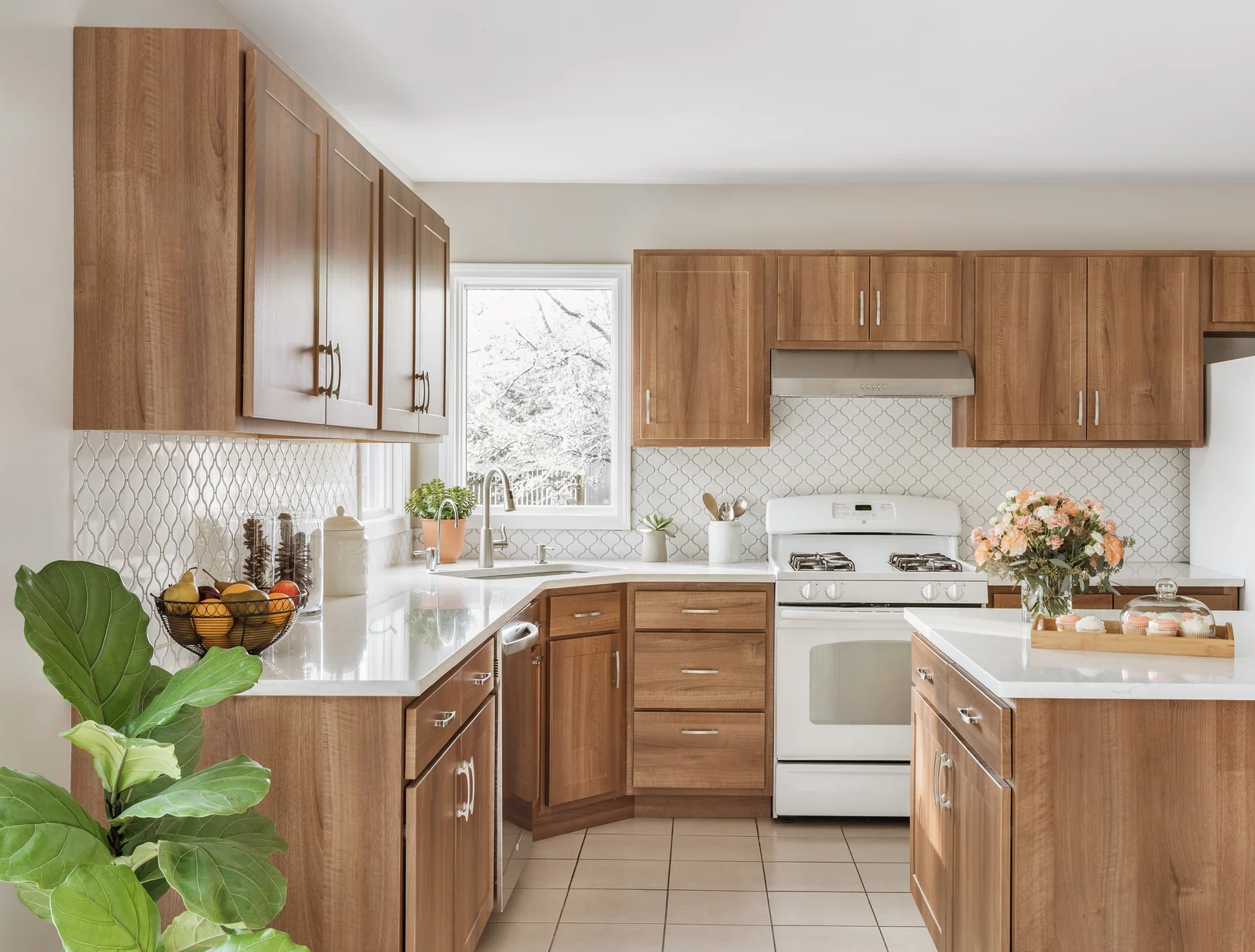
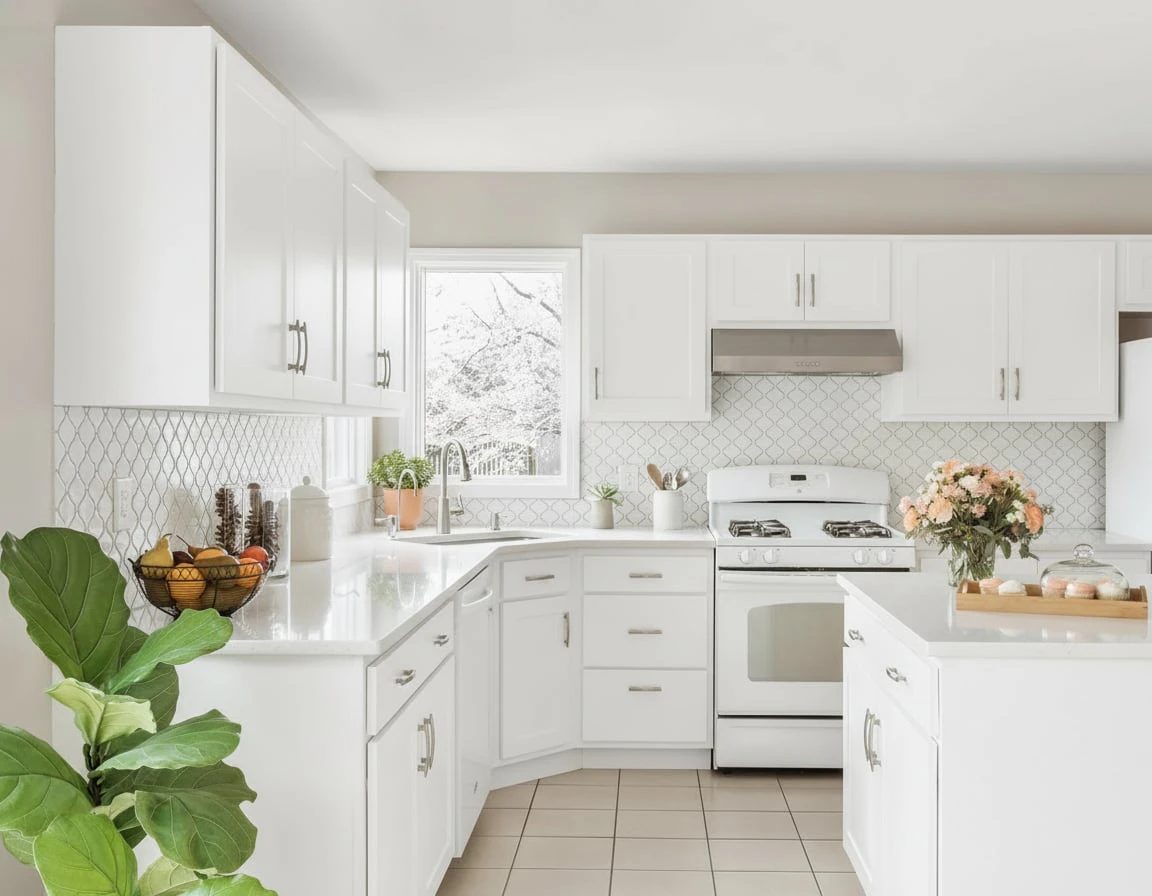
Drag the slider left or right to compare before and after.
Preview on your own photo in under a minute.
Upload one clear daytime shot, apply your finish or style direction, and compare clean HD options side-by-side.
Choosing between classic and slim Shaker.
Practical checks that prevent costly material and paint regrets once you move from preview to project.
Shaker Kitchen Cabinets Visualizer, answered.
Part of our Kitchen Remodel AI suite. Always confirm physical samples and measurements before purchasing or building.
Can I compare white Shaker against grey, oak, and sage Shaker cabinets?
Yes. AI Renovation Studio includes Shaker White, Shaker Grey, Natural Oak, Sage Green, Navy Satin, Walnut, and Matte Black presets so you can compare finishes on the exact same photo.
Will Shaker cabinets work in a modern or contemporary home?
Yes—choose slim-profile Shaker doors in matte white, rift oak, or warm greige with clean bar pulls for a timeless transitional-modern look.
How long does it take to see my updated kitchen?
About 25 seconds per render. Save all versions in your Studio project to review with your cabinet maker.
Is a subscription required?
No. Start with 3 free previews, then choose a $9 Weekend Unlock (25 HD credits) or $24 Whole-Home Pass (100 HD credits) that never expires.
See it on your own home in 25 seconds.
Start with 3 free previews, then unlock 25 clean HD renders with a $9 one-time pass or 100 HD renders for $24. Zero subscription required.
Preview Shaker Cabinets Free →Web Studio + iOS App · One-time passes from $9 · Cancel or pause Pro anytime