
Japandi Living Room Visualizer
Blend Scandinavian warmth with Japanese restraint—preview low-profile pale oak furniture, tactile linen, ceramic accents, and uncluttered calm on your real living room.
On iPhone? Try our iOS app →
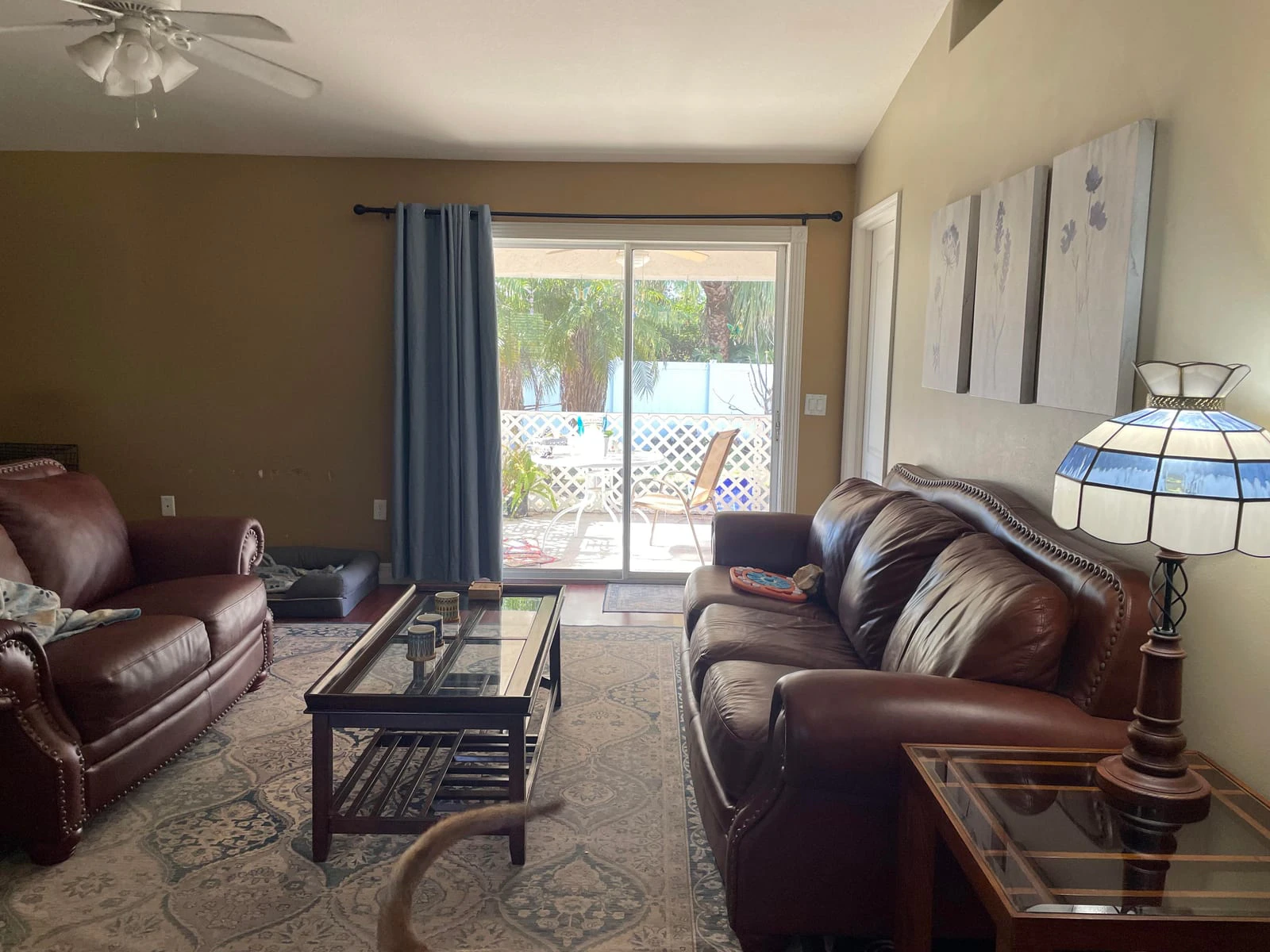
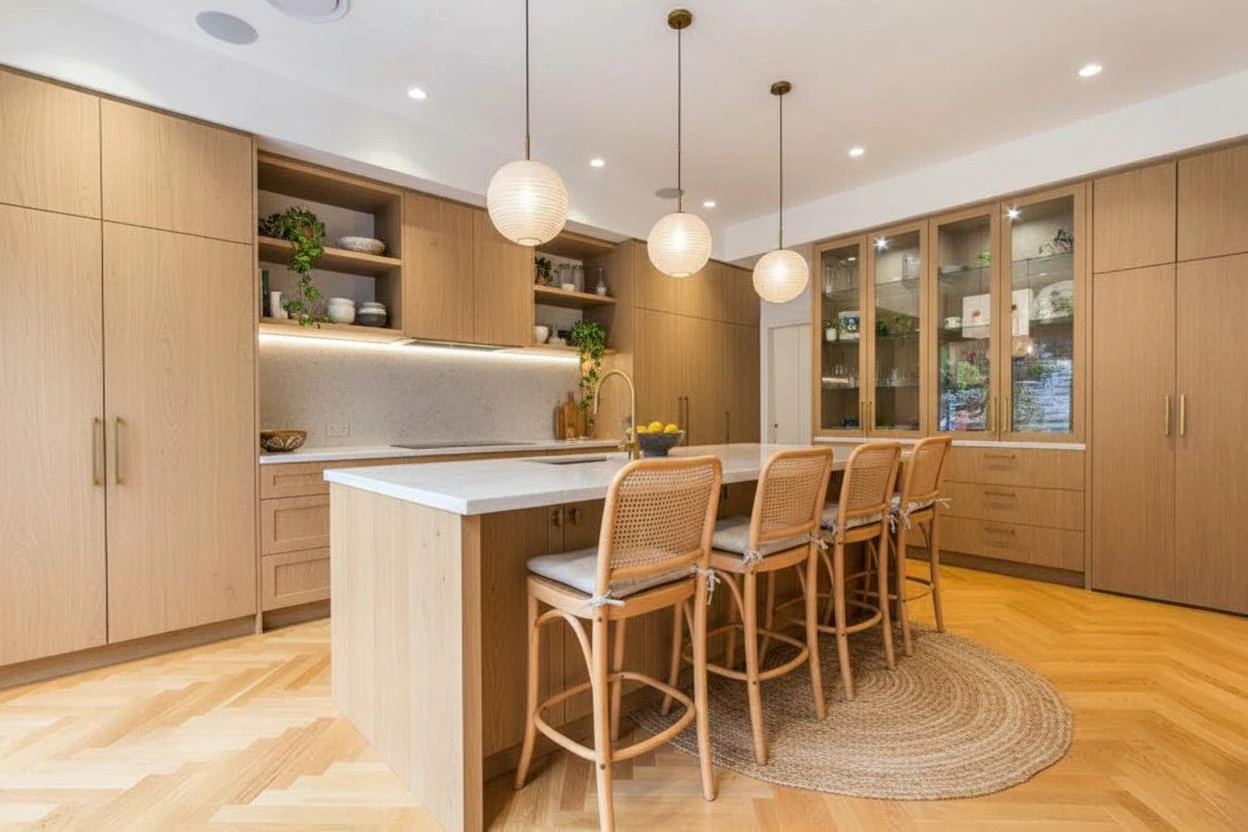
Drag the slider left or right to compare before and after.
Preview on your own photo in under a minute.
Upload one clear daytime shot, apply your finish or style direction, and compare clean HD options side-by-side.
Capturing authentic Japandi calm without looking bare.
Practical checks that prevent costly material and paint regrets once you move from preview to project.
Japandi Living Room Visualizer, answered.
Part of our Living Room Renovation AI suite. Always confirm physical samples and measurements before purchasing or building.
Does AI Renovation include a dedicated Japandi style preset?
Yes. Select Japandi (plus Wabi Sabi, Soft Minimalism, and Organic Modern) right inside Studio to compare serene warm-minimalist directions on your exact room.
Can I preview Japandi style on a cluttered or traditional living room?
Yes. Upload a clear daylight photo as-is—AI Renovation reimagines the furnishings, finishes, and palette while keeping your windows and walls recognizable.
Can I also test white oak floors and limewash walls separately?
Yes. Switch to Flooring or Wall Paint mode inside the same Studio to isolate individual material upgrades.
How much does it cost?
Start with 3 free previews, then unlock 25 clean HD renders for $9 one-time or 100 renders for $24 one-time—no subscription required.
See it on your own home in 25 seconds.
Start with 3 free previews, then unlock 25 clean HD renders with a $9 one-time pass or 100 HD renders for $24. Zero subscription required.
Preview Japandi on My Living Room →Web Studio + iOS App · One-time passes from $9 · Cancel or pause Pro anytime