
Best Free AI Room Makeover Tools to Try Online in 2026

Picture a quiet Sunday morning, a phone propped against a coffee cup, and the living room you have been meaning to fix for two years finally rearranged on screen. A reliable free AI room makeover tool can save homeowners hundreds of dollars in early consultation fees before a single wall gets touched. AI Renovation gathered the strongest options available in 2026, ranked by output quality, ease of entry, and what you actually receive without paying. Whether you want to test a paint color, shuffle furniture, or rehearse a full style change, one of these tools fits the project.
How We Ranked These Free AI Room Makeover Tools
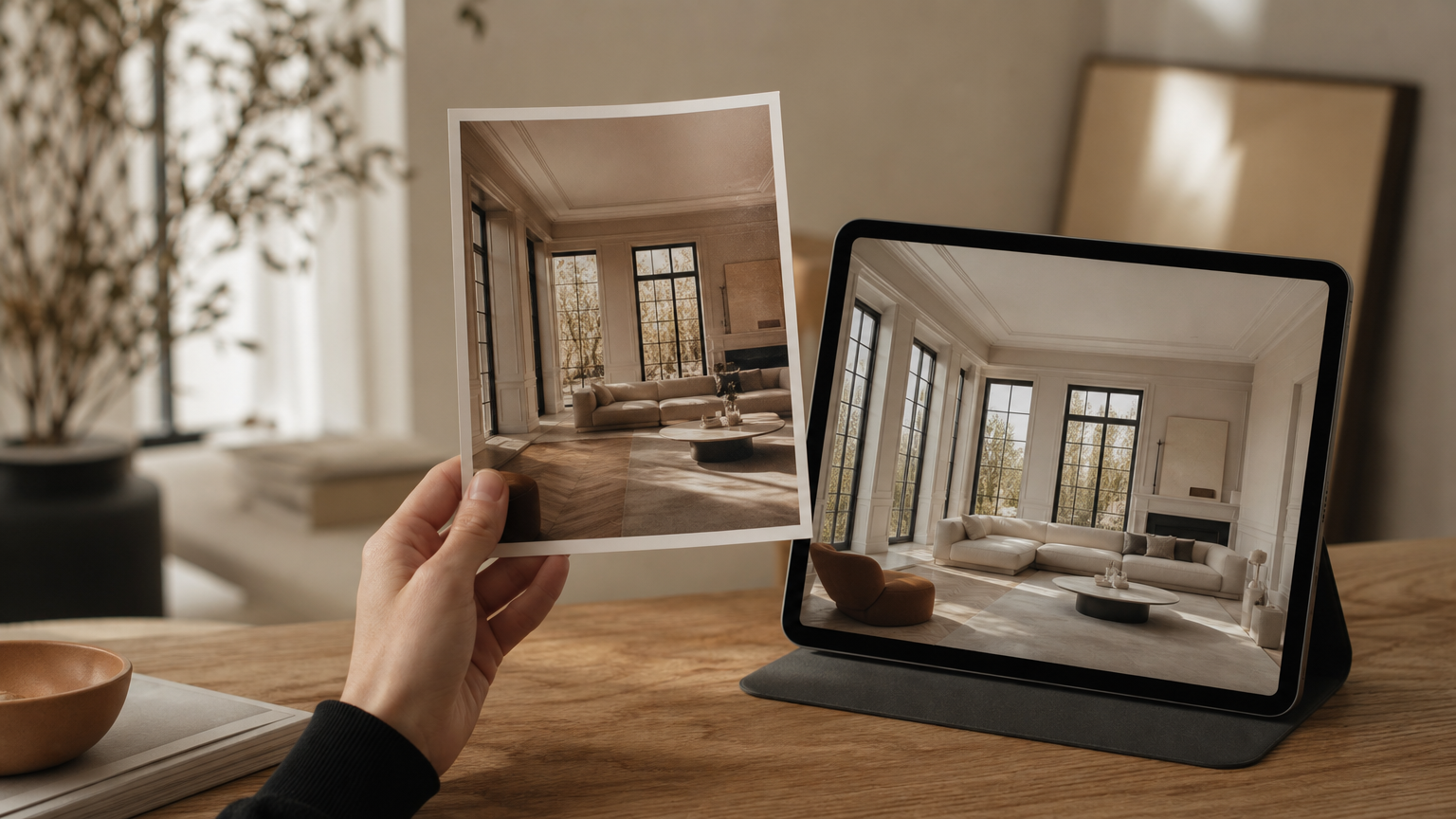
Output quality came first. We judged each tool on photorealism and on how faithfully it preserved the bones of a room, the windows, ceiling lines, and lighting angles that anchor a space. Tools that invented a generic interior from scratch were marked down, even when the result was pretty. For a closer look at what photorealistic rendering should feel like, see how AI home design handles structural fidelity.
Ease of entry was weighted heavily. A tool that hands you a first render without signup, credit card, or trial countdown scored higher than one demanding an email before the first preview. Free tier generosity mattered too: render count, output resolution, and the presence or absence of a watermark all moved the ranking. Compare the friction-free approach used by AI Renovation's design canvas to the gated alternatives.
Style range and room coverage closed out the criteria. Tools that name specific styles, *Japandi*, *Biophilic*, Art Deco, Coastal, give you more precise control than ones offering vague catch-all categories. Home Design AI lists more than 25 professional styles. Room versatility counted as well, with bathrooms, home offices, and balconies all weighed against the usual living-room default. The full library of interior design styles is a useful reference point for what depth looks like in practice.
Takeaway: the best free tool is the one that preserves your real room, asks the least of you up front, and offers the style vocabulary your project actually needs.
Quick Summary of the Best Free AI Room Makeover Tools
- AI Renovation, Best Overall. Purpose-built for real renovation planning, not mood-boarding.
- RoomGPT, Best for Single-Photo Transformations. Used by over 2 million people.
- Home Design AI, Best No-Login Experience. 50+ room types, drag-and-drop uploads up to 10 MB.
- ReimagineHome, Best Free Tier Quality. First 3 designs free, no credit card.
- VisualGPT, Best for Beginners. 3D rendered layouts with zero signup.
- Planner 5D, Best for Floor Plans. AI-assisted 3D layout editor.
- Canva AI Interior Design, Best Integrated Workflow. Lives inside Canva's design workspace.
A broader look at where these fit in the wider category lives in the AI for home tools overview.
At a Glance: Free AI Room Makeover Tool Comparison
| Rank | Tool | Pricing | Best for | Standout |
|---|---|---|---|---|
| 1 | AI Renovation | Free tier + paid plans | Real renovation planning | Structure-aware renders |
| 2 | RoomGPT | Free tier, paid 60% off at research time | Single-photo redesign | 2M+ user base |
| 3 | Home Design AI | Free, no login | Style variety | 25+ named styles |
| 4 | ReimagineHome | 3 free designs, no card | Output fidelity | Paid-quality free renders |
| 5 | VisualGPT | Free, no signup | First-time users | 3D layouts in browser |
| 6 | Planner 5D | Free tier | Floor-plan layout | AI + 3D editor |
| 7 | Canva AI | Free with Canva account | Existing Canva users | Workspace integration |
If you want to see this category from the renovation side rather than the decor side, the AI home renovation hub is the place to start.
Top Free AI Room Makeover Tools Reviewed
1. AI Renovation, Best Overall
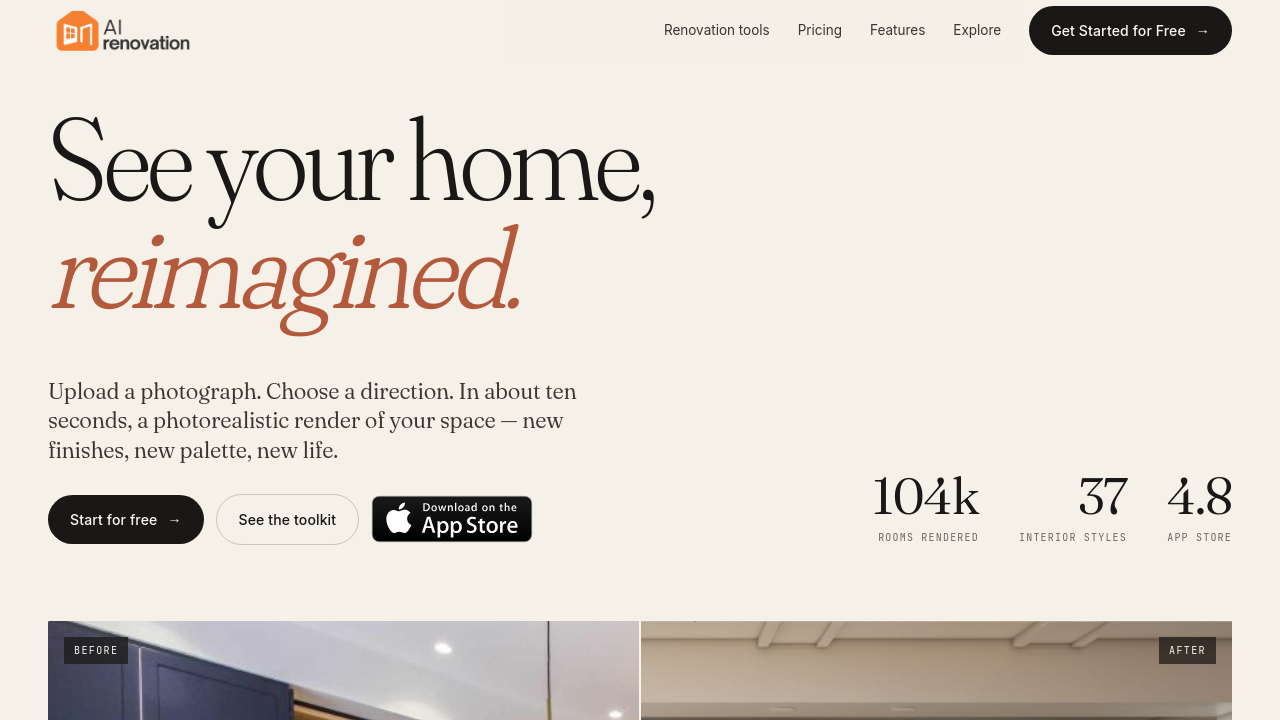
AI Renovation is built for homeowners who are actually about to call a contractor, not just daydream. The renders respect what is already there, the load-bearing wall, the awkward bay window, the radiator under the sill, so the output can survive a conversation with a builder. The free tier is generous enough to test two or three directions on a single room before committing to a style. See the full feature set for what the planning side adds.
Pricing: Free tier available, with paid plans for higher-volume projects. Standout feature: Structure-aware rendering that preserves architectural detail. Who it's for: Anyone planning a real remodel who needs renders that hold up under scrutiny. Weakness: The interface assumes you have a project in mind; pure mood-boarders may find it more deliberate than playful.
2. RoomGPT

RoomGPT became the breakout name in this category because it does one thing cleanly: you upload a single photo, pick a theme, and a redesigned room comes back. Over 2 million people have used it, and the testimonials lean heavily on a single emotion, *reduced indecision*. It is the tool people show their partner to end a months-long argument about the sofa. For a similar single-photo flow on the renovation side, the AI remodel house tool covers the same gesture with structural awareness.
Pricing: Free tier; paid plans were 60% off at time of research. Standout feature: Frictionless single-photo redesign. Who it's for: Decorators who want fast inspiration, not floor-plan accuracy. Weakness: Renders sometimes drift away from the room's true proportions.
3. Home Design AI

Home Design AI is the variety play. The smart layout recognition detects walls, windows, lighting angles, and furniture placement automatically before generating a redesign, and the catalog spans 60-plus room types from nursery to wine cellar. The credit model splits into Basic (1 credit, quick) and Pro (4 credits, higher quality), so you learn quickly to save the Pro credits for the rooms that matter. The same depth of interior design options shows up across this category when tools are doing the work properly.
Pricing: Free trial, no login; credit-based generation. Standout feature: 25+ named styles including Japandi, Biophilic, and Art Deco. Who it's for: Style-curious users who want to compare *Cottagecore* against *Hollywood Regency* in an afternoon. Weakness: Pro credits run out quickly if you iterate.
4. ReimagineHome
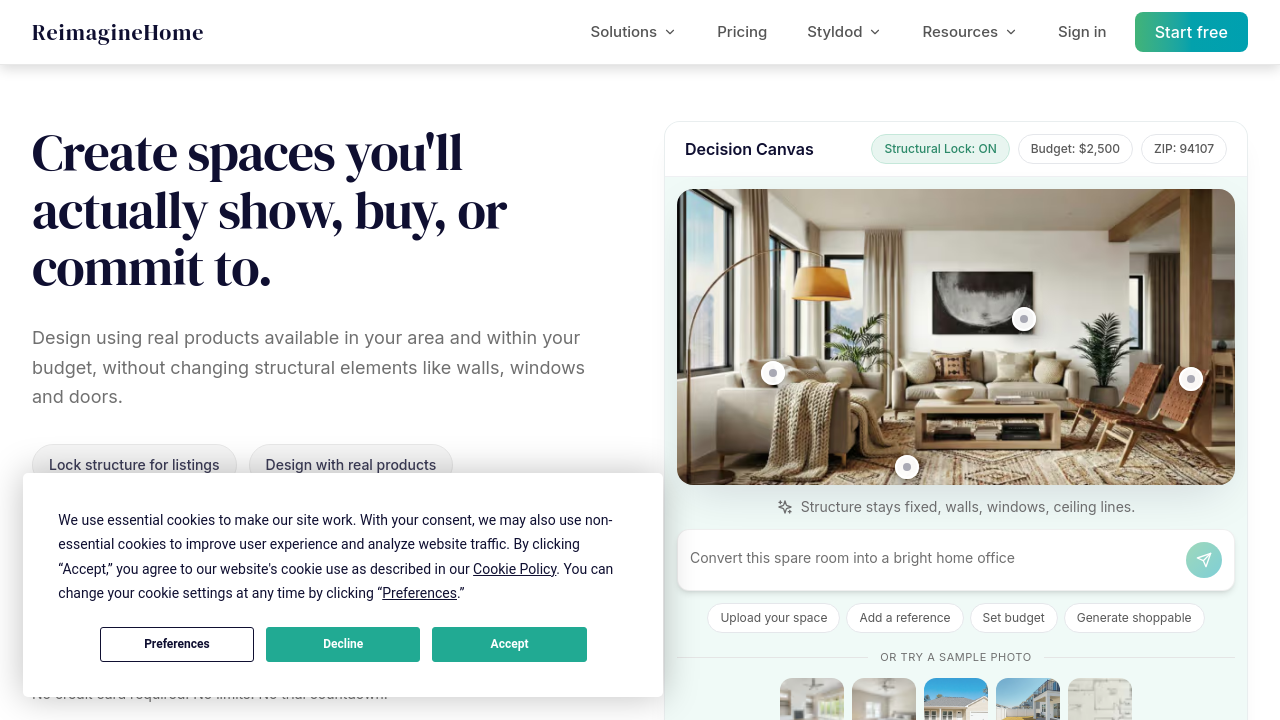
ReimagineHome's pitch is unusually honest: the first three designs are free, with no credit card and no trial countdown, and the output quality matches the paid plan. That last detail matters. Most free tiers in this space are a stripped-down preview; this one is the real thing, three times. It pairs well with broader virtual staging workflows for sellers and landlords.
Pricing: 3 free designs, no card required. Standout feature: Free renders at paid-tier quality. Who it's for: Anyone evaluating tools before buying credits anywhere. Weakness: After the three, the paywall is firm.
5. VisualGPT
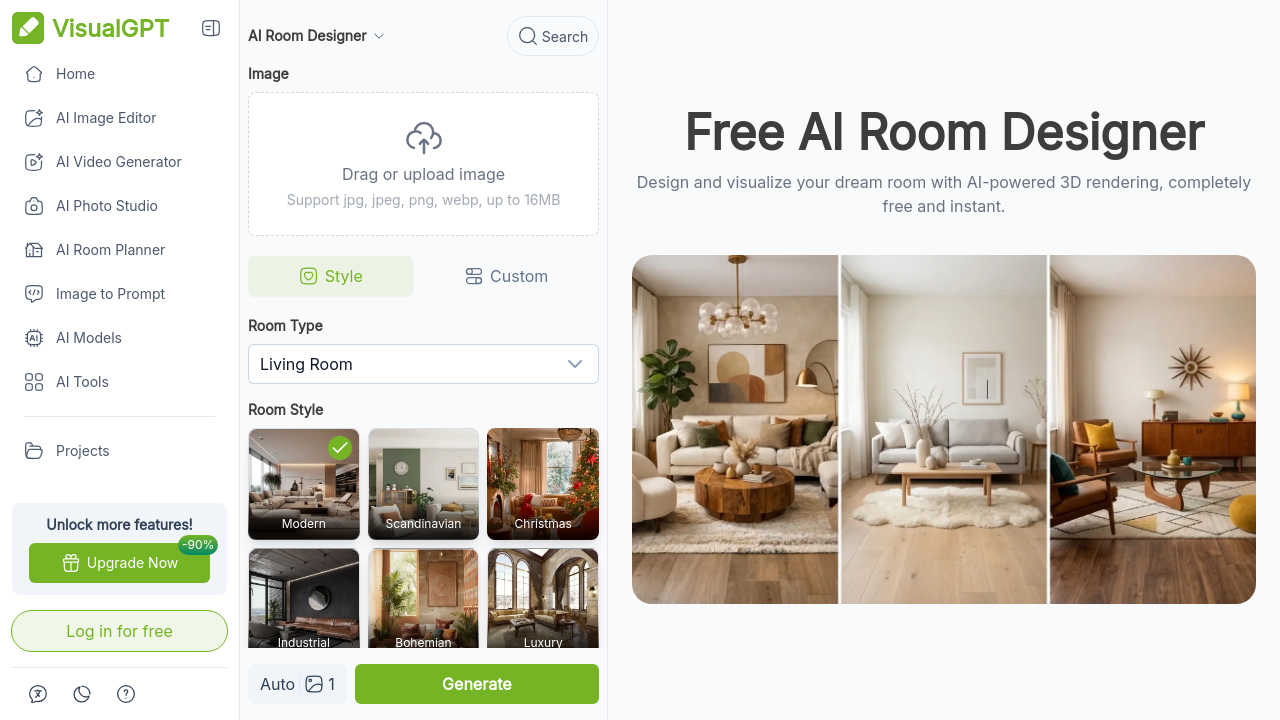
VisualGPT lowers the barrier almost to the floor: no download, no account, no email. It returns 3D rendered layouts in the browser, which is more than most no-signup tools attempt. The output is not the most photoreal in this list, but the speed and the absence of friction make it a strong first stop. A natural next step from here is the 3D home design tool when you want to push past the browser preview.
Pricing: Free, no signup. Standout feature: 3D layouts without registration. Who it's for: First-time users who want to see what AI room design even feels like. Weakness: Lower photorealism than the photo-transformation leaders.
6. Planner 5D

Planner 5D plays a different game. Instead of transforming a photo, it gives you a 3D floor-plan editor with AI-assisted layout suggestions. That makes it the right pick when the question is *where does the bed go* rather than *what color are the walls*. For a focused take on the same problem, the AI floor plan generator is worth a side-by-side look.
Pricing: Free tier with paid upgrades. Standout feature: AI layout suggestions inside a true 3D editor. Who it's for: Homeowners reworking a layout, not just a finish palette. Weakness: Steeper learning curve than the one-click photo tools.
7. Canva AI Interior Design
Canva folded interior design into its existing workspace, which is either the best feature of the tool or beside the point depending on how much you already use Canva. For people who do, uploading a room photo and applying a style transformation sits comfortably next to the rest of their boards and decks. The AI app for house design category page covers similar integrated approaches.
Pricing: Included with a free Canva account. Standout feature: Lives inside an established design tool. Who it's for: Canva-native users who want one less tab. Weakness: Less specialized than the dedicated room tools.
According to industry coverage compiled by Home Design AI, nearly 65% of professional designers have folded AI into their workflow, with average project timelines down about 20%. A useful Reddit thread on practical free options lives at r/interiordecorating for the user-side perspective.
What to Look for in a Free AI Room Makeover Tool
Output Fidelity and Room Preservation
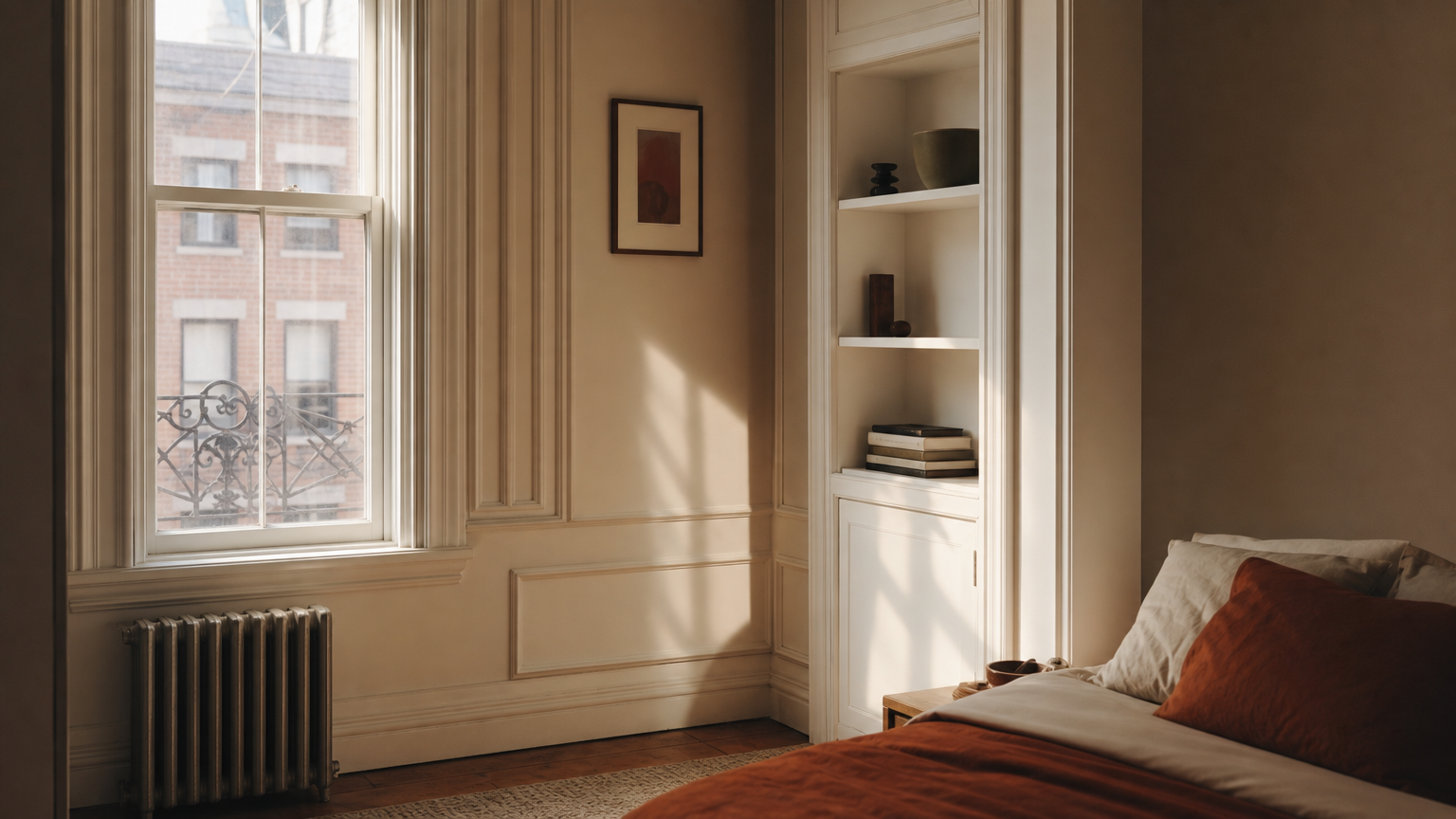
A good tool should retain architectural features, windows, ceiling height, beams, radiators, rather than producing a generic room that happens to look stylish. If you cannot recognize your own space in the render, the render is not useful for planning, only for daydreaming. The AI generated home gallery is a fair benchmark for what preservation should look like.
Free Tier Limits and Credit Systems
Credit-based free tiers, like Home Design AI's 1-credit Basic versus 4-credit Pro, can drain quickly once you start comparing styles. Understand the replenishment model before you rely on a tool for a deadline-driven project; running out mid-decision is a frustrating way to end a Saturday. The transparent pricing on the plans page is a useful reference point.
Style Range and Customization Depth
Tools that name specific styles, Japandi, Biophilic, Coastal, Art Deco, give you precision; tools with three broad categories give you guesswork. Watch resolution and watermark policy too. A watermarked low-res output is fine for personal inspiration; a clean high-res file is what you actually hand to a contractor. The explore gallery is a quiet way to see the style vocabulary in finished form.
Conclusion
The free tier of any AI room makeover tool is a fitting room, not a finished outfit. Use the trial renders to argue with yourself about palette and proportion, to test a feeling against the actual light in your hallway, and to bring something concrete to a conversation with a contractor or a partner. When the project moves from idea to brief, AI Renovation is built to carry the work the rest of the way. Picture the room you keep meaning to fix, and let the first render be the smallest step you take this week.
Frequently Asked Questions

Are free AI room makeover tools good enough for real renovation planning?
For early-stage planning, yes. Free tools are excellent for testing styles, palettes, and rough layouts. For contractor-ready briefings, you typically need a paid tier that offers higher resolution and removes watermarks on final outputs.
Do I need to create an account to use a free AI room design tool?
Not always. Home Design AI, VisualGPT, and ReimagineHome let you generate a first render without signup. RoomGPT and Canva AI Interior Design require an account, though both offer free tiers once you are inside.
Which free AI room makeover tool gives the most realistic results?
ReimagineHome stands out because its free renders match paid-plan quality, and AI Renovation's structure-aware output preserves real architectural detail. Photorealism varies by photo quality, so a well-lit, square-on room shot improves results across every tool.
How many free designs can I generate before I have to pay?
It depends on the tool. ReimagineHome gives three free designs outright. Home Design AI uses a credit system where Basic costs 1 credit and Pro costs 4. RoomGPT and AI Renovation offer a free tier with set monthly limits.
Can I use AI room makeover tools on my phone?
Most run in a mobile browser without a dedicated app, including RoomGPT, Home Design AI, and ReimagineHome. Upload quality matters more than device; a steady, well-lit phone photo often produces better results than a hurried desktop screenshot.
Do free AI room tools work for bathrooms and kitchens, not just living rooms?
Yes. Home Design AI supports 50-plus room types including bathrooms, kitchens, balconies, and home offices. Specialist tools such as dedicated AI bathroom design renderers give sharper results in those specific rooms.
Will the AI change the structure of my room or just the decor?
It depends on the tool. Photo-transformation tools like RoomGPT mostly restyle surfaces and furniture. Planning-oriented tools, including AI Renovation and Planner 5D, can suggest structural changes while preserving real walls, windows, and ceiling lines from your input photo.
How do I share or download my AI room makeover result for free?
Most tools allow direct download of free renders, though watermarks and lower resolution are common on free tiers. ReimagineHome and Home Design AI offer clean downloads within their free limits, suitable for sharing with family, partners, or designers.
---
*Built with The SEO Agent.*
Ready to get started? Try our AI Blueprint Maker, or AI Closet Design.