
Best AI Apps for Exterior Home Design Reviewed in 2026

Picture your house in late afternoon light, the siding repainted, a softer porch, a calmer roofline. That mental sketch is exactly what an AI app for exterior home design tries to render before you spend a cent on paint or contractors. At AI Renovation we cover dozens of these tools, and the seven below stood out for photo realism, style range, and honest pricing. Use this list to shortlist your *curb-appeal* experiments with less guesswork.
How We Ranked These AI Exterior Design Apps
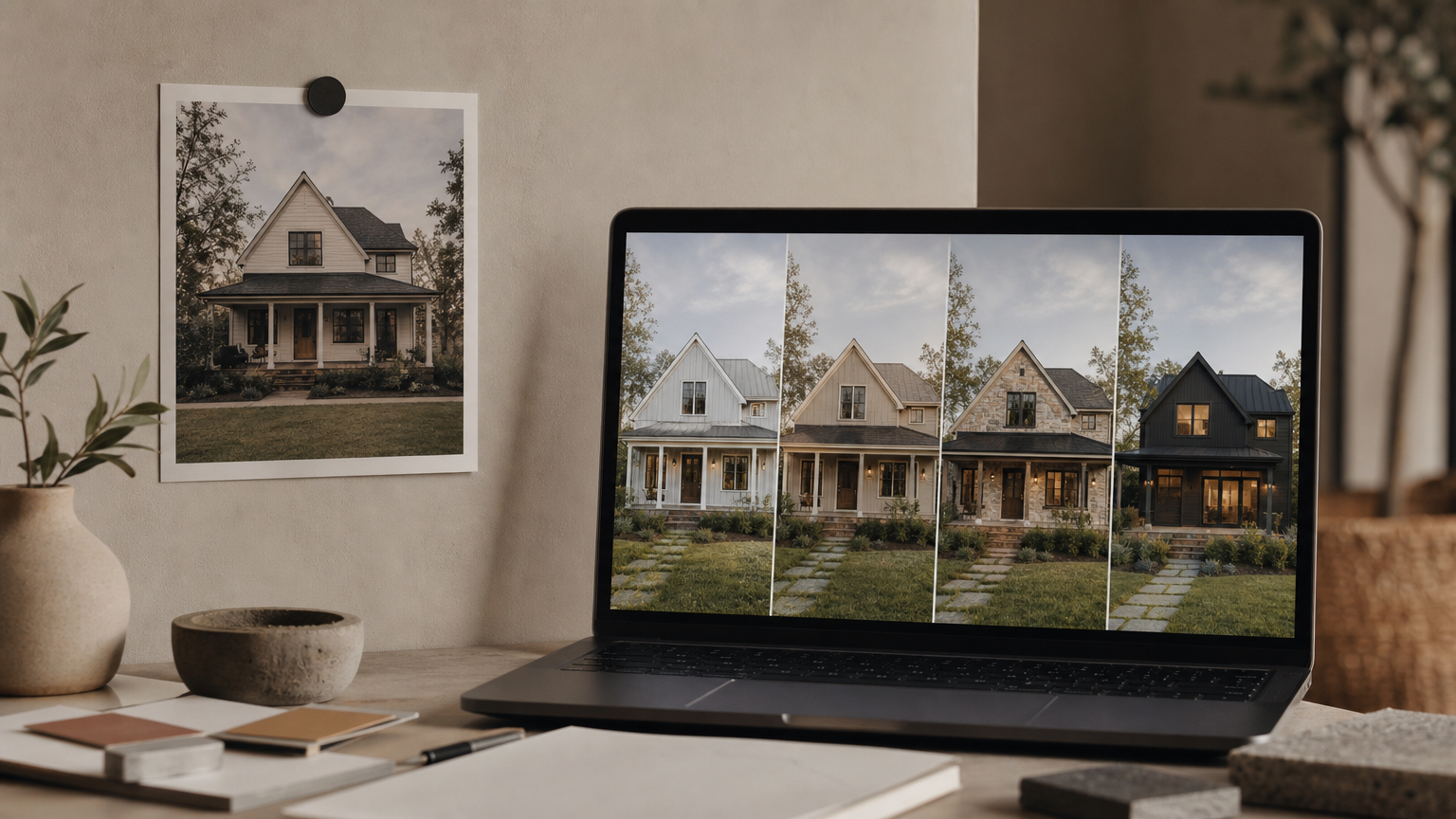
Ranking a category this young means looking past marketing copy and at how each app behaves when a real homeowner uploads a real photo. Our editors weighed five criteria, each one shaped by how readers actually use an AI exterior design tool in the wild.
- Photo realism, separating photorealistic renders from concept-level illustrations.
- Style library depth, since fewer than 20 styles caps experimentation quickly.
- Render speed and reliability, weighted toward apps that finish in under a minute.
- Free-tier generosity, because most homeowners validate an idea before paying.
- Ease of use for non-designers, the people this category was built for.
We also added points for adjacent features such as landscaping presets, paint visualizers, and material swaps, which show up across the broader AI home renovation toolset. The takeaway: rank tools by your decision stage, not by feature count alone.
Quick Summary of the Best AI Apps for Exterior Home Design
A fast read of the shortlist, with each pick tagged for the job it does best. The order mirrors the deep reviews below, and most options have a free path you can try from the broader AI app for house design directory.
- HomeGPT, Best Free, 70+ styles, no account required.
- Luw.ai, Best for Designers and Prosumers, 250M+ designs generated.
- Renovate AI, Best for Style Variety, 100+ styles and 40+ landscaping looks.
- mnml.ai, Best for Facade-Focused Redesign, accepts sketches and photos.
- ArchiVinci, Best for Buildings and Light Commercial Exteriors.
- Renoworks Pro, Best for Contractor-Grade Visualization.
- HomeByMe Exterior, Best for 3D Planning Alongside Renders.
The standout pattern across this list: free tiers are now generous enough that paying upfront is rarely necessary, a shift you can also see in our wider AI-generated home gallery.
At a Glance: AI Exterior Home Design App Comparison
Feature Comparison Table
| Tool | Pricing | Best For | Standout Feature |
|---|---|---|---|
| HomeGPT | Free, no login | Early inspiration | 70+ styles, sub-30s renders |
| Luw.ai | Free to start | Designers, prosumers | ArchiGPT chat + 3DGen export |
| Renovate AI | 10 free renders/day | Style variety | 10+ AI models, 4K upscaling |
| mnml.ai | Freemium | Facade redesign | Sketch-to-render input |
| ArchiVinci | Paid plans | Building exteriors | Commercial-scale facades |
| Renoworks Pro | Quote-based | Contractors | Manufacturer product catalogs |
| HomeByMe Exterior | Free + paid | 3D planning | 3D model + render combo |
Pricing Overview
Pricing splits cleanly into three camps. HomeGPT and Luw.ai start fully free with optional upgrades, Renovate AI uses a generous daily cap before charging, and Renoworks Pro is contractor-priced. If you are still scoping the project, the free-first tools listed in our AI for home overview will almost always do the job. Save paid plans for the moment you need a watermark-free, contractor-ready render.
Top 7 AI Apps for Exterior Home Design Reviewed
1. HomeGPT, Best Free Tool

HomeGPT is the easiest place to start. Upload a photo, pick from 70+ styles including Modern, Farmhouse, and Contemporary, and the tool returns a photorealistic redesign in under 30 seconds. According to HomeGPT's own site, more than 50,000 designs have already been generated through the free interface. It is browser-only, but the lack of a login lowers the barrier for homeowners testing a single idea. Our editors flag it as the strongest entry point in the AI home design category.
- Pricing: Free, no account required.
- Standout feature: 70+ styles, sub-30-second renders.
- Who it's for: Homeowners exploring curb-appeal options before a contractor call.
- Caveat: Output is browser-based, with no native mobile app.
2. Luw.ai, Best for Designers and Prosumers

Luw.ai, formerly ArchiGPT, reports 250M+ designs generated and 3M+ joined designers on its home page. The suite goes well beyond a single exterior tool: Exterior AI V2, Sketch AI, Magic Wand AI, 3DGen, and a conversational ArchiGPT chat for design advice. Render time is listed at roughly 10 seconds. For users who outgrow single-photo tools, Luw.ai sits closer to the workflows shown in the AI architecture design generator hub.
- Pricing: Free to start, paid tiers for HD export and Video AI.
- Standout feature: 3DGen exports and ArchiGPT chat-based design feedback.
- Who it's for: Designers, prosumers, and architecture students.
- Caveat: The breadth of tools can feel overwhelming for a first-time user.
3. Renovate AI, Best for Style Variety
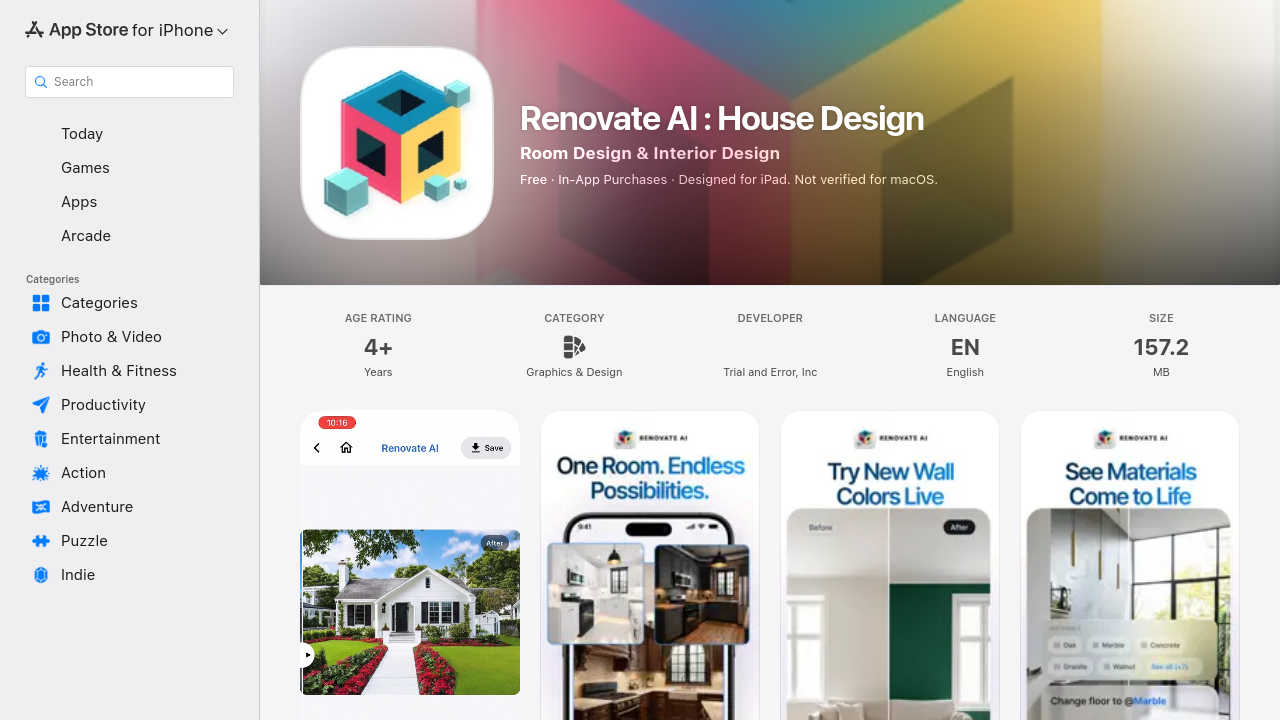
Renovate AI is the deepest style library in the list, with 100+ curated interior and exterior styles plus 40+ landscaping options, powered by 10+ underlying AI models. Features include exterior painting previews, facade remodeling, object removal, and 4K image upscaling. The App Store listing notes the app is optimized for iPad, desktop, and mobile, and that user photos are stored securely and not used for AI training. For homeowners who want the renovation and yard to move together, it pairs well with the 3D home design free online tools we track.
- Pricing: 10 free renders per day, premium subscription for advanced features.
- Standout feature: 40+ landscaping styles alongside facade redesign.
- Who it's for: Homeowners planning both house and yard changes.
- Caveat: The daily free cap can feel tight during heavy iteration.
4. mnml.ai, Best for Facade-Focused Redesign
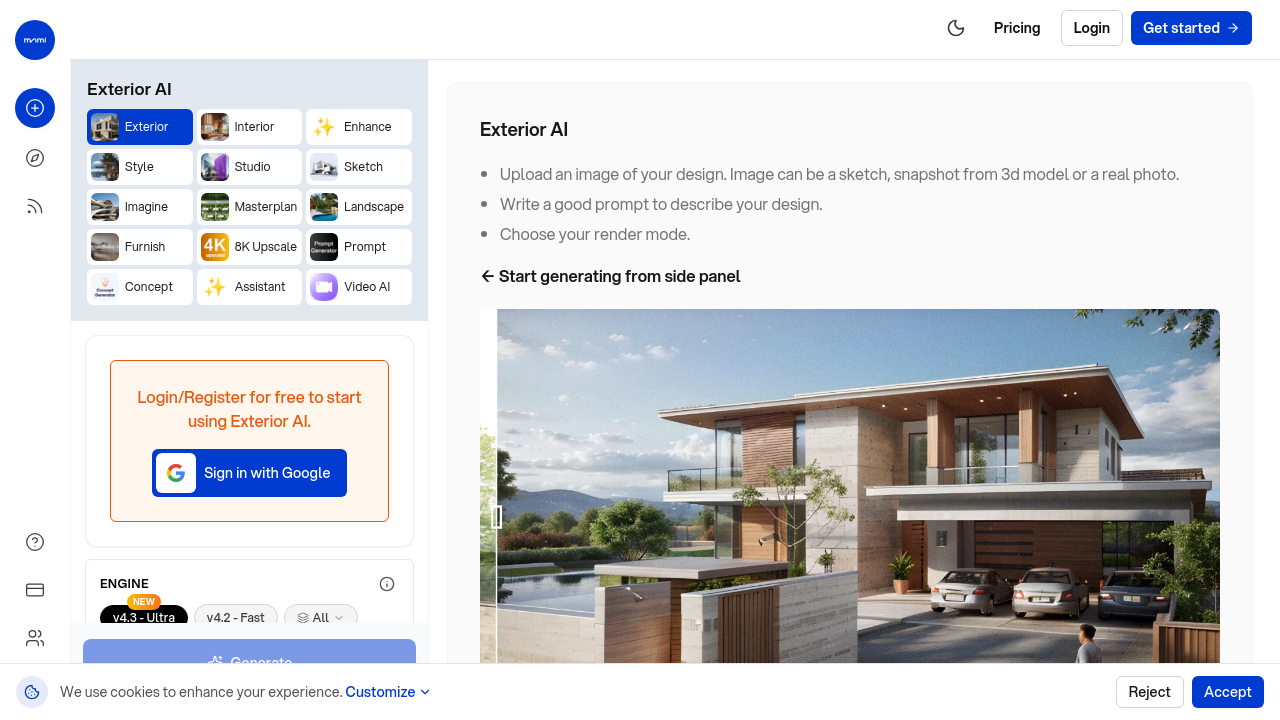
mnml.ai is purpose-built for facade work, with 40+ architectural styles and a sketch-to-render input mode that few competitors match at this price point. You can hand-draw a porch addition on paper, photograph it, and receive a photorealistic version back in seconds. It is narrower in scope than Renovate AI but cleaner for a single decision, similar to the focused workflows in our AI remodel house guide.
- Pricing: Freemium, paid for higher resolution.
- Standout feature: Sketch-to-render facade transformations.
- Who it's for: Owners obsessed with the front elevation specifically.
- Caveat: Landscaping and interior tools are limited.
5. ArchiVinci, Best for Buildings and Commercial Exteriors
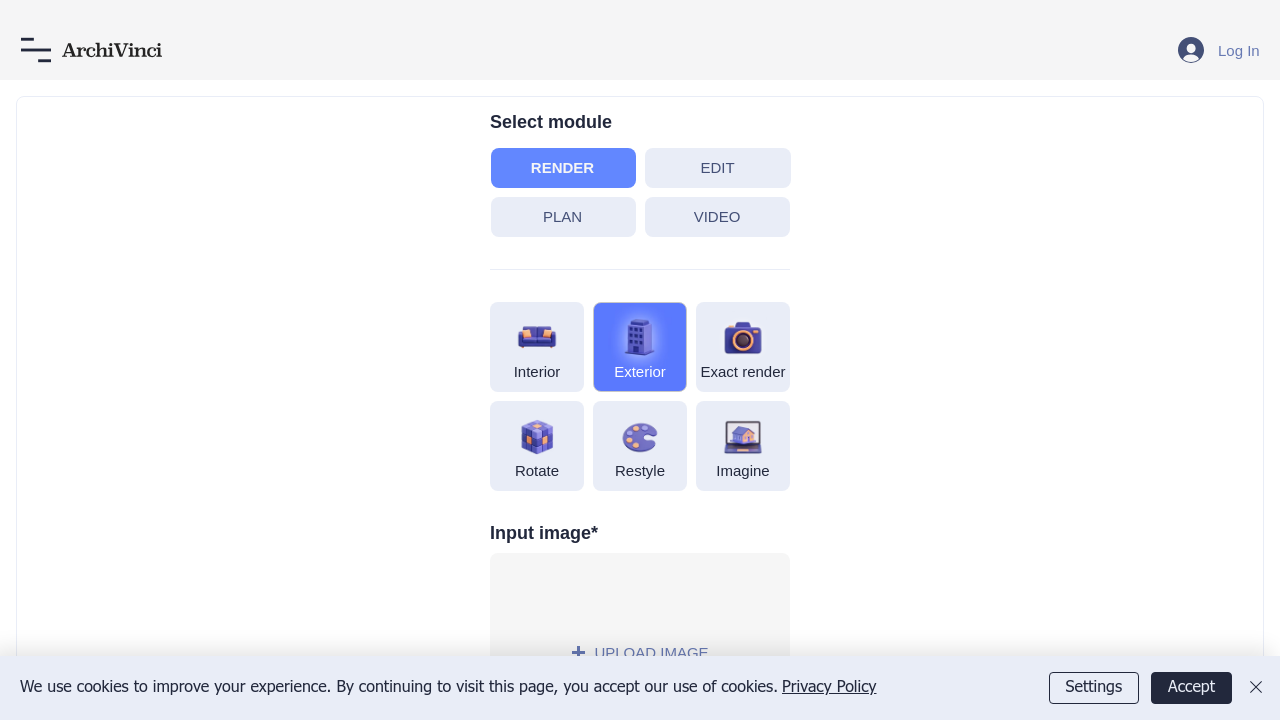
ArchiVinci leans toward whole-building work, including duplexes, small apartment blocks, and light commercial facades. Renders trend toward architectural visualization rather than residential mood imagery. If your project sits between a house and a building, browse adjacent tools in our AI homes collection before settling on ArchiVinci.
- Pricing: Paid plans, free trial available.
- Standout feature: Comfortable with multi-unit and mixed-use exteriors.
- Who it's for: Small builders, multi-unit landlords, and developers.
- Caveat: Less polished for cozy single-family aesthetics.
6. Renoworks Pro, Best for Contractor-Grade Visualization
Renoworks Pro targets contractors and remodelers, with photorealistic 3D renders and integration with manufacturer product catalogs for siding, roofing, and trim. It positions itself as a sales-conversion tool more than a homeowner sandbox, and product visualization is its real value. Homeowners can still preview it, but the muscle is in catalog-accurate swaps, similar to the staging logic in our AI home staging guide.
- Pricing: Quote-based for pros, limited consumer access.
- Standout feature: Real manufacturer SKUs rendered onto your house.
- Who it's for: Contractors briefing clients with brand-accurate materials.
- Caveat: Overkill, and overpriced, for a single DIY homeowner.
7. HomeByMe Exterior, Best for 3D Planning Alongside Renders
HomeByMe rounds out the list by pairing AI exterior renders with a true 3D planning environment. You can place the house on a lot, position landscaping, and walk the model before locking a render style. It is the most planning-heavy tool here, fitting users who think in plans rather than mood boards, and it sits naturally beside the 3D house workflows we cover.
- Pricing: Free tier plus paid upgrades.
- Standout feature: 3D model and photorealistic render in one workspace.
- Who it's for: Owners on larger lots planning landscaping in parallel.
- Caveat: A learning curve compared with one-click apps like HomeGPT.
What to Look for in an AI Exterior Home Design App
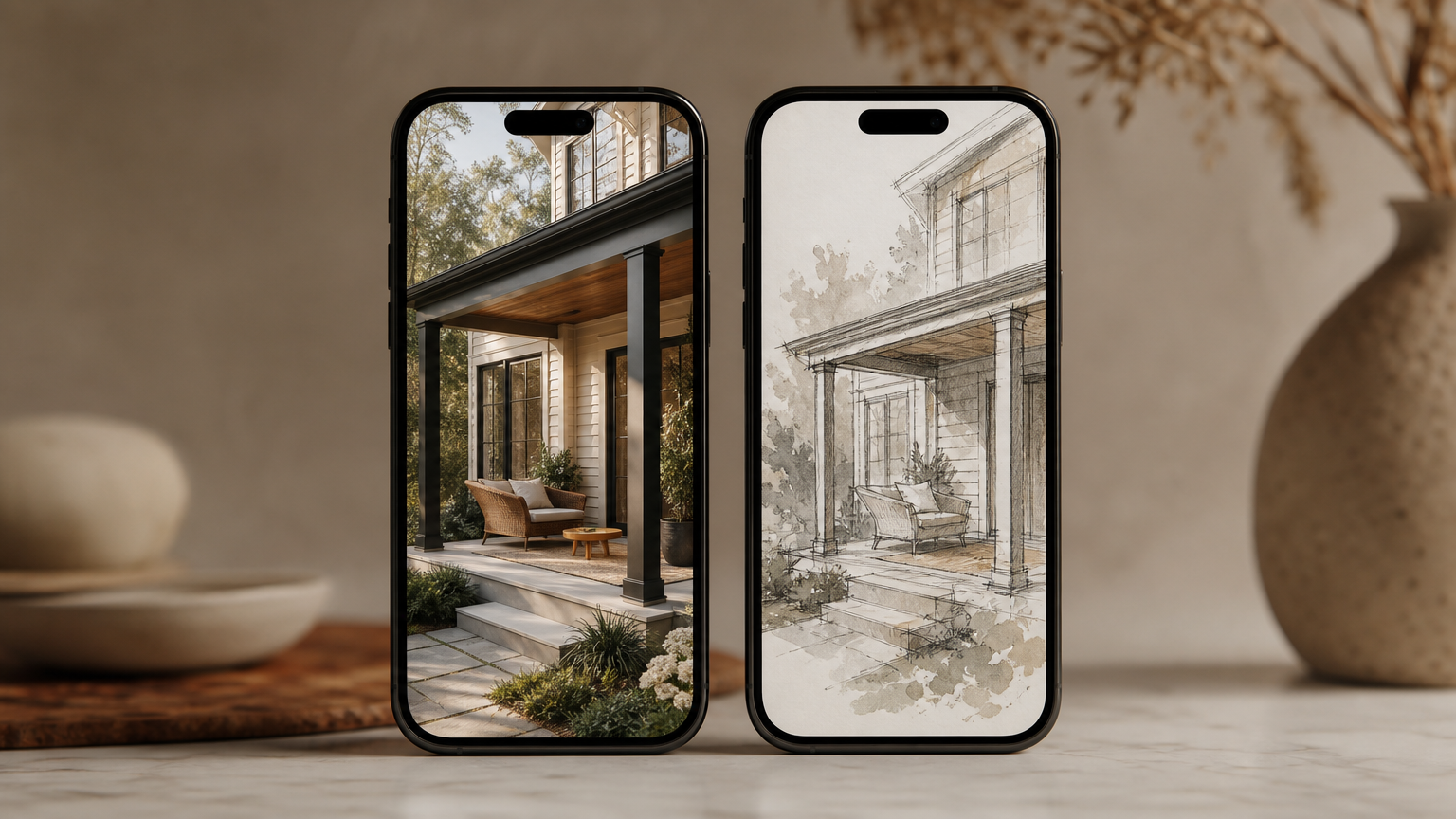
Photo Realism vs. Concept Visualization
Photorealistic renders are essential when presenting ideas to contractors, lenders, or family; concept-level outputs work for brainstorming only. Match the realism level to your decision stage, a distinction we apply across the AI interior design reviews too.
Style Library Depth
A library under 20 styles caps experimentation quickly. HomeGPT (70+) and Renovate AI (100+) give meaningful range, while narrower tools like mnml.ai trade breadth for facade specialization. Browse the broader AI home design hub to see how style depth varies across categories.
Free Tier and Pricing Fairness
Free tiers vary widely. HomeGPT is effectively unlimited, Renovate AI caps free users at 10 renders per day, and Luw.ai is free until you need HD exports. Always confirm whether the free tier includes watermark-free downloads, which we flag in our pricing notes for comparable tools.
Mobile and Desktop Access
On-site visits are easier with a tablet in hand. Renovate AI is optimized for iPad, desktop, and mobile, while HomeGPT and Luw.ai are browser-based. If you sketch on the go, prioritize native apps, and cross-check accessibility against our AI create workspace notes.
How to Choose the Right App for Your Exterior Project

The right pick depends entirely on where you are in the project arc. Early-stage inspiration gathering rewards free, fast tools like HomeGPT or mnml.ai; you want volume and variety more than fidelity, the same logic our editors apply in the AI house plans reviews.
Once you are preparing a contractor brief, swap to photorealistic output. Renoworks Pro and the integrated workflows we cover at AI Renovation are stronger fits because catalog-accurate renders prevent expensive miscommunications. Budget-conscious users should still verify watermark policies before paying, and designers needing sketch-to-render or 3D model export should evaluate Luw.ai's full suite end to end.
Frequently Asked Questions
What is the best free AI app for exterior home design?
HomeGPT is the strongest fully free option, with 70+ styles, no account required, and renders in under 30 seconds. Luw.ai is a close second, free to start with optional paid upgrades for HD exports and video.
Can AI apps accurately show what my house will look like after renovation?
Photorealistic apps like Renovate AI, Renoworks Pro, and HomeGPT produce renders close enough to guide real decisions. They are best treated as high-fidelity sketches, not engineering drawings, especially for structural changes that need a contractor's review.
Do I need design skills to use an AI exterior home design app?
No. The category is built for non-designers. Most apps follow a three-step flow: upload a photo, pick a style, receive a render. HomeGPT and Renovate AI are particularly forgiving for first-time users with no prior design background.
Which AI app lets me change my home's exterior paint color virtually?
Renovate AI offers a dedicated exterior painting preview, and HomeGPT lets you select paint-led styles such as Modern or Farmhouse. Both let you compare color schemes against your actual photo before committing to a contractor's paint order.
Can I use an AI exterior design app on my phone?
Yes. Renovate AI ships native apps for iPad and mobile, while HomeGPT and Luw.ai run in any modern phone browser. For on-site visits, a tablet remains the most comfortable option for comparing renders against the real facade.
How long does it take an AI app to generate an exterior home design?
Most apps return a result in 10 to 30 seconds. Luw.ai reports a 10-second average, and HomeGPT advertises sub-30-second renders. Speeds vary with image resolution, server load, and whether you are using a free or paid tier.
Are my home photos safe when I upload them to an AI design app?
Privacy practices vary by vendor. Renovate AI states that user photos are stored securely and never used for AI training. Always read the privacy policy before uploading, especially if the photo includes identifiable details such as house numbers.
What architectural styles do AI exterior design apps support?
Coverage spans Modern, Farmhouse, Contemporary, Mediterranean, Craftsman, Transitional, Mid-Century, Colonial, and dozens more. HomeGPT offers 70+ styles and Renovate AI offers 100+, so most mainstream and regional aesthetics are well represented across the category.
The Quiet Takeaway
The best AI exterior design tool is the one that matches your decision stage, not the one with the longest feature list. Start free, render often, and only pay when a contractor needs a watermark-free image. For deeper category breakdowns and side-by-side reviews, the full AI Renovation tools directory is the next stop. Picture your house in that softer afternoon light, then let the render catch up.
Ready to get started? Try our AI Garden Design, or Home Exterior Design AI.