
How to Redesign Your Home: Plan One Room Refresh
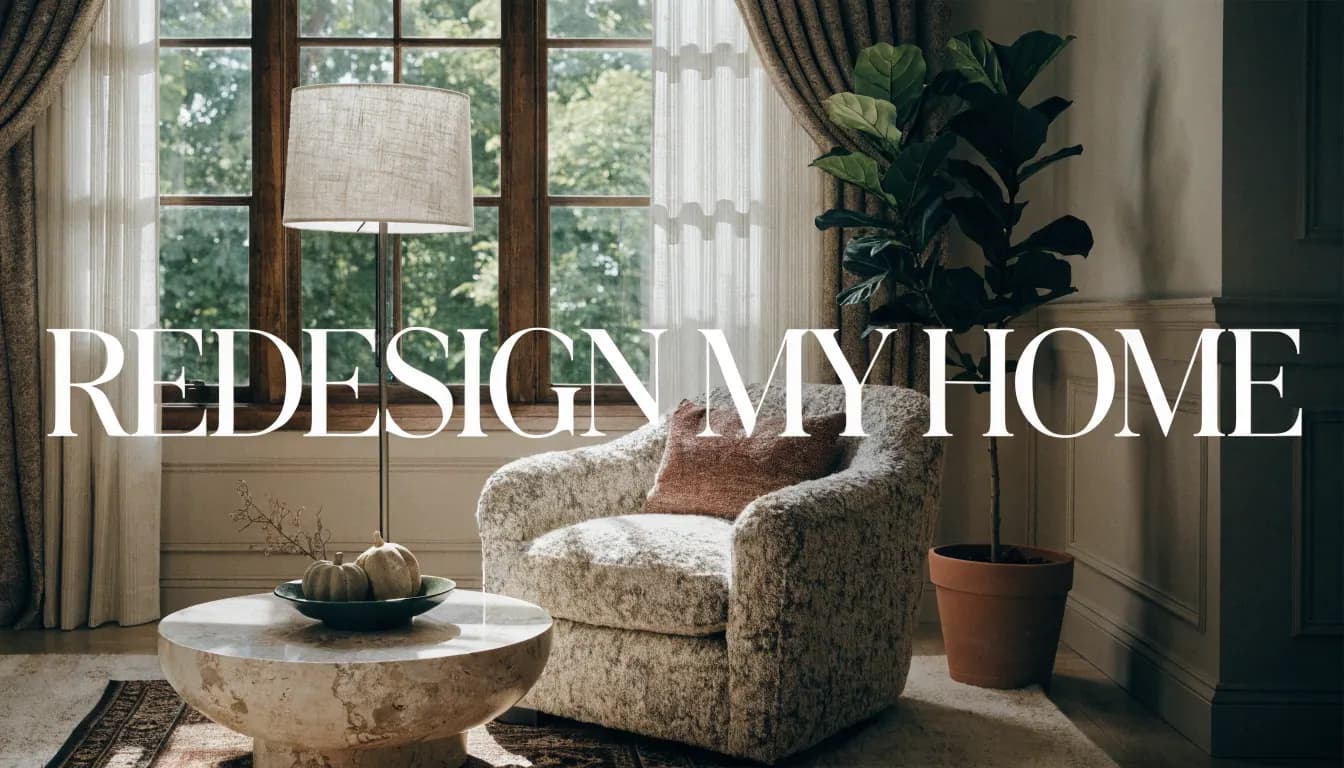
Choose one room and one practical goal: a reading corner, less visual clutter, a different wall colour or a seating arrangement that suits the way you use the space. Then decide what stays. That constraint is more useful than asking an image generator to change everything.
Make a short room brief
- What does the room need to support?
- Which furniture, finishes and objects will remain?
- What is the main frustration, and when does it occur?
- What are the actual dimensions and access constraints?
- What amount can you spend, in your local currency, including delivery or fitting?
Collect real prices for the changes you are considering. This guide has no completed room budget or savings study behind it; it does not rank a universal cheapest or highest-impact improvement.
Paint and finishes
Use samples of the actual product in the room under the light you normally use. Follow the manufacturer's preparation and coating instructions for that product and surface. The right primer or number of coats cannot be determined from a generated photo.
For an appearance concept, Wall paint exposes a Colour choice. It does not match a paint manufacturer's finish exactly or model daylight. A broader style change is available through Interior restyle.
Lighting
Observe where you need light for reading, movement and other tasks. Try the existing lamps in suitable locations and check glare and convenience. Confirm compatibility and installation requirements before changing fittings. Electrical work needs the appropriate local professional.
AI Renovation does not run a lighting audit or offer a measured warm/cool lighting simulation. A brighter generated image is not evidence that a particular lamp will light your room adequately.
Furniture and movement
Measure the room, furniture, door swings and delivery route. Mark out a proposed arrangement physically where practical, keeping routes usable. Choose placement around your own needs rather than a fixed sofa distance or a mandatory symmetrical layout.
Furniture preview needs both the room photo and a reference image. It can explore an appearance, but the object can be altered and the image does not confirm dimensions or fit. For a large item, use the supplier's real measurements before purchasing.
Textiles, art and retained objects
Choose items that work with what you are keeping. Record size, care requirements, cost and how they will be fitted. Sample fabrics and check the actual wall or floor area; a generated rug or curtain is not a specification.
Review one change at a time
- Save the original room photo and list the fixed features.
- Choose a relevant Studio mode and inspect its available control.
- Compare the result against the original, looking for unwanted object or geometry changes.
- Keep a short note about the visual idea you prefer.
- Verify samples, measurements and prices separately before acting.
The blank visual concept review provides one place to record the input, selected mode, altered features, real measurements and next action.
Generation requires a photo, an account and available credits. A still costs one credit; new accounts receive three one-time trial credits for eligible tools. Custom prompt requires a paid plan. The number of attempts is not a promise of usable results. Check current access and pricing before generating.
If the project expands into walls, services or other building work, use the remodeling scope guide and get the appropriate site assessment. A concept is a conversation aid, not an approval or a quotation.
Ready to get started? Try our Home Renovation AI Photo Concepts, or Redecorate a Room from Your Photo.