
Home Exterior Makeover: The Before-and-After Guide for 2026
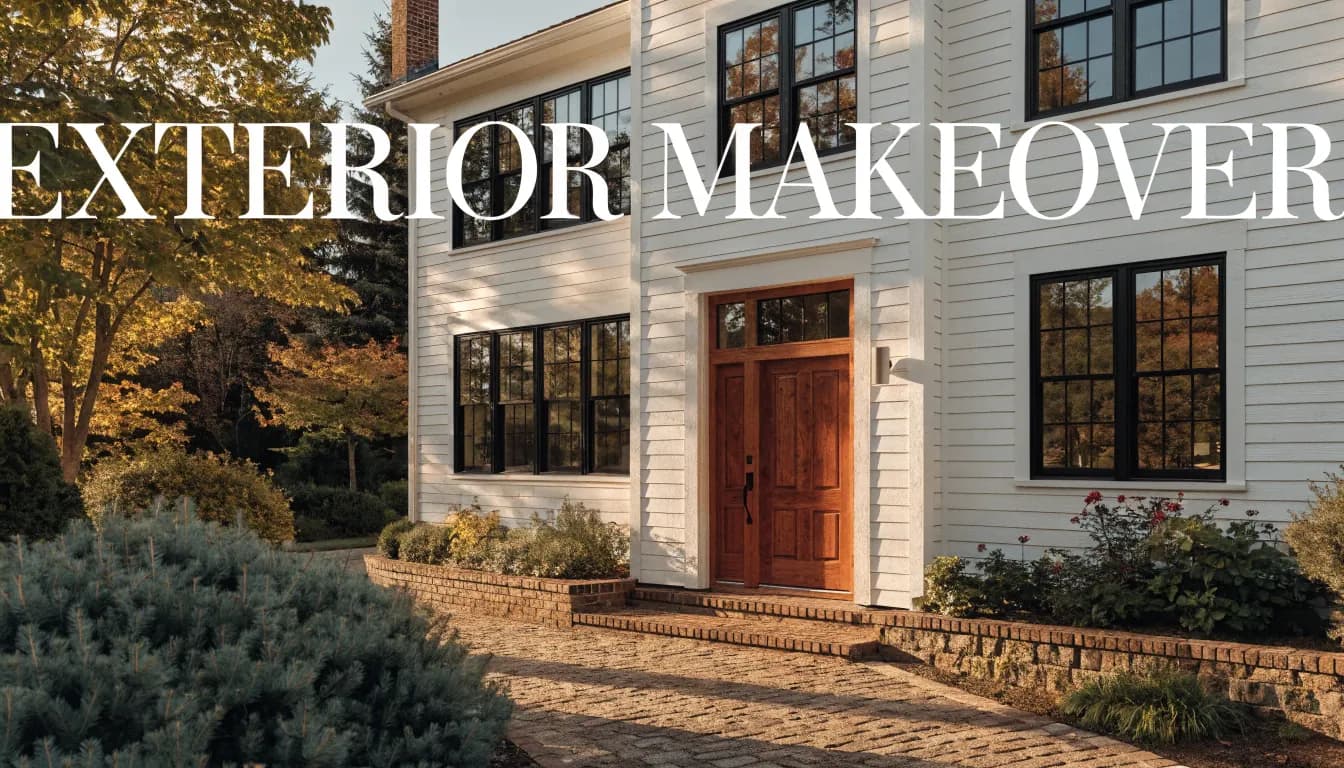
A useful exterior brief separates the look you want from the work required to achieve it. Start with the fixed parts of the house, compare a small set of visual directions, and turn the preferred idea into questions for the people supplying and doing the work.
List what stays and what is open to change
Make two lists beside a current house photo. The first contains retained elements, such as the roof, brick, windows, driveway or an established tree. The second contains the decisions you are actually considering: entry colour, trim contrast, a cladding appearance or planting mood.
Keep defects and maintenance questions on a separate list. An attractive image cannot assess the condition of a roof, coating, structure or drainage system. Do not infer a repair method from a generated appearance.
Compare directions around the same fixed features
Illustrative planning brief: “Keep the existing red brick and dark roof. Compare a warm, low-contrast entry with a lighter entry and stronger trim contrast.” This demonstrates how to frame a decision. It is not a report of a completed renovation or generated result.
Use the home exterior visualizer to explore a direction. Its entry opens Outdoor & landscaping with photo and style controls. Check your retained-feature list against every result; the generator may change the elements you intended to keep.
If the decision is mainly the entrance and small facade details, use the focused curb appeal page. If it is mainly the garden, keep the garden concept separate so you can tell which change explains your preference.
Check why an image looks better
Compare rooflines, window sizes, door openings, levels and boundaries with the original. Then ask what improved the appearance. Was it a different colour relationship, brighter lighting, a missing parked car, denser planting or a changed building shape?
Keep a preferred palette even if you reject an invented detail. Write down the rejection explicitly: “Like the lighter entry; roof and windows in this image are inaccurate.” This makes the image more useful in a conversation than presenting it as a complete instruction.
Confirm the physical choices
Request the relevant colour and material samples and inspect them at the property. Ask suppliers about suitability for the existing surface and ask the appropriate professional about the proposed work. This guide does not specify cleaning, coating, structural or installation methods.
For planting, check suitability, mature size and maintenance with a local nursery or landscape professional. A generated plant image is not a verified species selection or planting schedule. Keep any local approval questions separate from visual preferences. Use the landscaping planning guide to organise planting, access and drainage questions around the house.
Prepare a useful quote brief
Give a contractor or designer the original photo, your preferred concept marked as a concept, the retained-feature list, the changes you actually want quoted, and the unanswered product or feasibility questions. State whether you are seeking a cosmetic change or a more substantial scope.
Compare quotes against that same written scope rather than against the image alone. The project-scope guide can help organise separate decisions. Before using the visualizer, check current plan and credit terms.
Your exterior makeover checklist
- I separated retained features from possible changes.
- I separated maintenance and feasibility questions from appearance.
- I identified why I preferred one visual direction.
- I marked invented roof, window or boundary changes.
- My quote brief includes the original photo, scope and unanswered questions.
AI Renovation requires a photo, an account and credits to generate. New accounts receive three one-time trial credits for eligible still tools; each still costs one credit. Custom prompt requires a paid plan. This guide documents a planning method, not a successful output, measured result or completed building project.
Ready to get started? Try our Curb Appeal AI Photo Concepts, or Home Exterior Design AI: Exterior Visualizer From Your Photo.