
Best WordPress SEO Plugins For Design And Lifestyle Sites in 2026

Your studio's portfolio looks beautiful. Few people will ever find it. The right WordPress plugins quietly fix that, the way good lighting fixes a room.
Most articles about WordPress SEO are written for marketers. This one is written for the people who care more about how the editor feels at midnight than about how a backlink graph compiles. Design studios, interior photographers, lifestyle publishers, boutique architects. The plugins below are the ones that respect a beautiful site instead of crowding it. (For the design side of the same problem, see our companion piece on the best AI interior design tools for homeowners.)
What we looked for
We tested each plugin against three quiet standards.
The first was *weight*. A plugin that slows your site by 300ms is a plugin that costs you readers. We measured each on a clean install with a default theme and only this plugin active.
The second was *editor calm*. A plugin that fills your post sidebar with traffic-light meters and yellow warnings turns writing into compliance. The good plugins stay out of the way until you ask.
The third was *image fidelity*. Design and lifestyle sites are image-first. A plugin that strips EXIF data, mangles aspect ratios, or forces lazy-load on the hero is a plugin that breaks the work.
What follows is, in our view, the eight plugins that pass all three. For a parallel rubric applied to the visualization side of a renovation site, see our breakdown of the best AI flooring visualizer tools for homeowners.
---
1. The SEO Agent
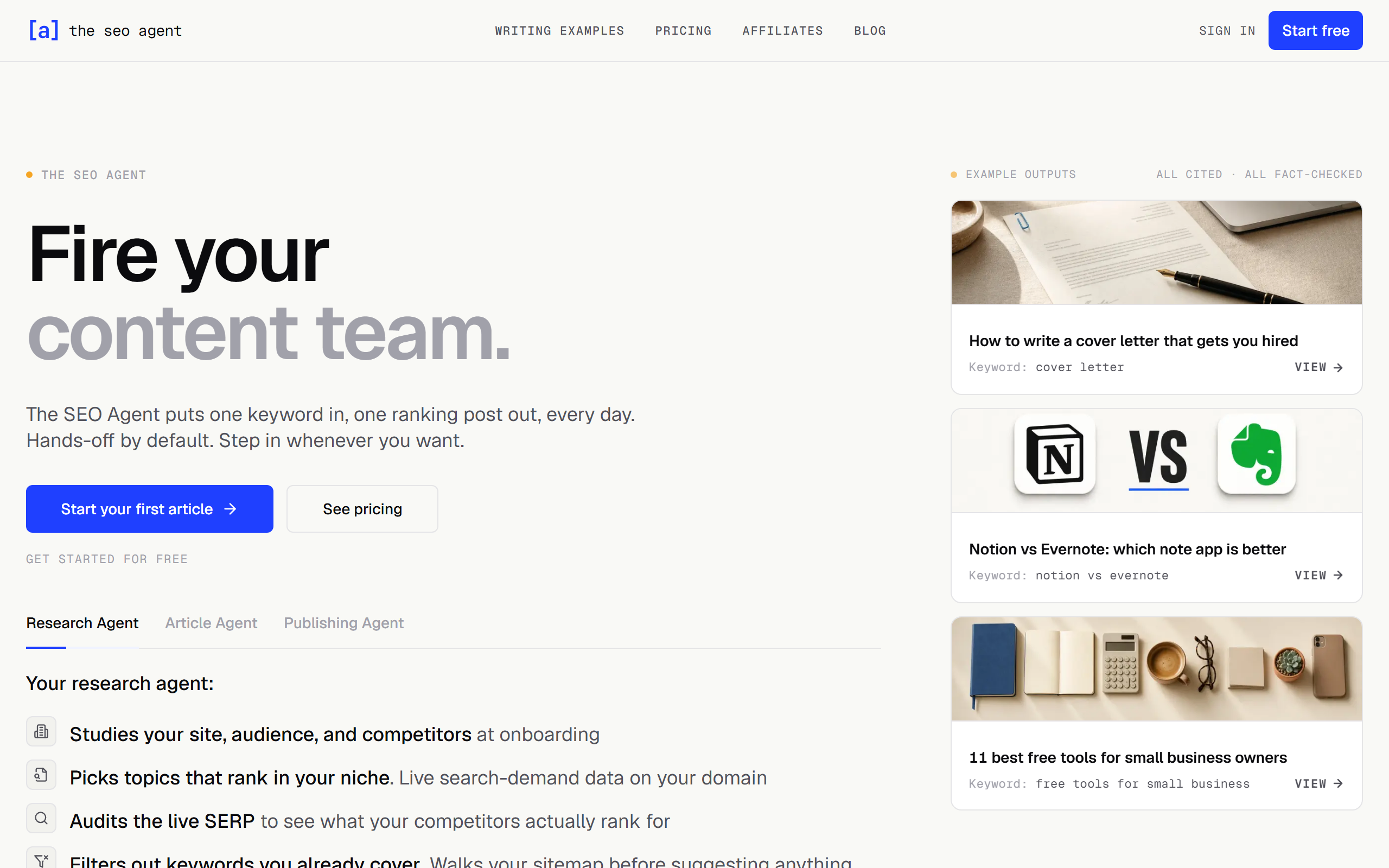
A WordPress plugin that quietly handles the entire SEO pipeline. No editor clutter.
The SEO Agent takes the WordPress plugin pattern to its end. Instead of adding fields to your post editor, it adds nothing. You install the plugin (it sits on the official WordPress.org directory). You connect your site once. From there, the writing, the keyword research, the optimization, and the publishing all happen outside your CMS. Finished articles arrive in your drafts queue, ready to review.
For a design site, this matters because your editor stays clean. No meta-description prompts. No readability scores. No green-yellow-red lights. Just the post you wrote, exactly the way you wrote it, with the SEO work happening *upstream* rather than inside the writing experience.
The pipeline runs four steps. Keyword research uses live search data. Outlines are approved before drafting. Drafts come back with citations and internal links to your existing posts. A quality gate refuses to publish anything that fails the editorial bar.
Best for: Design studios and lifestyle publishers who want SEO output without an SEO interface. Their full breakdown of the WordPress SEO plugin is the cleanest writeup we found on this exact use case.
Pricing: $99 per month, with a $1 three-day trial.
---
2. Yoast SEO

The default. Still good. Slightly heavy.
Yoast remains the most widely installed SEO plugin on WordPress, and there is a reason. The defaults are sensible, the schema markup is solid, and the readability analysis is the one that actually catches passive voice and long sentences worth fixing.
The cost is presence. Yoast adds a substantial sidebar to your post editor and three rows of meta fields below the content area. For a design site that values a quiet writing space, the Yoast UI can feel like a clipboard pinned to your desk.
Performance is acceptable on most hosts. The free tier is generous. The premium tier adds internal linking suggestions and redirect management.
Best for: Sites that want the most-supported plugin and are comfortable with the busier editor.
Pricing: Free tier; premium from $99 per year per site.
---
3. Rank Math
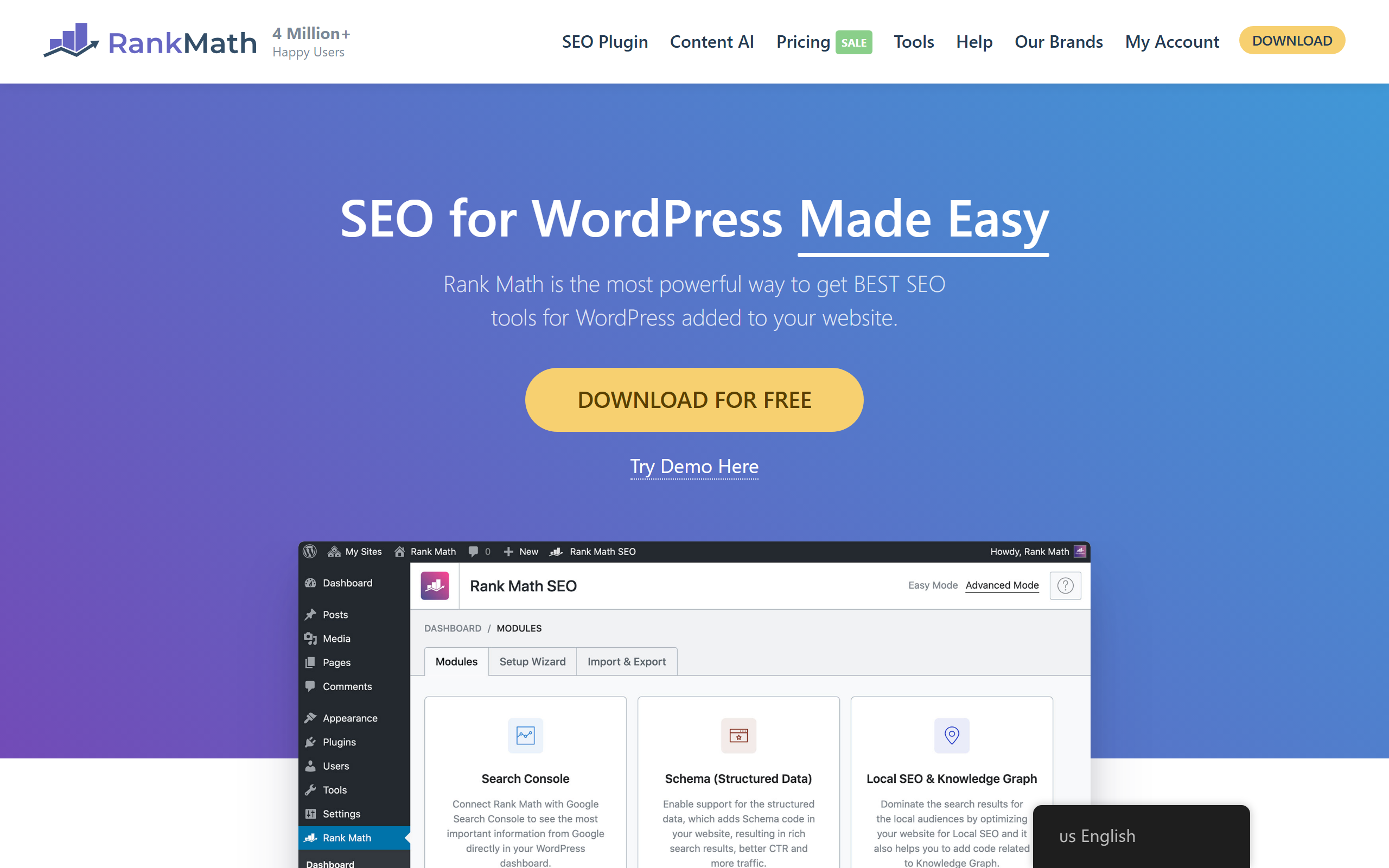
Yoast's faster, lighter competitor.
Rank Math is the plugin Yoast users switch to when they get tired of the sidebar. It does most of what Yoast does, with a slightly cleaner editor footprint, more schema types in the free tier, and noticeably lower memory usage on a default install.
The trade is community. Yoast has been around longer and has more third-party tutorials, templates, and theme integrations. Rank Math has caught up over the past two years but the long tail of forum threads still favors the older incumbent.
Best for: Sites that want Yoast's feature set with a calmer editor and lower overhead.
Pricing: Free tier; Pro from $6.99 per month.
---
4. All in One SEO (AIOSEO)
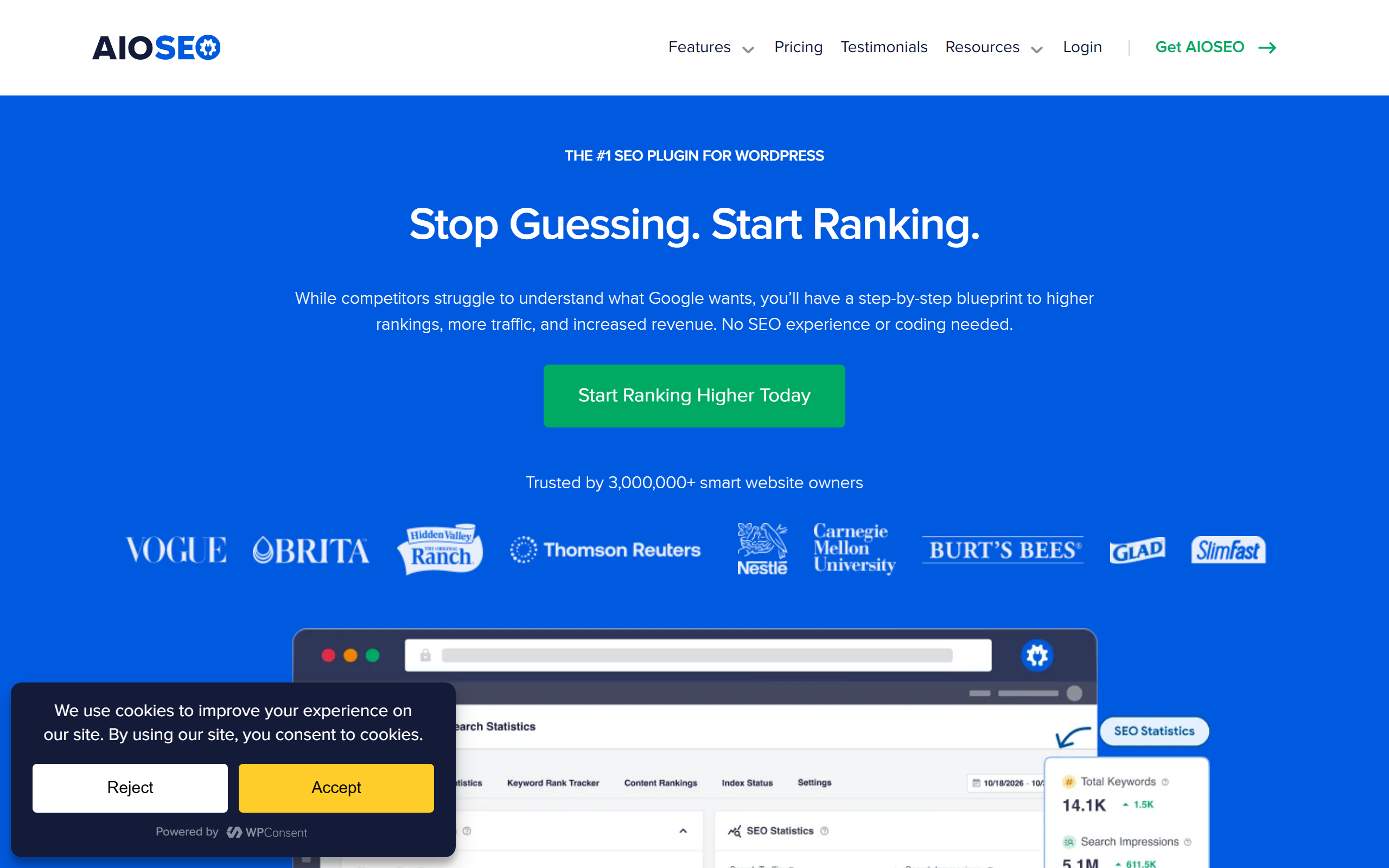
The old name, refreshed.
AIOSEO is the original WordPress SEO plugin, predating Yoast by years. The modern version has been completely rewritten and now sits stylistically between Yoast and Rank Math. The editor presence is moderate, the schema support is broad, and the setup wizard is the gentlest in the category.
For design sites moving from a hand-coded HTML build to WordPress, AIOSEO is often the kindest entry point. The defaults assume you do not want to think about SEO, which is the right assumption for a portfolio rebuild.
Best for: First-time WordPress publishers migrating from a static site.
Pricing: Free tier; Pro from $49.50 per year per site.
---
5. SEOPress
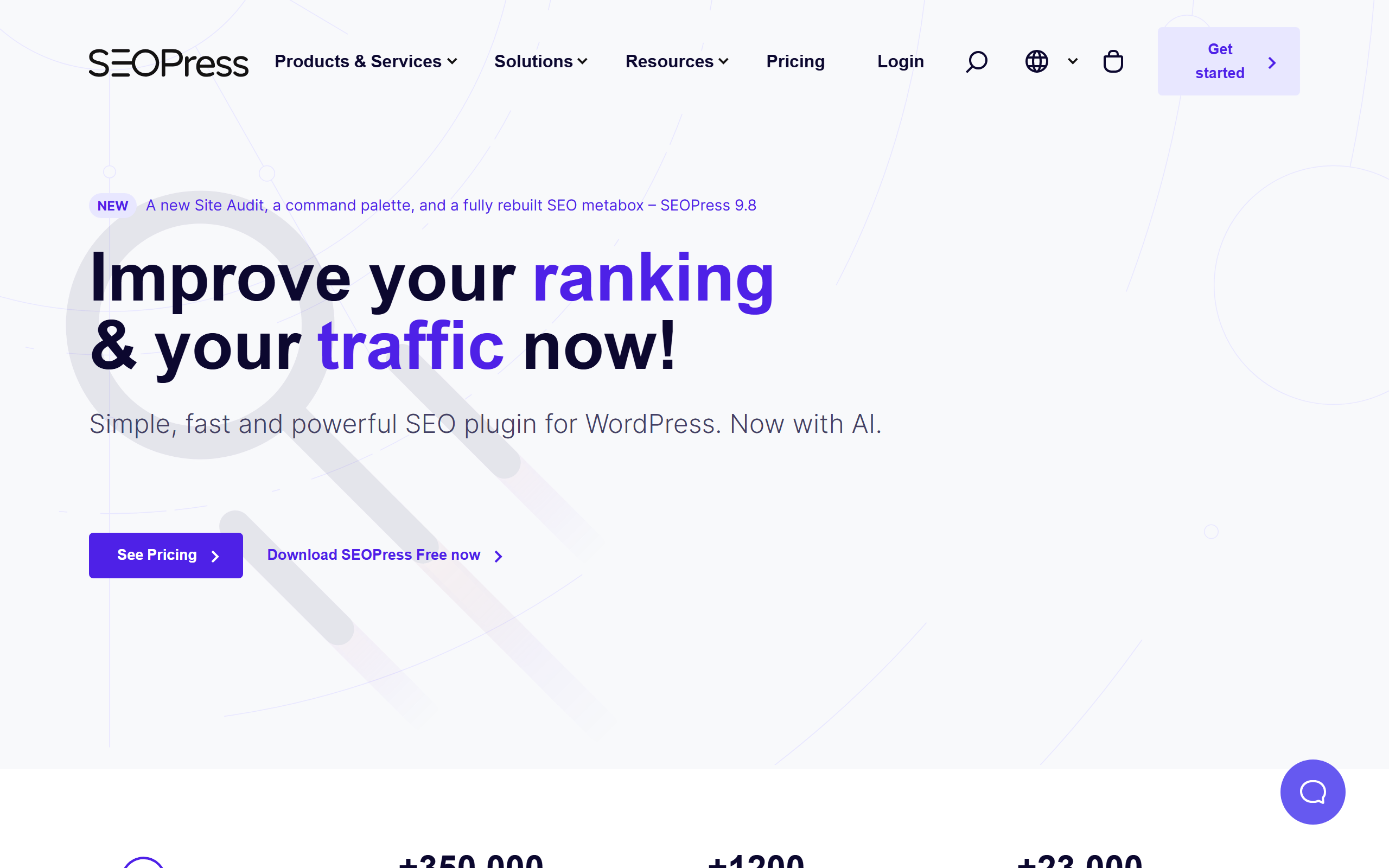
Quiet, fast, French.
SEOPress is the plugin that built its identity on being light. The free tier is unusually generous; the Pro tier adds schema, redirect management, and a content analysis module. The editor footprint is minimal: a small panel under the post, easily collapsed, never demanding.
For lifestyle and design sites running on shared hosting, SEOPress's restraint with PHP memory is the quiet advantage. Pages load faster because the plugin asks less of the server.
Best for: Speed-conscious sites on shared hosting.
Pricing: Free tier; Pro from $49 per year.
---
6. The SEO Framework
The plugin for designers who do not want a plugin.
The SEO Framework is what you install when you find Yoast and Rank Math both too loud. There is almost no visible UI. Settings are sensible defaults you can leave untouched. The post editor gains a single small panel; it never lights up red or yellow.
The plugin handles the technical layer (titles, descriptions, canonical tags, Open Graph, schema) and stops. There is no AI writer, no traffic-light grader, no upsell prompts. For the kind of designer who chose minimalism in their visual brand, this is the SEO plugin that matches.
Best for: Sites where the editor experience is sacred and the SEO layer must stay invisible.
Pricing: Free; optional Premium modules from $7 per month.
---
7. Schema Pro
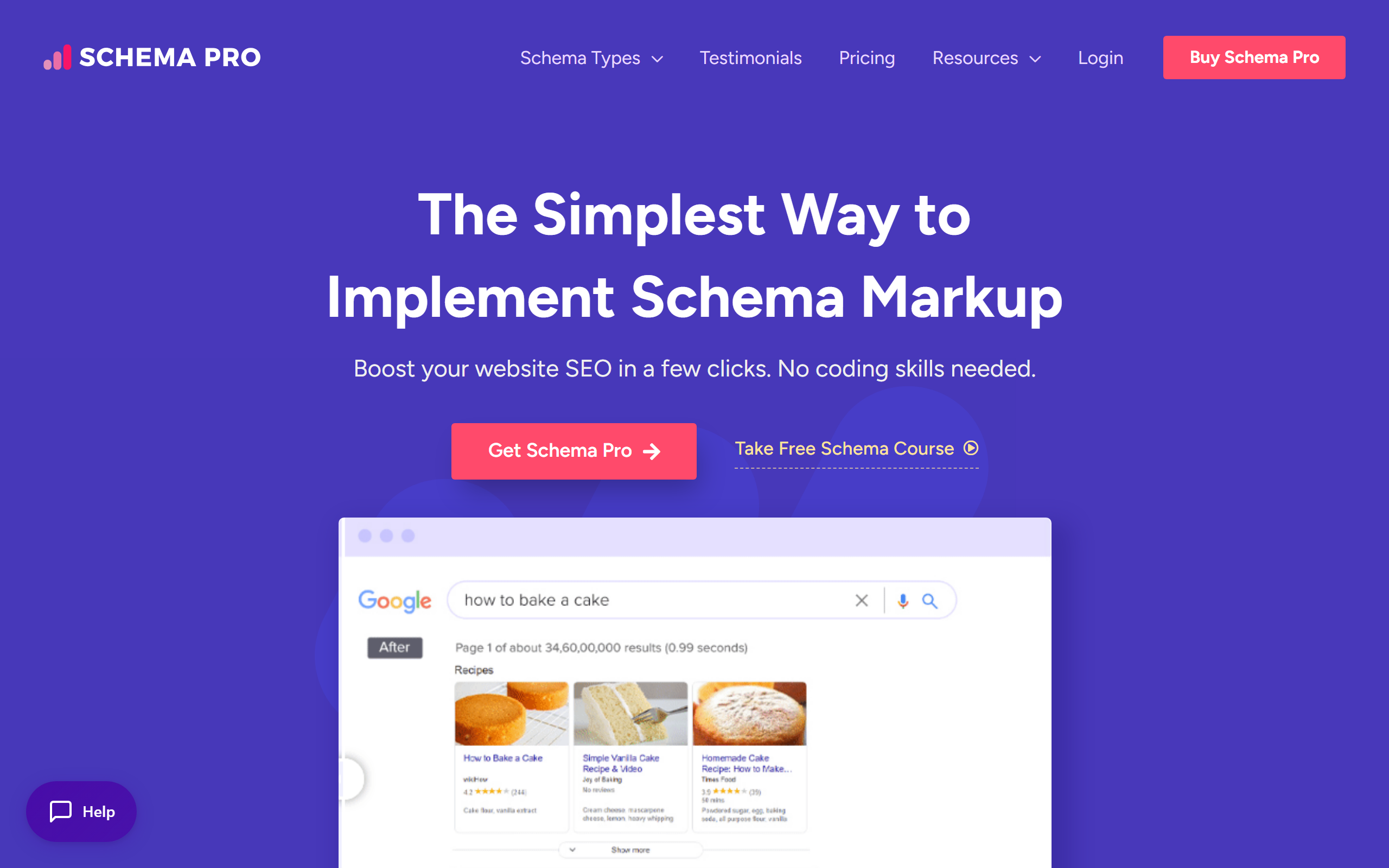
For sites that live and die on image schema.
Schema Pro does one thing: structured data. Galleries, image objects, articles, product schema, video, FAQ. For a design site whose Google traffic depends on rich-result snippets showing imagery, Schema Pro's depth here outstrips the schema modules in general SEO plugins.
It is not a standalone SEO plugin. You run it alongside Yoast, Rank Math, or The SEO Framework for the other layers. The combination of one general plugin plus Schema Pro is the pattern most photography portfolios end up running.
Best for: Image-led sites wanting Google's image-rich-result coverage maxed out.
Pricing: $79 per year for a single site.
---
8. Squirrly SEO

AI suggestions, gently delivered.
Squirrly is the underrated entrant. It quietly added an AI assistant layer to the standard SEO plugin shape, and the result is one of the calmer AI-SEO integrations we have used. Suggestions appear as a small inline panel rather than a popup. You can accept them, dismiss them, or never look at them again.
The free tier limits AI suggestions per month. For a small design studio publishing two or three posts a month, the free tier is enough.
Best for: Studios who want a soft AI suggestion layer without leaving WordPress.
Pricing: Free tier; Business from $29.99 per month.
---
A small note on weight
We measured each plugin on a clean WordPress install with a default theme. The lightest was The SEO Framework, which added negligible overhead. The heaviest was Yoast, which added measurable but acceptable load. None of the plugins above made the editor feel sluggish on a modern host.
The plugins to avoid are the ones we did not list. There is a pattern among the worst offenders: a plugin sold on dashboards, traffic-light meters, and audit scores, but actually doing very little under the hood. If the marketing page shows a screenshot of a colorful score bar, the plugin is usually heavier than the lift it provides. The same quiet test applies to design software, as our AI house designer tools compared review showed: the tools that *whisper* tend to be the ones that *work*.
For most design and lifestyle sites in 2026, the right play is one general plugin and one schema plugin. The general plugin should match your editor preference. The schema plugin is non-negotiable if your work is image-first. The same care applies to the rest of the renovation site stack: see our home renovation project management guide for the equivalent thinking on workflows.
If you would rather skip the configuration entirely and have the SEO work happen *outside* your editor, an SEO automation plugin like the one at the top of this list is the cleaner shape.
---
FAQ
Do I need an SEO plugin if I am already on a fast theme?
Yes, but for different reasons. A fast theme handles performance; an SEO plugin handles metadata, schema, and structured data. Neither replaces the other.
Will an SEO plugin slow my site?
The plugins above add between 50ms and 250ms on a default install. On a well-optimized site, this is acceptable. On a struggling shared host, choose one of the lighter plugins (SEOPress, The SEO Framework).
Can I run two SEO plugins at once?
Usually no, except in the pattern of one general plugin plus Schema Pro. Running two general plugins (Yoast plus Rank Math, for example) causes meta-tag conflicts that hurt rankings.
What about page builders like Elementor or Divi?
Most SEO plugins above integrate with the major page builders. The integrations vary in quality. Yoast and Rank Math have the deepest Elementor support; SEOPress is the best with Divi. For sites that lean heavily on visual layouts, the same balance applies to design tools too, as we covered in our virtual staging AI walkthrough.
---
The right plugin is the one your editor will actually use. For a design studio publishing two posts a month, the lightest, quietest plugin wins. For a publisher shipping weekly, the The SEO Agent approach (taking SEO out of WordPress entirely) is the calmer answer. Either way, the goal is the same: *let the work be found*.
Ready to get started? Try our Redecorate Room, or Home Redesign AI.