
Best AI Interior Design Tools for Homeowners in 2026

Picture the moment before a redesign begins: an empty corner, a tired sofa, an afternoon light that never quite lands right. Choosing the correct AI interior design tool can spare homeowners thousands of dollars in décor regret and the slow ache of second-guessing every furniture choice. AI Renovation leads this 2026 shortlist of ten options, ranked on rendering quality, ease of use, fair pricing, and quiet, practical value for people who do not call themselves designers. Whether you are reworking one room or planning a full refresh, the tools below cover every budget and skill level.
How We Ranked These AI Interior Design Tools

Before listing the picks, here are the five criteria that shaped the order. These are the same questions a careful homeowner would ask before opening their wallet, and they keep the comparison grounded in finishes, light, and proportion rather than marketing copy. You can argue with them, and you should.
- Rendering photorealism. Output had to be credible enough to share with a contractor or a furniture retailer without caveats. We tested each AI interior design engine against the same living-room photo and judged shadow accuracy, material grain, and edge cleanliness.
- Ease of use. A first-time user should complete a redesign without reading documentation or watching a tutorial. The friendlier AI home design workflows won points here.
- Pricing fairness. Free-tier generosity, per-credit transparency, and the absence of forced annual lock-ins all mattered. The published pricing structure of each tool was weighed against typical homeowner usage.
- Style breadth. Tools offering fewer than ten distinct styles scored lower. *Scandinavian, Japandi, Art Deco, Coastal, Bohemian, Industrial* and their cousins should all be one click away.
- Practical utility. Flooring previews, wall-color testing, furniture swap, and shop-direct links earned extra points, as did extras like an AI furniture generator that move beyond static visualization.
Takeaway: photorealism and pricing carried the most weight, with practical editing features as the tiebreaker.
Quick Summary of the Best AI Interior Design Tools
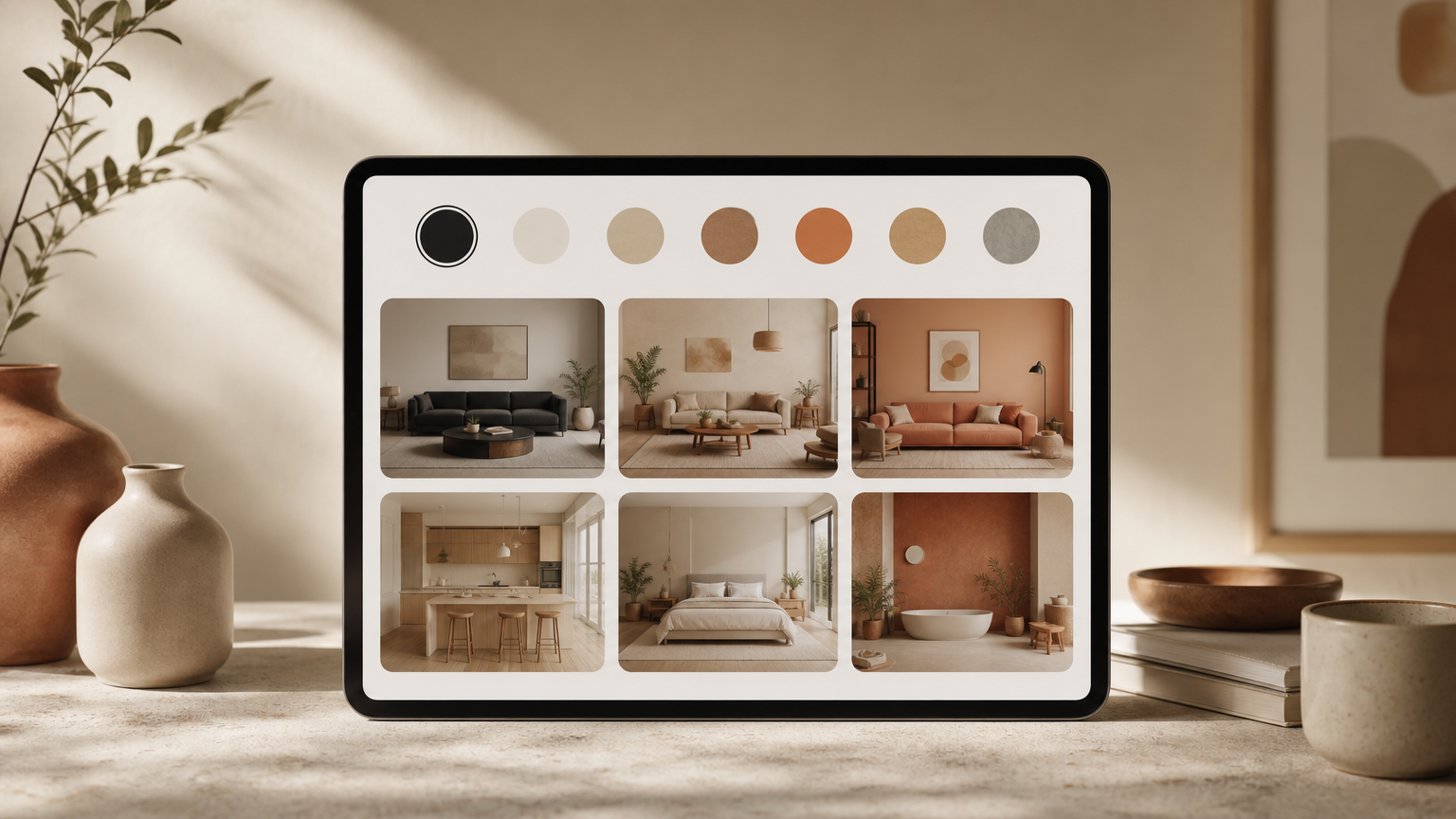
A glance at the field before the deeper reviews. Each entry sits inside the broader home renovation planning category, but the right pick depends on whether you want speed, polish, or a full layout rebuild.
- AI Renovation, Best Overall. Photorealistic rendering, room-specific workflows, homeowner-first features.
- RoomGPT, Best for single-photo redesigns; used by over 2 million people.
- Decory, Best mobile app; 500,000-plus downloads, 4.8-star App Store rating, roughly 30-second turnaround.
- Spacely AI, Best free tier; instant photorealistic renders with no credit card.
- REimagineHome, Best for real-estate virtual staging.
- Planner 5D, Best for full floor-plan editing alongside AI rendering.
- Homevisualizer.AI, Best for combined exterior and interior previews.
- Remodel AI, Best for structural renovation previews such as wall removal.
- DecorAI, Best for quick style experimentation on a budget.
- Collov AI, Best for designers needing client-facing presentation output.
Takeaway: free entry points exist, but homeowners planning multi-room work should expect to land on a paid plan within a week.
Top AI Interior Design Tools Reviewed
1. AI Renovation, Best Overall
AI Renovation pairs photorealistic rendering with room-specific workflows for kitchens, bathrooms, living rooms, and exteriors. Homeowners upload a single photo, pick a style, and receive an output detailed enough to share with a contractor. The platform's room redesign canvas handles surface finishes, furniture swaps, and palette shifts in one continuous session, which keeps the planning rhythm unbroken.
- Pricing: Free renders to start; paid plans scale by render volume.
- Standout feature: Combined floor-plan editing and photorealistic rendering in one workflow.
- Who it's for: Homeowners planning a single room or a full multi-room refresh.
- Honest weakness: The breadth of options can feel like a lot on day one; new users should start with a single room.
2. RoomGPT, Best for Quick Single-Photo Redesigns

RoomGPT has been used by more than 2 million people, according to RoomGPT's own homepage, making it the most proven free-entry option. The workflow is almost defiantly simple: upload one photo, pick a theme, wait. It is the lowest-friction way for a beginner to see their own room reimagined, and it slots neatly next to a more thorough AI room visualizer for serious planning.
- Pricing: Free trial; paid credits beyond that.
- Standout feature: One-photo upload with theme presets.
- Who it's for: First-timers curious about a single room.
- Honest weakness: Limited editing once the render is generated; you cannot swap a single chair.
3. Decory, Best Mobile App

Decory has surpassed 500,000 downloads with a 4.8-star App Store rating and delivers redesigns in about 30 seconds across more than fifteen styles, as documented on Decory's product page. It supports object removal, ten flooring swaps, prompt-based wall-color generation, and in-app furniture search. The mobile-first feel makes it an easy companion to a more comprehensive AI app for house design on the desktop.
- Pricing: Free on iOS and Android.
- Standout feature: Direct furniture shopping inside the app.
- Who it's for: Phone-first users who want results during a coffee break.
- Honest weakness: Output resolution is tuned for mobile screens, not contractor-grade prints.
4. Spacely AI, Best Free Tier

Spacely generates photorealistic renders instantly with no credit card required, lowering the threshold for first-time experimenters. Its free tier is unusually generous, and the rendering quality holds up well next to paid competitors. For homeowners comparing it against an AI home staging workflow, Spacely's strength is speed rather than depth of editing.
- Pricing: Free tier with no credit card; paid upgrades available.
- Standout feature: Instant photorealistic output without signup friction.
- Who it's for: Curious browsers and budget-conscious first-timers.
- Honest weakness: Limited fine-grained editing once the render lands.
5. REimagineHome, Best for Real-Estate Staging
REimagineHome is frequently cited by agents for virtual staging of empty rooms, a use case that differs meaningfully from lived-in decoration. Listings staged through tools in this category, including options inside the broader AI generated home space, tend to attract more click-throughs than blank-room photos.
- Pricing: Per-image credits.
- Standout feature: High-resolution export tuned for listing photos.
- Who it's for: Real-estate professionals and landlords.
- Honest weakness: Less useful for homeowners actually living in the space.
6. Planner 5D, Best for Full Floor-Plan Editing
Planner 5D integrates AI suggestions into a drag-and-drop floor-plan editor, making it the strongest pick when layout changes (not just finishes) are the goal. It complements a focused AI floor plan workflow for users who need to move walls before choosing rugs.
- Pricing: Free tier; subscription unlocks premium objects.
- Standout feature: 2D and 3D editing in the same canvas.
- Who it's for: Homeowners considering structural change.
- Honest weakness: The learning curve is steeper than photo-upload tools.
7. Homevisualizer.AI, Best for Exterior and Interior Combo
Homevisualizer handles both façade and interior renders in one account, which is useful when a renovation touches both. Pair it with a dedicated AI exterior design pass for siding, roofing, and landscape previews.
- Pricing: Subscription with monthly render limits.
- Standout feature: Single workflow for exterior and interior.
- Who it's for: Whole-home refresh planners.
- Honest weakness: Style library is narrower than mobile-first competitors.
8. Remodel AI, Best for Structural Renovation Previews

Remodel AI focuses on wall removal, window additions, and other structural moves, giving homeowners a preview of renovation outcomes before contacting a contractor. It complements a full AI remodel house workflow when the scope goes beyond surfaces.
- Pricing: Credit-based.
- Standout feature: Structural change previews.
- Who it's for: Homeowners weighing a real renovation.
- Honest weakness: Furniture styling is secondary to structure.
Takeaway: the right tool depends on whether you are reshaping a room or simply redressing it.
At a Glance Comparison
| Rank | Tool | Pricing | Best For | Standout |
|---|---|---|---|---|
| 1 | AI Renovation | Free start, paid scale | Overall homeowner workflow | Floor plan + photorealistic render |
| 2 | RoomGPT | Free trial | Single-photo redesign | One-click themes |
| 3 | Decory | Free (iOS/Android) | Mobile users | 30-second turnaround |
| 4 | Spacely AI | Free tier, no card | First-time experimenters | Instant render |
| 5 | REimagineHome | Per-image credits | Virtual staging | Listing-grade export |
| 6 | Planner 5D | Free + subscription | Floor-plan editing | 2D/3D canvas |
| 7 | Homevisualizer.AI | Subscription | Exterior + interior | Combined workflow |
| 8 | Remodel AI | Credit-based | Structural changes | Wall removal preview |
Free tiers vary widely: Spacely and RoomGPT skip the credit card, Decory is free on mobile, while desktop tools usually cap free renders at three to five per month. Style counts run from around ten on Remodel AI to fifteen-plus on Decory, with open-ended prompts inside the AI interior workflow. Mobile tools return results in under a minute; browser-based renderers with higher fidelity typically take one to three minutes.
Takeaway: only Planner 5D and AI Renovation pair full floor-plan editing with AI rendering in one place.
What to Look for in an AI Interior Design Tool

Rendering Fidelity and Output Resolution
Output resolution matters when sharing renders with contractors or furniture retailers. Look for tools that export at 1080p or higher; anything less reads as a sketch rather than a plan. A polished AI architecture design generator should produce files you can print without pixel grain creeping in along the trim.
Style Library Depth and Customization
A broad library, Scandinavian, Japandi, Art Deco, Coastal, Bohemian, Industrial, and at least ten more, reduces the need to bounce between tools for different rooms. The deeper AI for home catalogs let you apply a reference image directly, which is the closest thing to handing the software a mood board.
Practical Editing Features Beyond Rendering
Object swap, flooring preview, wall-color generation, and direct furniture shopping links turn a visualization toy into a real planning tool. The same logic applies to specialist views such as AI bathroom design, where tile previews and fixture swaps decide whether the output is usable.
Pricing Structure and Free-Tier Limits
Per-credit pricing can become expensive at scale. A homeowner redesigning five rooms in three styles may need fifteen-plus renders, so a monthly plan often beats pay-per-render. Privacy policies also differ; tools that store uploaded photos for model training should disclose it, and a quick scan of the features page usually reveals the relevant opt-outs.
Takeaway: resolution, style depth, editing extras, and honest pricing form the four-legged stool of a tool worth keeping.
How to Choose the Right Tool for Your Home Project

The shortlist narrows quickly once the project is named. Homeowners tackling a single room on a tight budget should start with a free-tier option, RoomGPT or Spacely, before upgrading. Those planning a multi-room renovation or layout change benefit most from tools that fold floor-plan editing into the same workflow as AI rendering, which is where a dedicated AI home design canvas earns its keep.
Real-estate sellers and landlords staging empty properties should prioritize tools with virtual staging features and high-resolution export for listings. Mobile-first users who want fast results on the go will find Decory's thirty-second turnaround and 4.8-star rating the most practical day-to-day option, and they can browse a wider collection of AI tools when the project grows.
Takeaway: match the tool's depth to the project's scope, not to the marketing page.
Frequently Asked Questions
Are AI interior design tools free to use?
Many offer free tiers. RoomGPT and Spacely allow free renders without a credit card, and Decory is free on iOS and Android. Most desktop tools cap free renders at three to five per month before requesting payment.
How accurate are AI-generated room designs compared to real interior designer work?
AI tools produce photorealistic visualizations quickly and cheaply but cannot replace a designer's judgment on traffic flow, material durability, or local sourcing. Use them for ideation and contractor briefs, not final specification on complex projects.
Can AI interior design tools work from a photo of my existing room?
Yes. Most modern tools, including RoomGPT, Decory, and AI Renovation, accept a single photo of your current space and generate redesigns based on it. Better lighting and a wider angle in the original photo produce noticeably cleaner output.
Which AI interior design tool is best for beginners with no design experience?
RoomGPT is the gentlest starting point thanks to its one-photo, one-click workflow. Decory's mobile app is a close second, and Spacely's free tier removes signup friction entirely for users who want to test the waters first.
Do AI interior design tools let you buy the furniture they suggest?
Some do. Decory includes in-app furniture search and shopping links, and several competitors are adding retailer integrations. Most tools still treat purchase as a separate step, leaving the buying decision and the price comparison to the homeowner.
Can I use an AI interior design tool for exterior renovation planning?
Yes. Homevisualizer.AI and dedicated exterior tools generate façade, roofing, and landscape previews. Combining an interior workflow with an exterior pass gives a coherent picture before any contractor visit, especially for whole-home refreshes.
Are AI interior design tools good for staging a home before selling?
Very much so. REimagineHome and similar staging-focused tools produce listing-grade renders of empty rooms at a fraction of physical staging cost. High-resolution export and realistic furniture placement are the two features to verify before subscribing.
How long does it take an AI tool to generate a room redesign?
Mobile tools like Decory return results in roughly thirty seconds. Browser-based renderers with higher fidelity typically take one to three minutes per image. Complex multi-room or floor-plan edits can run longer, especially on free tiers with queueing.
A Quiet Closing Thought
A room is finally just a feeling, warm light on a soft palette, a sofa that matches the proportion of the wall behind it. The tools above turn that feeling into something you can see before you buy a single cushion. Start with a free render, sit with the result for a day, then refine inside the AI Renovation explore gallery when the direction feels right. The best design choices are usually the ones you can already picture clearly.
---
*Built with The SEO Agent.*
Ready to get started? Try our Redecorate Room, or Home Redesign AI.