
Best Kitchen Remodel Visualizer Apps for Homeowners in 2026

Choosing finishes, layouts, and cabinet styles *before* a single wall comes down is the quiet difference between a kitchen you love and a kitchen you keep apologizing for. The right kitchen remodel visualizer app lets homeowners experiment with real-scale 3D models and augmented reality before committing to a finish, a footprint, or a five-figure cabinet order. At AI Renovation we track and review dozens of these tools; this guide ranks six of the strongest by accuracy, ease of use, and practical planning value.
How we ranked these kitchen visualizer apps
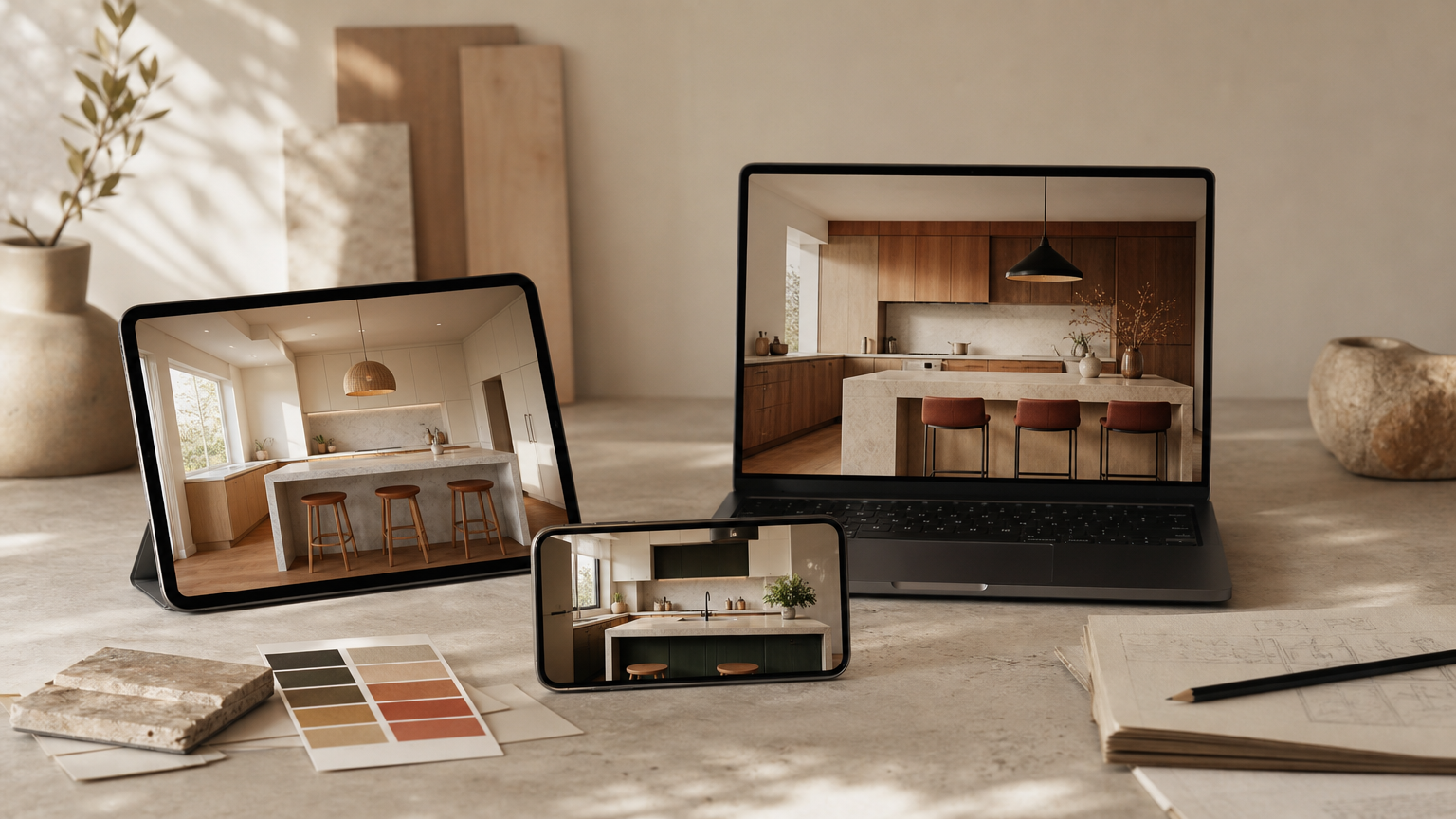
Visualizer apps span a wide range, from quick photo-overlay toys to dimensionally accurate floor planners. To keep the list honest, we narrowed the field with a consistent rubric rather than ranking on vibe. Our broader AI home renovation coverage uses the same criteria across categories.
Ranking criteria explained
- 3D and AR rendering quality. Apps that produce believable lighting, materials, and proportion scored higher. Flat 2D-only tools were penalized for projects involving finish selection.
- Ease of use for non-designers. A homeowner should reach a sketched layout in under an hour without a tutorial. Tools with strong AI-assisted home design workflows naturally earned points here.
- Catalog depth. Cabinets, countertops, flooring, hardware, and backsplash variety determine whether the app can match the products you'll actually buy. The same logic shapes our AI interior design picks.
- Export and sharing. PDF floor plans, shareable links, or contractor-ready drawings make an app useful past personal browsing; we lean on similar criteria in our AI floor plan reviews.
- Cost and free-tier honesty. A free tier should include room setup, at least one material swap, and a save or share function. Time-limited trials were treated as paid.
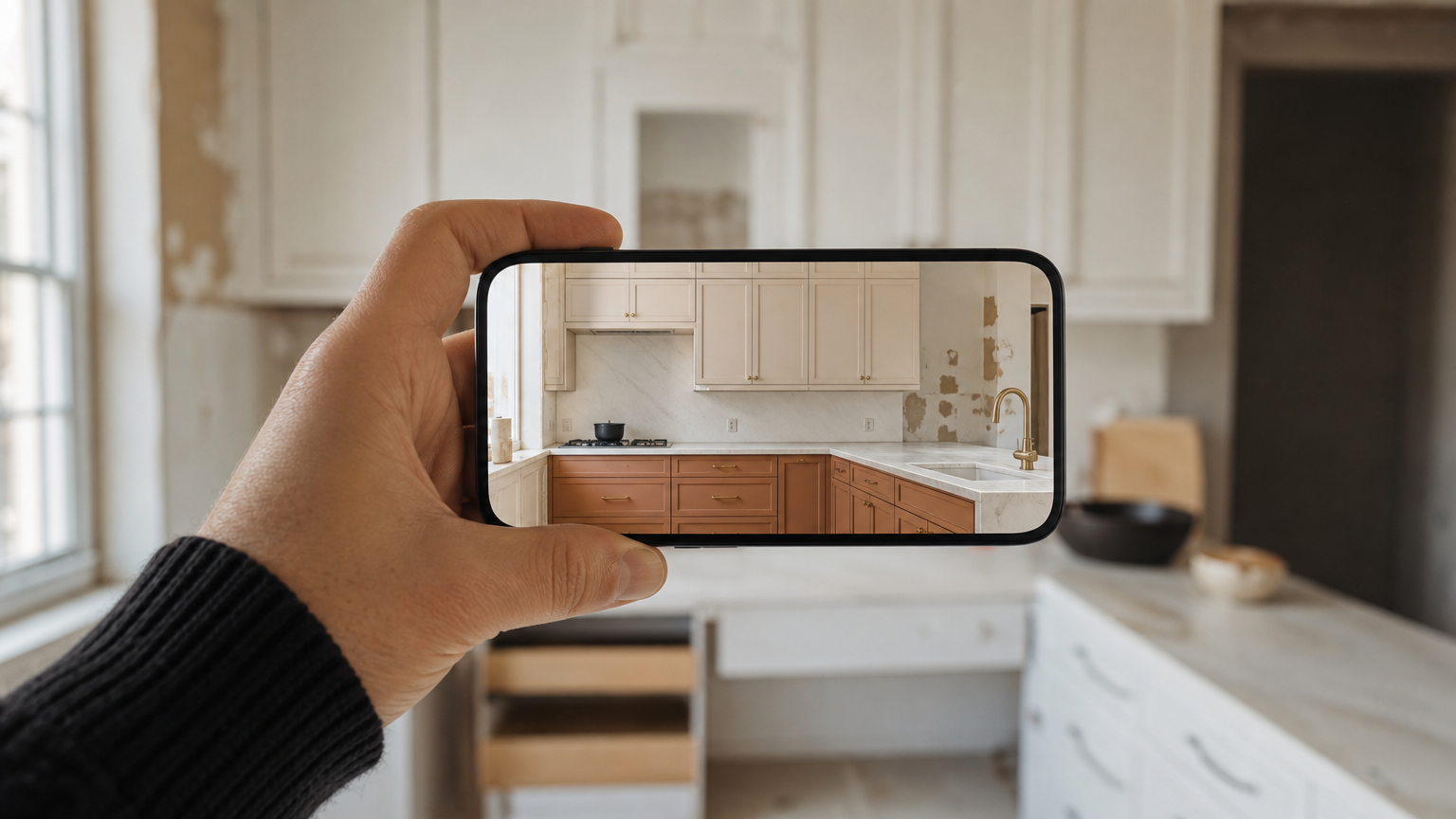
Apps supporting AR room overlays and LiDAR scanning scored highest because they reduce the guesswork of scale. Cross-platform availability (iOS plus Android) was weighted alongside, since home design apps live and die on which phone you actually own.
Quick summary of the best kitchen remodel visualizer apps
- ARKitchen, Best for AR Visualization. LiDAR scanning plus four design modes.
- KraftMaid Visualizer, Best for Cabinet Planning. Door styles, finishes, hardware, all in one flow.
- Houzz, Best for Inspiration. Tens of millions of room photos with a built-in sketch tool.
- Planner 5D, Best Free All-Around. Drag-and-drop 2D/3D across web, iOS, and Android.
- Homestyler, Best for Quick Mockups. Photo-canvas concepting with browser access.
- IKEA Home Planner / HomebyMe, Best for Catalog-Tied Buyers. Tight product integration and collaborative sharing.
For homeowners who want an AI-generated starting point before opening any of these, the AI renovation generator produces a quick concept image from a photo of your existing kitchen.
At a glance: top kitchen remodel visualizer apps compared
| Rank | App | Pricing | Platforms | Best for | Standout |
|---|---|---|---|---|---|
| 1 | ARKitchen | Free + IAP | iOS | AR visualization | LiDAR floor scan |
| 2 | KraftMaid Visualizer | Free | Web | Cabinet planning | Door + finish swap |
| 3 | Houzz | Free | iOS, Android, Web | Inspiration | 25M+ room photos |
| 4 | Planner 5D | Freemium | iOS, Android, Web | Free all-around | 2D/3D toggle |
| 5 | Homestyler | Freemium | Web, mobile | Quick mockups | Photo-canvas mode |
| 6 | IKEA / HomebyMe | Free | Web | Catalog buyers | Shareable scenes |
Catalog-tied tools like KraftMaid and IKEA's planners trade range for accuracy: every cabinet you see is one you can order. General planners trade accuracy for range. Our AI home renovation tools hub groups these by use case if you want to compare further.
Deep dives: each app reviewed
1. ARKitchen, Best for Augmented Reality
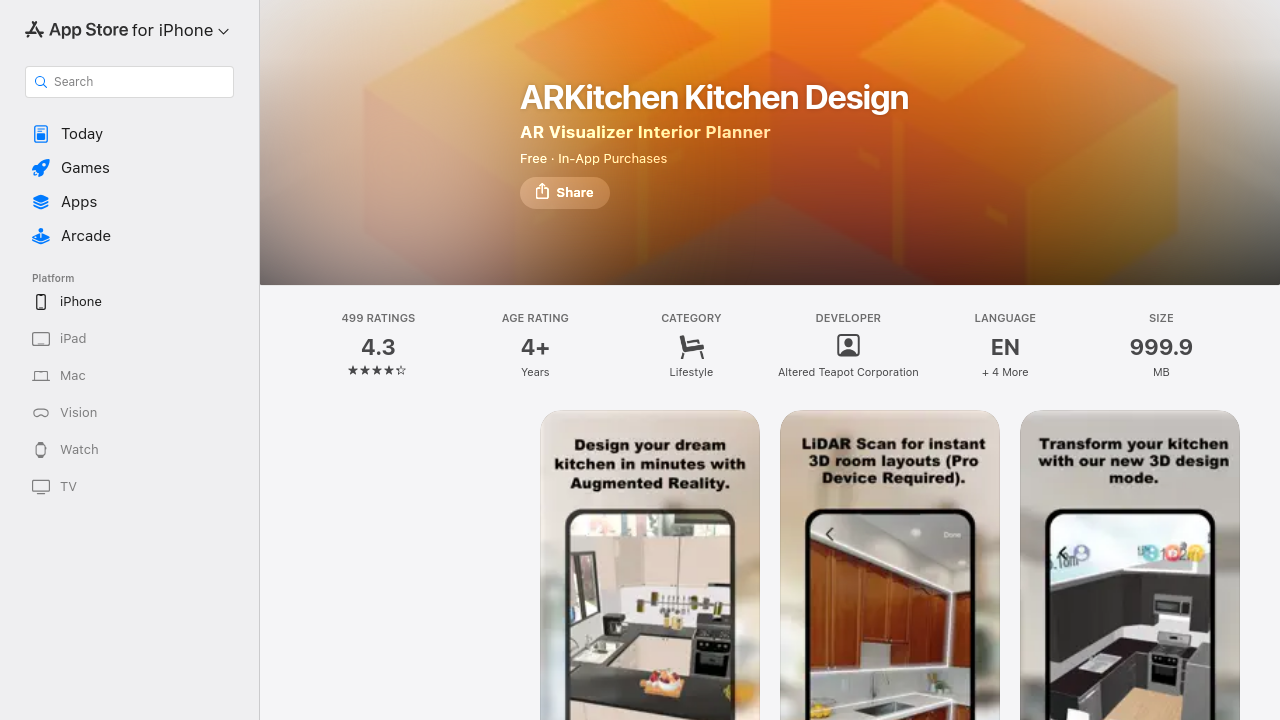
ARKitchen earns the top spot for any homeowner whose phone supports it. According to the ARKitchen App Store listing, the app holds a 4.3-star rating across 499 ratings and offers four distinct modes: classic AR, LiDAR scan, 3D design, and a 2D planner. The LiDAR Scan Mode, available on iOS Pro devices, automatically generates a dimensionally accurate floor plan, which users report eliminates manual tape-measure steps. Pricing is free to download with in-app purchases. The catch: no Android version yet, so half the market is locked out. If you already plan to model the rest of the home, pair it with a broader AI interior generator for non-kitchen rooms.
2. KraftMaid Visualizer, Best for Cabinet Planning
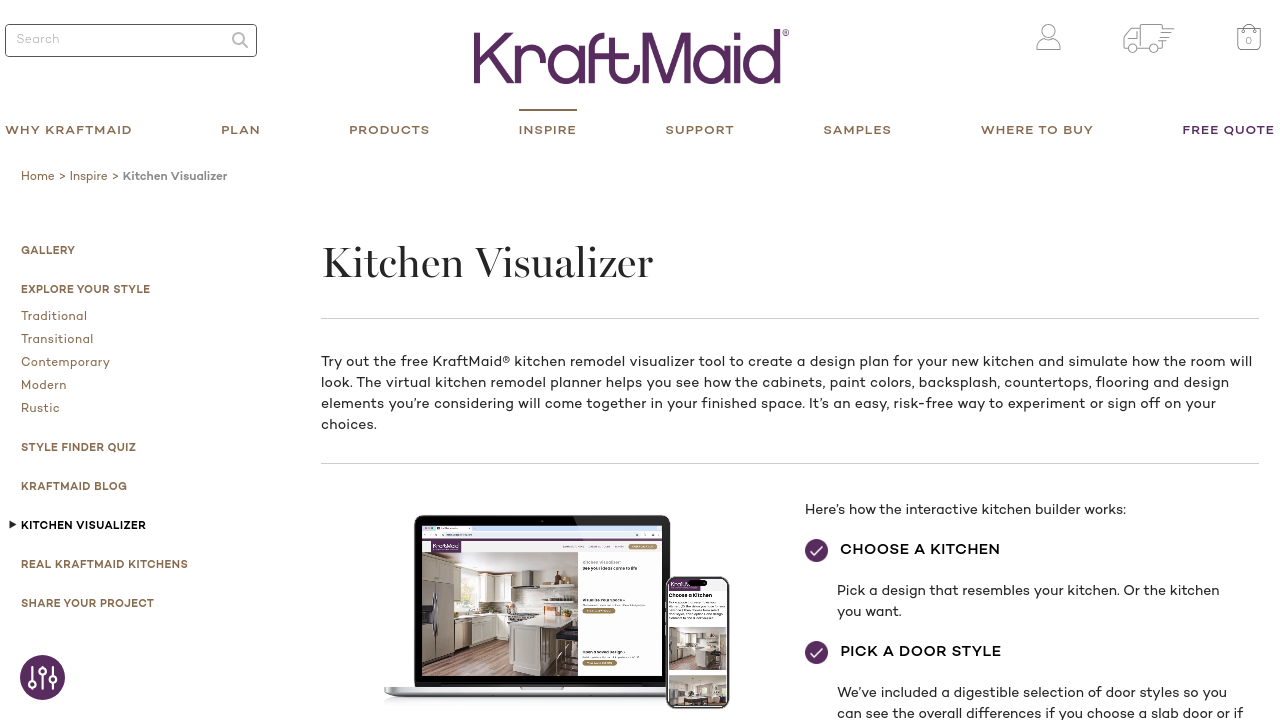
The KraftMaid kitchen visualizer walks users through a four-step flow: pick a kitchen template, choose a door style (slab, raised panel, recessed, grooved), select a cabinet finish (paint, stain, or both), then layer in countertops, backsplash, hardware, and flooring. It is web-based, free, and produces clean, realistic mockups. The honest weakness: every option is a KraftMaid SKU, so the app is most useful if KraftMaid is already on your shortlist. For broader cabinet exploration, our notes on AI furniture generation cover non-branded alternatives.
3. Houzz, Best for Inspiration and Product Discovery
Houzz documents tens of millions of high-resolution room photos and lets users save collections, then sketch a rough floor plan inside the same app. Products shown in photos link directly to retailers, which shortens the path from "I like that backsplash" to "I can buy it." It is the strongest inspiration tool on the list and the weakest precision-planning tool, the sketch feature is for rough layouts, not contractor handoff. Pair it with a dedicated planner. Our renovation inspiration gallery functions similarly without the marketplace nudge.
4. Planner 5D, Best Free All-Around Option
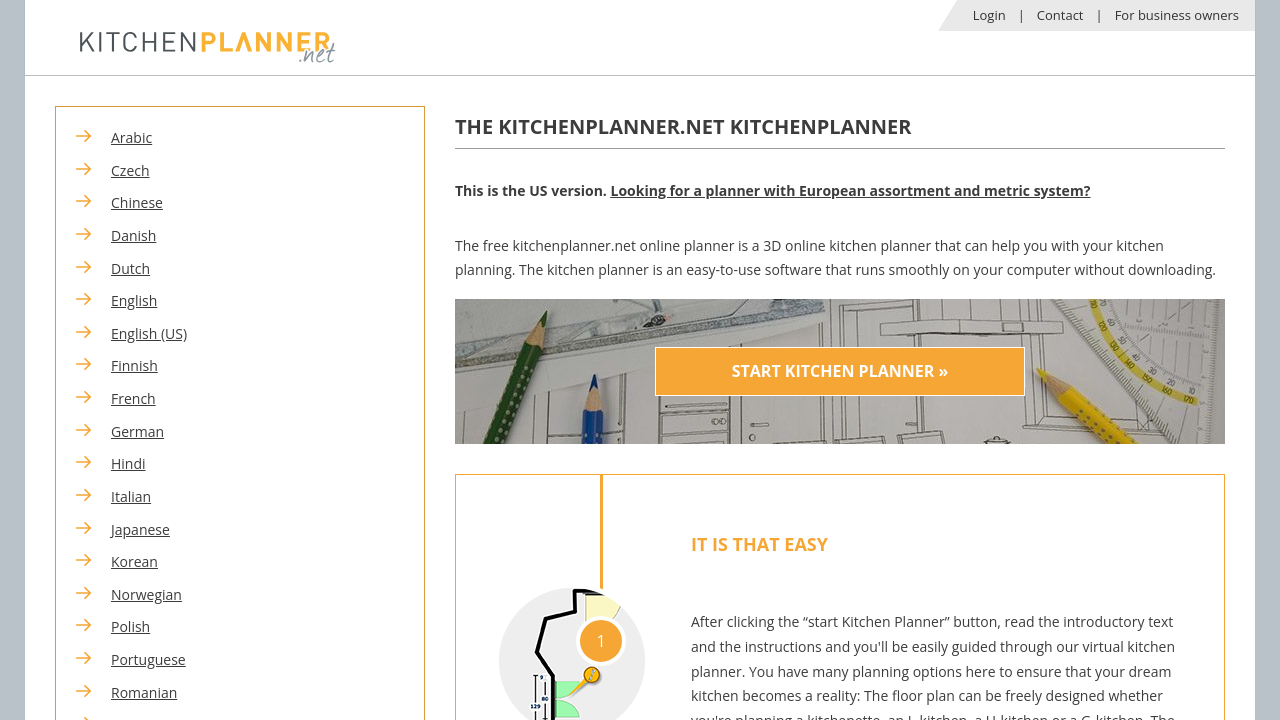
Planner 5D offers drag-and-drop furniture and fixture placement in both 2D and 3D, with a free web version that requires no download and full iOS and Android apps. It is the most balanced free option: catalog is generic but broad, the UI is forgiving for first-timers, and 3D walkthroughs are smooth on mid-range hardware. The weakness is rendering realism, which falls short of branded-catalog tools. Homeowners scoping a whole house can extend the same workflow with free 3D home design online.
5. Homestyler, Best for Quick Concept Mockups
Homestyler is web and mobile, uses room photo uploads as a base canvas, and is oriented toward fast concept experimentation rather than precise measurement planning. It is the right tool for the first weekend of a project, when you are still deciding between an open island and a peninsula. The weakness is that exports are not contractor-grade; treat the output as a mood board, not a build document. For dimensionally exact plans, fall back to a proper 3D house planner.
6. IKEA Home Planner / HomebyMe
IKEA Home Planner is tied to IKEA's catalog and serves shoppers who have already chosen the SEKTION cabinet system; HomebyMe (its sister product) is more open and collaborative, with shareable scenes and room-by-room planning. Both are free. The weakness is the IKEA-first catalog skew on HomebyMe, even when you ostensibly have other product options. For homeowners committed to the brand, it is a near-perfect fit. Homeowners outside that ecosystem will get more from the AI app for house design.
What to look for in a kitchen remodel visualizer app
Measurement accuracy
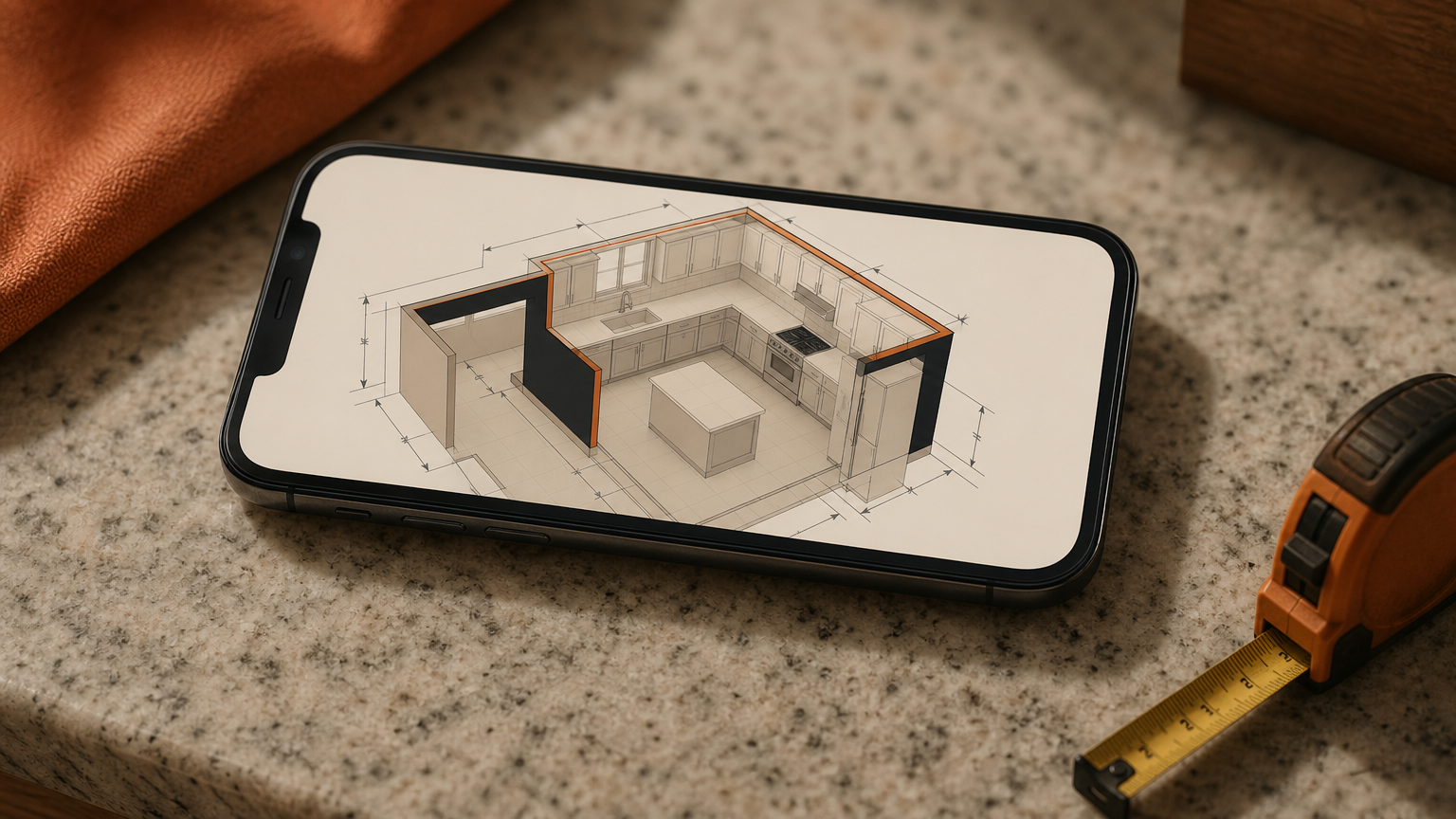
Accuracy matters most for layout decisions. Apps that support LiDAR scanning or accept manual dimension input produce plans contractors can actually use; apps that rely on rough drag-and-drop produce mood boards. If you are moving plumbing or removing a wall, accuracy is non-negotiable. Our AI floor plan tool is designed around this same constraint.
Catalog depth and realism
Catalog depth determines whether the finishes you see in the app match products you can actually purchase. Branded tools like KraftMaid lock you to one manufacturer but guarantee SKU-level accuracy. General apps offer broader choice but generic materials. Realism, lighting, and shadow quality matter once you start choosing between similar finishes. The AI home staging workflow shows how lighting changes the read of a material.
Sharing and export options
Sharing features (PDF floor plans, shareable links, contractor-ready drawings) decide how useful an app is once you are no longer working alone. AR overlay capability is the underrated differentiator: seeing proposed changes at true scale in your existing kitchen catches proportion errors that 3D renders hide. A free tier should include room setup, one material swap, and a save or share function. Anything less makes evaluation impractical. The features overview on our site lists which export formats matter for contractor handoff.
How to choose the right kitchen visualizer app for your project
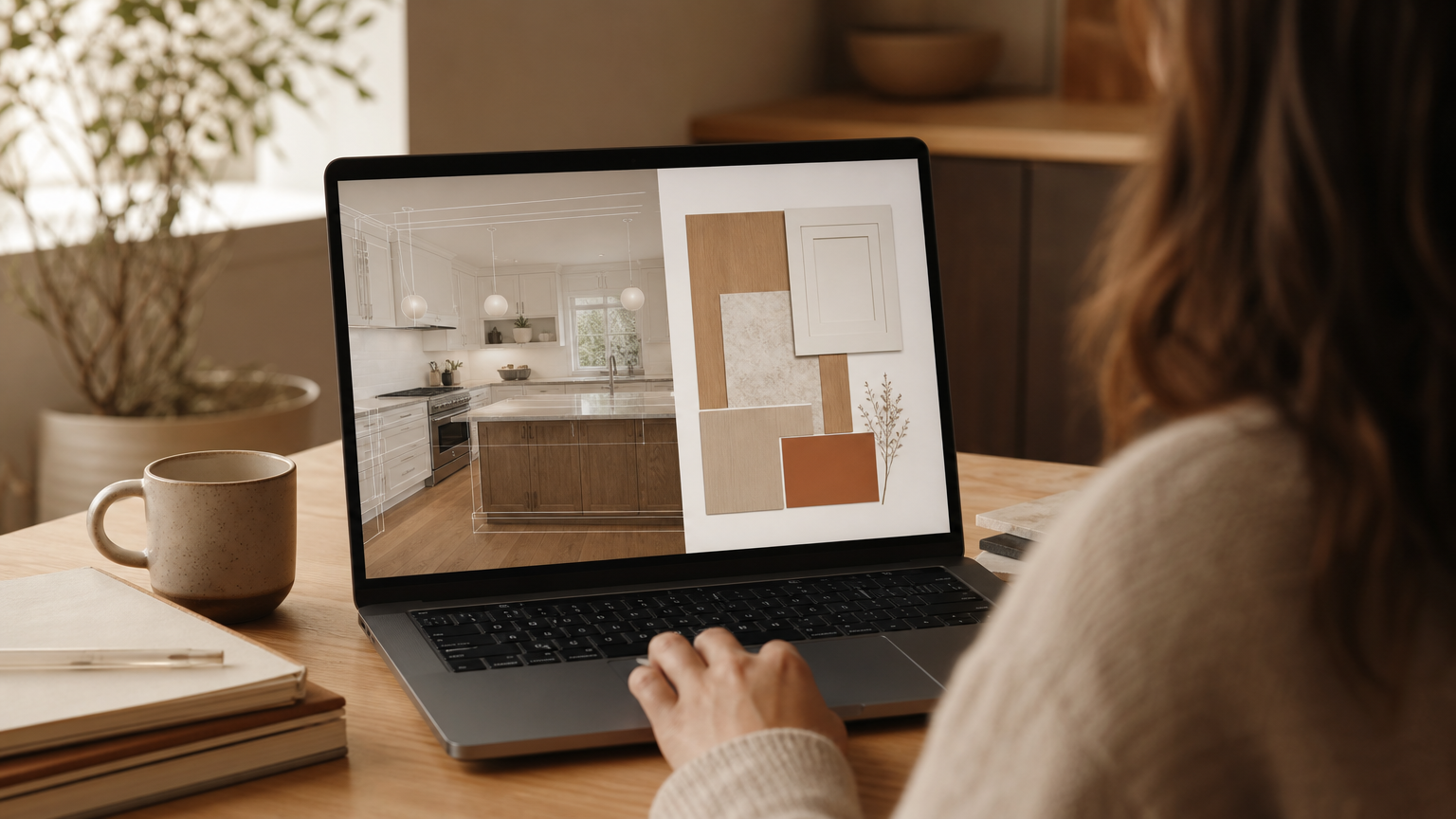
Homeowners doing a full structural remodel (moving walls, changing footprint) should choose accuracy-first tools like ARKitchen or Planner 5D over finish-swap apps. Buyers already committed to a specific cabinetry brand should use that brand's own visualizer to see exact SKU-level options; brand visualizers are slow for browsing but unmatched for sign-off. For broad inspiration before settling on a direction, Houzz still surfaces more diverse references than any catalog-tied tool. If you are planning multiple rooms, the AI architecture design generator can sketch whole-home concepts at the same level of effort.
Collaboration with a contractor or designer is easier when an app exports a shareable file rather than a locked in-app view; ask for the PDF or 3D model up front. Budget-conscious planners should start with a free tier on a general-purpose app before paying for premium; most early-stage visualization can be done without ever upgrading. Homeowners outside the US will find regional notes useful too, such as our kitchen remodel guide for Australia, where catalog and code differences shape app choice.
Frequently asked questions
What is the best free kitchen remodel visualizer app?
Planner 5D is the strongest fully free option for general use, with 2D and 3D modes across web, iOS, and Android. KraftMaid's web visualizer is also free if you are already considering KraftMaid cabinetry for the project.
Can I use a kitchen visualizer app without design experience?
Yes. Apps like Homestyler, Planner 5D, and KraftMaid's visualizer are built for homeowners with no design background. Most use drag-and-drop placement and pre-built templates, so you reach a sketched layout within an hour.
Do kitchen visualizer apps work with augmented reality?
Some do. ARKitchen is the standout example, overlaying cabinets and counters onto your real kitchen through your phone's camera. AR support depends on device capabilities, particularly LiDAR sensors on newer iOS Pro hardware.
How accurate are kitchen design apps for measuring room dimensions?
Accuracy varies. LiDAR-scan apps on supported iPhones and iPads produce dimensions tight enough for contractor handoff. Apps that rely on manual measurement input depend entirely on how carefully you enter the numbers, so double-check critical walls.
Can I show my contractor the designs I make in a visualizer app?
Usually yes, but check export formats first. The most useful apps produce PDF floor plans, shareable web links, or downloadable 3D files. Apps that lock designs inside the app are less practical for professional handoff.
Are kitchen remodel visualizer apps available on Android as well as iPhone?
Many are. Planner 5D, Houzz, Homestyler, and HomebyMe all support Android. ARKitchen is currently iOS-only because of its reliance on Apple's ARKit and LiDAR frameworks, which limits it to iPhones and iPads.
What is the difference between a 2D and 3D kitchen planner?
A 2D planner shows a top-down floor plan, ideal for layout and traffic flow. A 3D planner renders the same space with walls, finishes, and lighting, so you can judge proportion, color, and material before purchasing anything.
Do branded visualizer tools like KraftMaid only show their own products?
Yes. Brand visualizers from KraftMaid, IKEA, and similar manufacturers show only that brand's SKUs. That makes them precise for sign-off if you have chosen the brand, and limited if you are still comparing manufacturers.
A quieter kind of planning
A good visualizer app is less about software and more about confidence: the ability to sit with a finish for a week, swap it, and only then call a contractor. Each of the apps above earns that confidence in a different way, whether through AR realism, catalog depth, or the freedom of a generous free tier. For a broader view of AI-assisted planning tools across kitchens, bathrooms, and whole-home work, explore the full directory at AI Renovation's tools library, and picture the room you actually want to cook in.
Edited by an AI fact checker before publishing.
Ready to get started? Try our Kitchen Unit Designs, or Free Kitchen Design Visualizer.
Explore more kitchen remodel design ideas in our gallery.