
Best Free AI Interior Design Tools to Try Right Now in 2026

Finding a free AI interior design tool that actually produces usable results takes more than a quick search. This guide ranks the strongest options available in 2026, weighed on render quality, free-tier generosity, ease of use, and suitability for homeowners versus professionals. We cover this category closely at AI Renovation, and the shortlist below is the distilled version: six tools worth opening in a browser tab tonight, whether you want to restyle a single room or picture a full renovation.
How We Ranked These Free AI Interior Design Tools

Before naming names, here are the criteria. Argue with them; that is the point of writing them down.
- Render quality. Photorealism of the output, lighting accuracy, material fidelity, and whether the furniture sits in correct proportion to the room.
- Free-tier generosity. Number of credits, renders, or projects available without entering a credit card.
- Ease of use. Upload-to-result speed and whether prior design knowledge is required.
- Professional suitability. Whether outputs are clean enough for client presentations or real estate listings.
- Breadth of styles. A practical tiebreaker; a library of twenty themes beats five.
Each tool below was assessed against published vendor documentation and the wider review consensus across design publications. For a deeper look at how these criteria play out across our reviews, the AI interior design directory tracks each platform's free-tier specifics in detail. The short takeaway: render quality and free-tier honesty are the two filters that eliminate most of the field.
Quick Summary of the Best Free AI Interior Design Tools
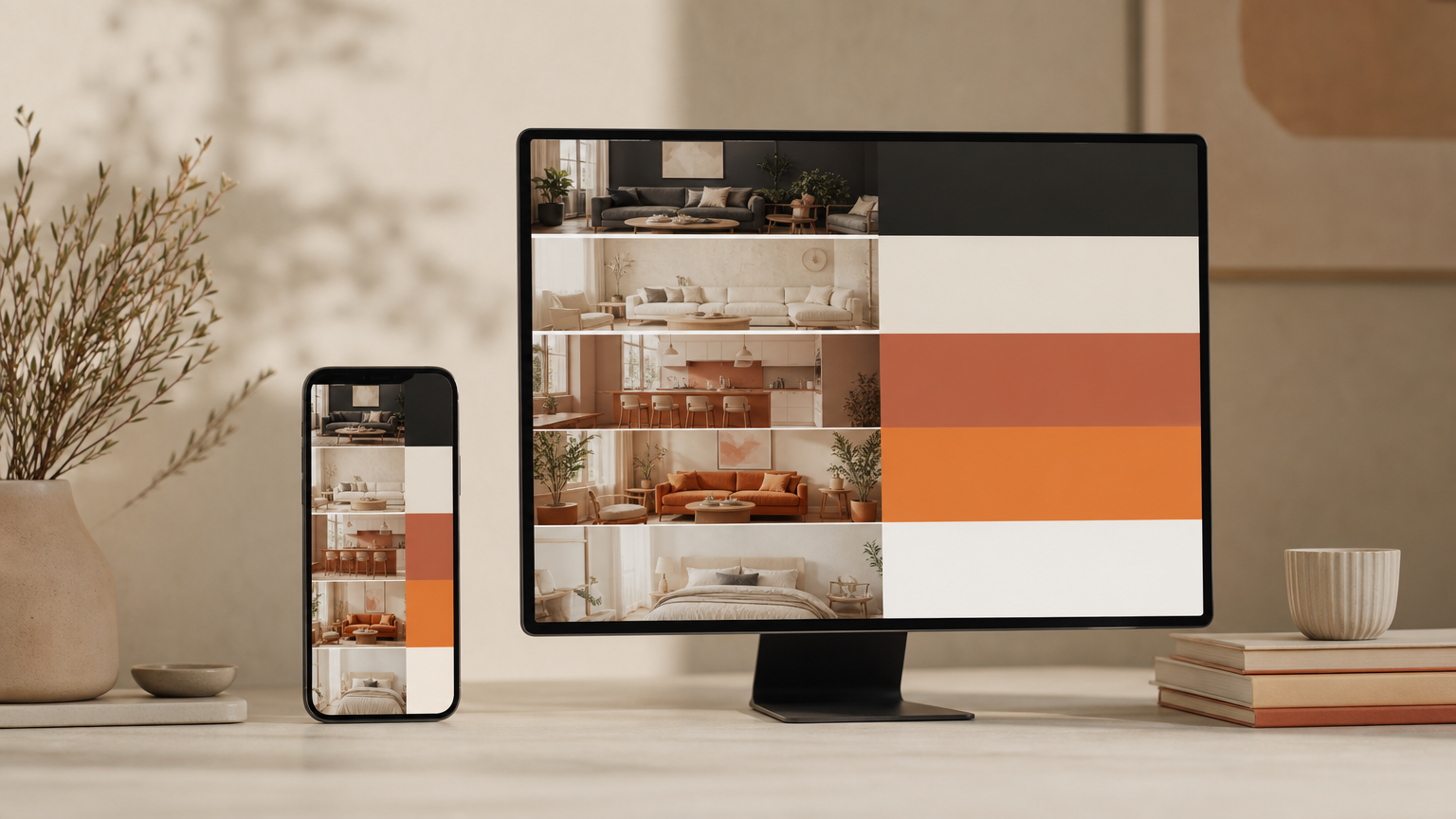
A one-line view of the shortlist, ranked. Each pick is reviewed in full further down, and the broader AI home design hub has additional context on each tool's strengths.
- RoomGPT, Best Overall for homeowners. Used by 4M+ people; fast photo-to-redesign.
- Spacely AI, Best for Professionals. SketchUp extension, client-ready output.
- Canva AI Interior Styler, Best Free Inside an Existing Tool. Built into Canva.
- mnml.ai, Best No-Signup Option. Browser-based, multiple room types.
- REimagineHome, Best for Photorealism. Strong reviews from design press.
- floor-plan.ai, Best for Layout-First Work. Quick browser-based renders.
At a Glance: Free AI Interior Design Tools Compared
The table is the fastest way to see where each tool genuinely earns its free tier. For the underlying room visualization workflow that informs these comparisons, our tools index keeps tabs on every platform listed below.
| Tool | Free-tier credits | Best for | Standout feature |
|---|---|---|---|
| RoomGPT | Limited free renders per signup | Homeowner redesigns | Single-photo restyling across themes |
| Spacely AI | Free start, no credit card | Designers and architects | SketchUp Extension Warehouse plugin |
| Canva AI Interior Styler | Bundled in Canva free plan | Existing Canva users | Sketch-to-render inside Canva |
| mnml.ai | No account required | Quick experimentation | Room-type presets, no signup |
| REimagineHome | Free trial renders | Photorealistic concepts | High-fidelity room generation |
| floor-plan.ai | Browser-based free use | Floor-plan-first projects | Plan-to-visual rendering |
Pricing and Free-Tier Breakdown
Most free tiers cluster around five to thirty renders per month before paywalling. According to Spacely AI's product page, the platform requires no credit card to start, and its SketchUp extension is free from the Extension Warehouse. RoomGPT runs a credit-based model with limited free renders per account; paid plans expand the volume. Canva folds its Interior Styler into the standard Canva free plan, which suits readers already inside that ecosystem. For a closer look at how these tiers stack against paid renovation suites, our renovation tools overview maps the trade-offs.
Best Use Cases by Tool
Match the tool to the job. Homeowners doing one room: RoomGPT or mnml.ai. Designers presenting to clients: Spacely AI or REimagineHome. Real estate agents staging empty listings: Canva or Spacely AI's furnishing module. The AI home staging guide goes deeper on virtual staging specifically, including which tools handle empty rooms convincingly.
Top Free AI Interior Design Tools Reviewed
1. RoomGPT
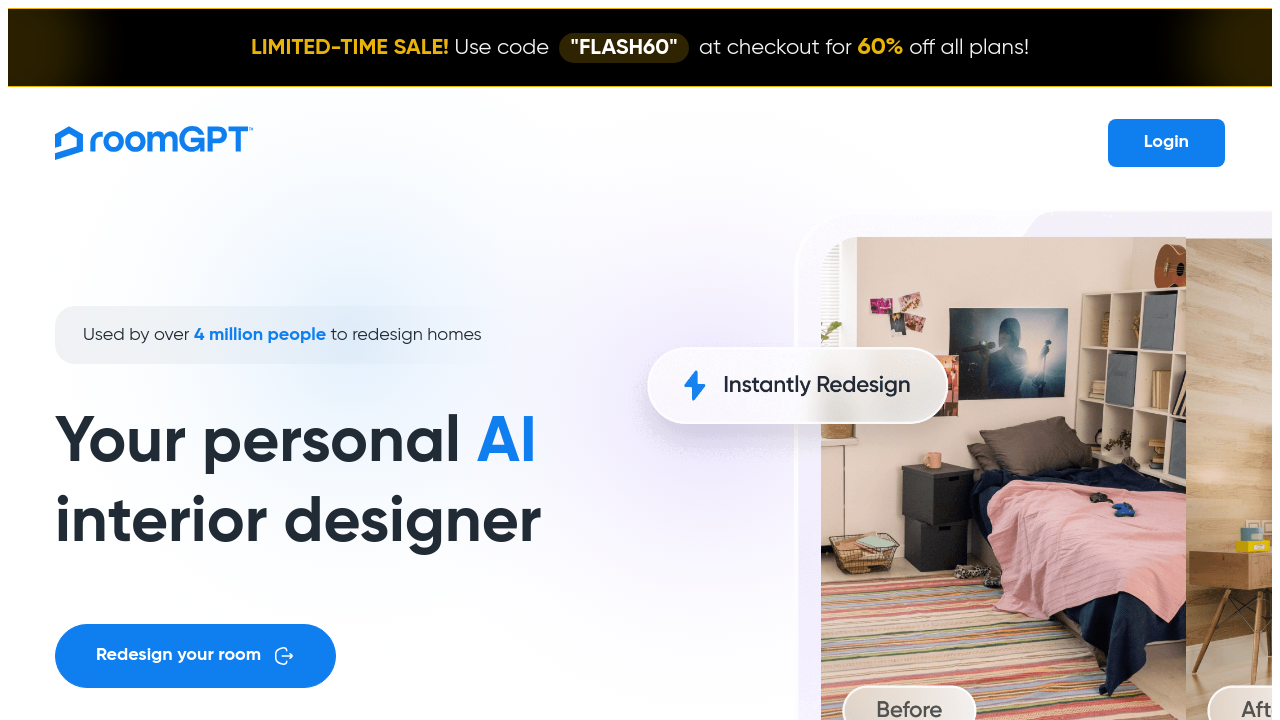
RoomGPT transforms a single room photograph into multiple redesigned concepts. Per the RoomGPT homepage, the product has been used by over four million people, with style themes spanning modern, minimalist, industrial, and professional. The upload-to-result flow is short: one image, choose a theme, render. Free renders are credit-capped and the paid plans expand the ceiling. Best for homeowners with a single before-photo who want to compare directions quickly. The honest weakness: complex rooms with mixed lighting can produce noticeable artefacts in furniture edges. For broader photo-based options, the AI room redesign collection catalogues comparable workflows.
2. Spacely AI
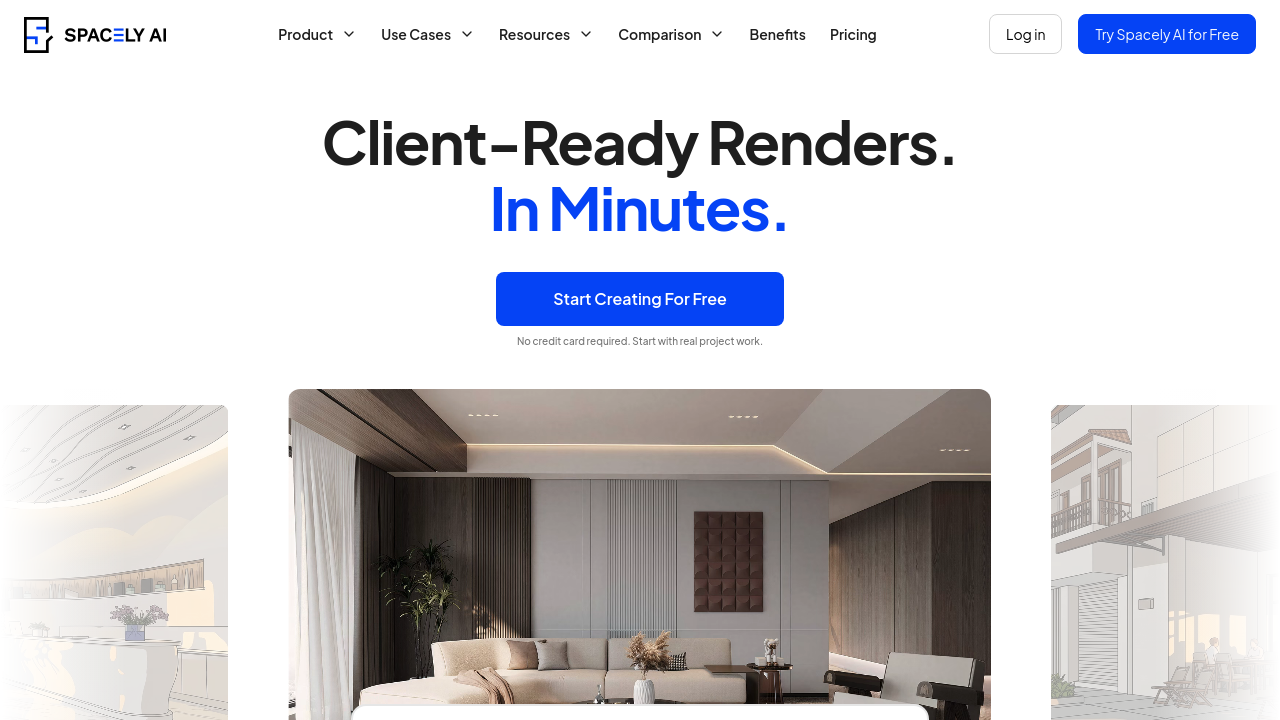
Spacely AI is the strongest pick for professionals. The vendor states renders complete in under sixty seconds, and the Spacely AI platform reports 580,000+ users across real estate, interior design, and architecture. The free start needs no credit card, and the SketchUp extension installs from the Extension Warehouse so 3D models render in place. Output is client-ready: lighting, materials, and furniture remain coherent. Weakness: free credits are modest, and serious professional volume pushes you onto a paid tier quickly.
3. Canva AI Interior Styler
Canva embeds its Interior Styler inside the broader Canva editor, letting users restyle furnished rooms, stage empty spaces, or convert sketches to realistic images without leaving the platform. The free Canva plan covers basic use, which is genuinely useful for the millions already on it. Best for casual users who already build moodboards in Canva and want a render step inside the same canvas. Weakness: render fidelity trails dedicated tools like Spacely AI on complex materials. The AI furniture generator overview compares Canva's piece-level options against standalone tools.
4. mnml.ai
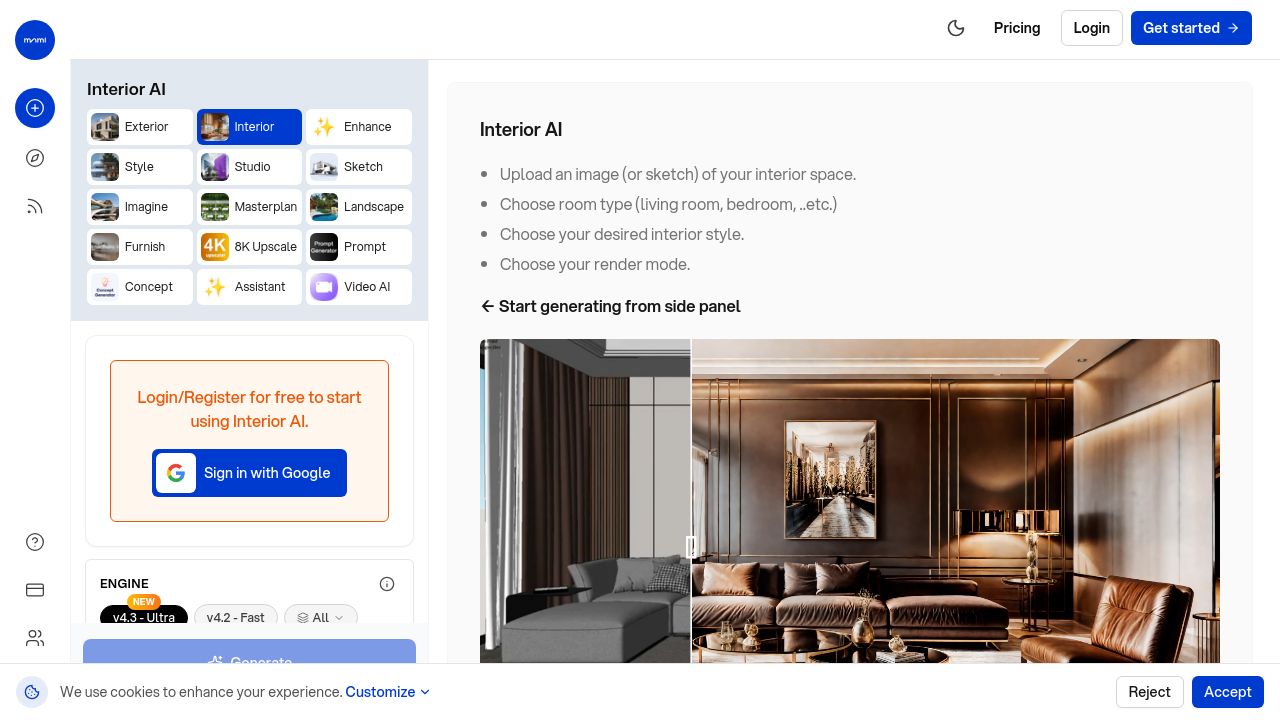
mnml.ai is the cleanest no-signup option in the category. The browser tool accepts photos or sketches for living rooms, bedrooms, kitchens, bathrooms, and offices, producing styled renders without an account. Free use is generous for casual exploration. Best for renters and first-time renovators who want to picture options before committing to anything paid. Weakness: outputs are not consistently high-resolution enough for client decks or real estate listings. For renters specifically, our home design tool roundup lists similar low-friction options.
5. REimagineHome
REimagineHome consistently appears in roundups from publications like Apartment Therapy and design blogs as a top performer for photorealistic room concept generation. Free trial renders give an honest sample of the output ceiling, and the style breadth is wider than most competitors. Best for users who care most about how the final image looks rather than ecosystem features. Weakness: the free trial caps quickly, so heavy experimentation pushes you toward paid plans faster than mnml.ai. The AI bathroom design guide covers comparable photorealistic options for wet rooms specifically.
6. floor-plan.ai

floor-plan.ai handles the layout-first end of the workflow. The browser-based tool generates renders directly from floor-plan inputs rather than photos, which suits early-stage renovation planning or new-build visualization. Free use is browser-based and largely unrestricted for basic plans. Best for users starting from a measured drawing rather than a photo. Weakness: it is not the right tool for restyling an existing furnished room. For users who want to combine plan and render workflows, our AI floor plan tool review covers the wider category.
What to Look for in a Free AI Interior Design Tool
Render Quality and Realism
Judge outputs on three details: shadow direction matches the light source, materials read as their actual texture rather than smeared paint, and furniture proportions match the room. The AI interior tool comparison breaks down how each platform handles these specifics.
Free-Tier Limits and Credit Systems
Credit-based free tiers run out quickly. Look for at least five to ten renders per session before a paywall, and check whether credits reset monthly or are a one-time grant. Our pricing breakdown tracks how typical credit ceilings compare across the category.
Input Flexibility and Supported Formats
The strongest tools accept photos, sketches, and 3D model files. Spacely AI's SketchUp route is the obvious example; Canva accepts sketches; mnml.ai handles photos and rough drawings. For projects that start from a model rather than a room photo, the 3D home design tool is the relevant reference.
Output Usability for Real Projects
For client presentations or real estate listings, resolution and artefact discipline matter more than style variety. A render with a warped chair leg or a melted lampshade fails immediately in a sales context. The AI generated home gallery shows the fidelity range readers should expect from current free tiers.
How to Choose the Right Free AI Interior Design Tool for You

Homeowners redecorating one or two rooms get the most value from RoomGPT or mnml.ai: low friction, no design background needed, fast iteration. Professional designers and architects should default to Spacely AI or REimagineHome for client-ready output and workflow integrations. The AI app for house design comparison is a useful side-by-side for that pro tier.
Real estate agents staging empty properties benefit from tools that handle virtual furnishing convincingly; Canva's Interior Styler and Spacely AI both cover that case. Renters or strict-budget users should stay with mnml.ai or floor-plan.ai, where the free tier is genuinely usable without nagging upgrade prompts. Teams collaborating on a project should check whether the free plan supports saving and sharing, because most do not. Our exterior design tool guide is a useful sibling reference for anyone whose project extends beyond interiors.
Frequently Asked Questions
Are there truly free AI interior design tools or do they all require payment eventually?
Several offer genuinely free use, though most pair an unlimited browser tool with credit-capped premium features. mnml.ai and floor-plan.ai stay closest to fully free; RoomGPT and Spacely AI offer free starts before paid plans.
Which free AI interior design tool produces the most realistic renders?
Spacely AI and REimagineHome consistently lead on photorealism in current reviews, with strong lighting and material fidelity. Spacely AI in particular benefits from its SketchUp pipeline, which preserves model accuracy through the render step rather than guessing it.
Can I use free AI interior design tools for professional or client work?
Yes, with caveats. Spacely AI and REimagineHome produce outputs that hold up in client presentations. Free tiers limit volume, so professionals using these tools regularly typically upgrade once a project pipeline justifies the cost.
Do free AI room design tools work without uploading a photo?
Some do. floor-plan.ai works from plans rather than photos, and Canva's Interior Styler accepts sketches. Most photo-first tools like RoomGPT still need an image to anchor the redesign, since the output is generated relative to the existing room geometry.
How many free renders do tools like RoomGPT and Spacely AI give you?
Both use credit-based free tiers. RoomGPT grants a small number of free renders per account, and Spacely AI offers a free start with no credit card required. Exact ceilings change; check each vendor's current pricing page before committing.
What is the best free AI tool for virtual home staging?
For empty-room staging, Spacely AI's furnishing module and Canva's Interior Styler are the strongest free options. Both add convincing furniture to vacant spaces, which is the specific workflow real estate agents need for listing photography.
Can free AI interior design tools help with kitchen or bathroom redesigns specifically?
Yes. mnml.ai supports kitchens and bathrooms as preset room types, and RoomGPT handles both well from a single photo. Bathrooms with strong tile patterns can stress the model; expect to iterate two or three times for a clean result.
Do any free AI interior design tools work on mobile?
RoomGPT and Canva work cleanly on mobile browsers, and Canva's mobile app includes the Interior Styler. Spacely AI is browser-first and runs on mobile but is genuinely more comfortable on a larger screen, especially for editing renders.
Final Thoughts
The free tier of the AI interior design category has matured into something usable. RoomGPT and mnml.ai cover the homeowner side comfortably; Spacely AI and REimagineHome carry the professional end; Canva quietly serves anyone already inside its ecosystem. Pick the tool that matches your starting point, your project scale, and how much polish the final render really needs. To go deeper, the AI Renovation tools directory tracks every platform here alongside fresh reviews as the category evolves. Picture the room you want to change, then open one of these tabs.
Article generated and shipped via AI SEO automation.
Ready to get started? Try our Redecorate Room, or Home Redesign AI.