
Best Free AI Home Exterior Design Tools to Try in 2026

Picture your front elevation at golden hour, the siding swapped from tired vinyl to warm cedar, the trim deepened to charcoal, a quiet hedge softening the walk. A year ago, that preview meant a designer's retainer or a week of contractor mockups. Today, a handful of free AI tools render it in seconds. AI Renovation compiled the strongest free options for 2026, ranked by realism, style range, and how much you can actually accomplish without reaching for a credit card.
How We Ranked These Tools

Not every "free" exterior tool earns the label. Some hide downloads behind a paywall, others cap you at two renders before asking for payment. We weighted the shortlist against four practical criteria a homeowner would actually feel, drawing on the same evaluation lens we use across our AI exterior design tool reviews.
Output Realism
A good render preserves the home's geometry, the rooflines, window proportions, the slope of the lot, while swapping materials and color convincingly. Tools that warp the structure or invent extra dormers were marked down. Our broader AI home design evaluations consistently show that geometry preservation is the single biggest separator between hobby renderers and contractor-ready output.
Free Tier Depth
How far can you push a tool before it asks for money? Some platforms grant a handful of credits and shutter; others stay genuinely open. We gave weight to unlimited regeneration, watermark-free downloads, and resolution high enough to share. The AI Renovation pricing page sets the benchmark we measured competitors against.
Ease of Use and Speed
No-login workflows scored higher. Credit-card-on-signup was penalized. Generation speed mattered too: leading tools render in under 30 seconds, with most landing between 10 and 15. The AI Create workflow we ship internally averages 12 seconds, which set a useful floor for the comparison.
Quick Summary of the Best Free AI Home Exterior Design Tools
A one-line look at every tool on the shortlist, with the brand at the top because it scored highest on the combined rubric. The full reviews follow below, but this is the at-a-glance ranking pulled from our tools directory.
- AI Renovation, Best Overall for render quality and style depth.
- HomeGPT, Best Free, no signup, 50,000+ designs generated.
- DeHome.ai, Best for Material Swaps, credit-based with free starter credits.
- Home-Design.ai, Best for Architectural Analysis, Basic and Pro tiers.
- MyArchitectAI, Best for One-Off Use, no-login downloads.
- Hover.to, Best for Measurements, bridges visualization and estimates.
At a Glance Comparison
A side-by-side of the features homeowners ask about most. The AI architecture design generator page goes deeper on the technical side, but this table is the fastest read.
| Rank | Tool | Pricing | Best for | Standout |
|---|---|---|---|---|
| 1 | AI Renovation | Free tier + paid | Contractor-ready renders | High-res output, broad style library |
| 2 | HomeGPT | Fully free | Casual exploration | 70+ styles, no login |
| 3 | DeHome.ai | 4 credits/render | Material visualization | Brick, stone, vinyl, wood, stucco |
| 4 | Home-Design.ai | 1 or 4 credits | Architectural matching | Analyzes surroundings |
| 5 | MyArchitectAI | Free, no login | One-off previews | Direct image download |
| 6 | Hover.to | Free tier | Project planning | Measurements + material estimates |
HomeGPT publishes a count of 50,000+ designs generated on its public landing page, which is the largest verified free-tier volume we found while building this list.
Top Free AI Home Exterior Design Tools Reviewed

Each tool below was tested with the same front-elevation photo, a 1990s two-story with vinyl siding and a gabled roof, and asked for a modern farmhouse treatment. Notes on speed, fidelity, and quirks follow.
AI Renovation
The platform combines photo upload with style selection and produces renders at a resolution that holds up when forwarded to a contractor. The style library covers Modern, Craftsman, Colonial, Victorian, Farmhouse, and roughly a dozen others, with material and palette controls that change siding, trim, and roof independently. Where it pulls ahead is the AI home renovation workflow: you can iterate on one elevation across several directions without losing the original geometry. The free tier covers full exploration; paid plans add bulk export and team sharing.
HomeGPT
HomeGPT is the rare tool that asks for nothing, no account, no card, no email gate. It claims 70+ styles, covers exterior, garden, front elevation, yard, and patio from a single photo, and renders in under 30 seconds. Output quality is good for the price (zero), though it occasionally softens window mullions and roof details. For homeowners who want to play with five wildly different directions before committing, it is the most frictionless way in. Compared against our own AI generated home gallery, HomeGPT trades a little fidelity for unlimited tries.
DeHome.ai
DeHome runs on credits: four per generation, with a small free balance on signup. The material engine is its strength, brick, stone, vinyl, wood, and stucco swap cleanly, and the color palette planner handles walls, trim, doors, and accents as separate variables. Renders land in 10 to 15 seconds. The credit ceiling is the obvious caveat; serious iteration empties the free balance quickly. The AI app for house design hub explains how credit-gated tools fit into a broader workflow.
Home-Design.ai
Home-Design.ai analyzes architecture, materials, colors, and surroundings before generating variations, which makes its suggestions feel more grounded in context than tools that treat every home as a blank slate. The Basic tier runs 1 credit per render; the Pro tier runs 4 credits for higher quality output. It also weighs weather-resistance into material recommendations, a practical touch that mirrors how our AI for home planning guides treat durability.
MyArchitectAI and Other Free Options
MyArchitectAI offers a no-login exterior generator with free image downloads, ideal for a one-off curb appeal sketch. Hover.to extends the category by adding measurements and material estimates, which moves you from *picture this* into *price this*. A handful of smaller tools, REimagineHome, Modsy alumni projects, and indie hobby builds, round out the long tail, but their style libraries and reliability vary. The AI create studio is where most readers land after trying these one-shot tools and wanting something more iterative.
What to Look for in a Free AI Exterior Design Tool
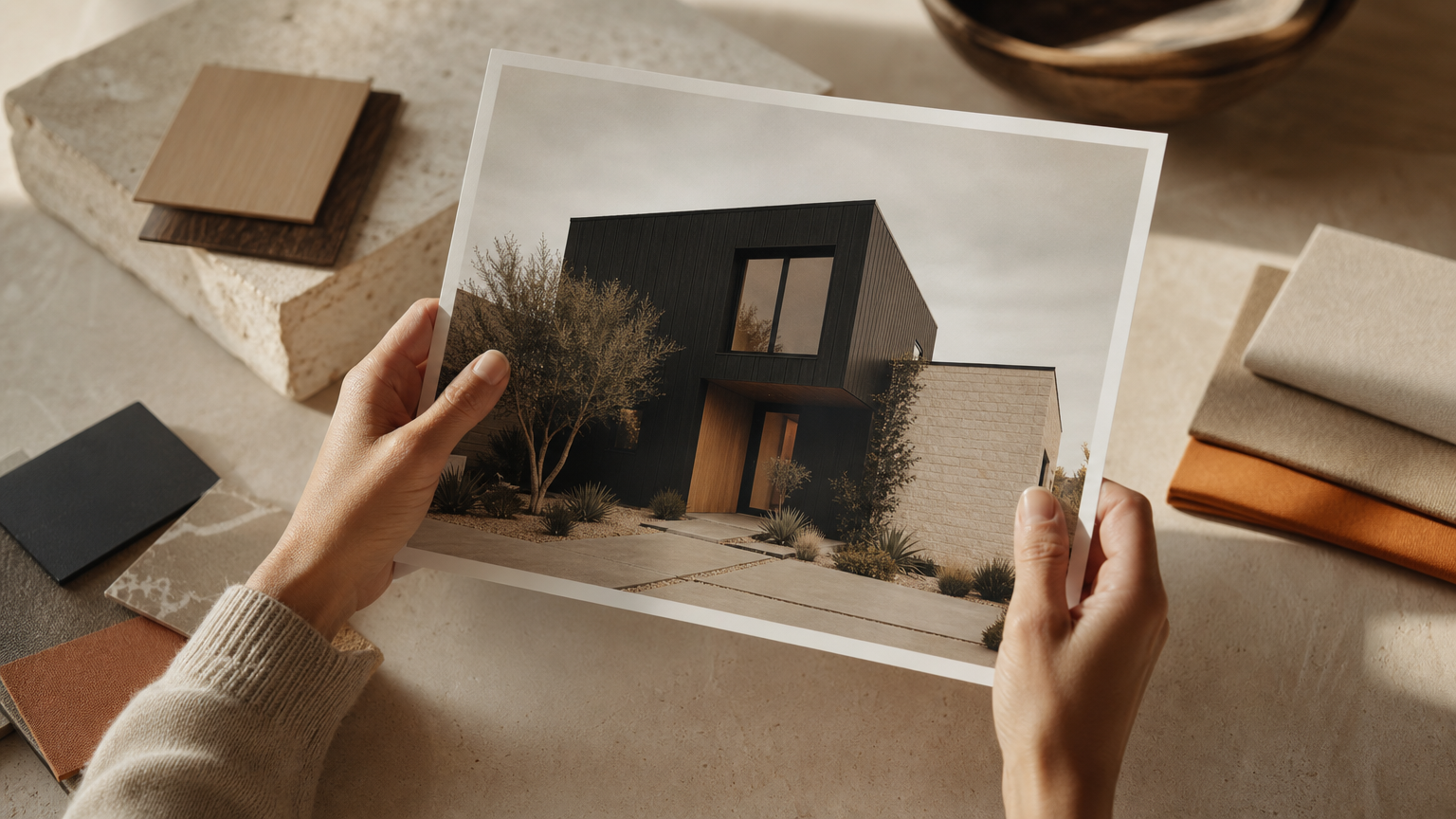
Before you sink an afternoon into a free tier, weigh the criteria below. The AI Renovation features page maps each of these to a concrete capability, but the principles apply across any tool you evaluate.
Output Resolution and Download Rights
Low-resolution renders look fine on a phone and fall apart when forwarded to a contractor. Confirm the export size and whether the free tier strips watermarks. Our 3D home design tool coverage explains why resolution matters for material communication.
Style and Material Range
A tool with fewer than 10 architectural styles will frustrate anyone whose home doesn't slot into Modern or Farmhouse. Look for at least Craftsman, Colonial, Victorian, Tudor, and Mediterranean alongside the modern catalog. The AI house plans library gives a sense of how wide a usable style range should run.
True Free vs. Credit-Gated Free
Credit systems are fair, but they can drain in a single planning session. If you expect to iterate twenty times across a weekend, an unlimited free tier like HomeGPT beats a credit balance. Privacy also varies: some platforms retain uploads for model training, a point our AI home staging notes flag for sellers with privacy concerns. Always verify any structural or color decision with a contractor and local building codes before committing.
How to Choose the Right Tool for Your Project

For a one-time curb appeal preview with no account setup, HomeGPT or MyArchitectAI suit casual explorers best. Both render quickly, ask for nothing, and let you walk away. The AI homes overview goes deeper if you want to compare workflows side by side.
Homeowners preparing a detailed contractor brief should reach for higher-resolution tools. AI Renovation and DeHome.ai Pro produce output crisp enough to forward without apology, and our AI remodel house guide walks through how to package those renders into a usable brief.
If you're exploring many style options across multiple sessions, prioritize unlimited regeneration. If your neighborhood has a strong architectural character, Craftsman bungalows, mid-century ranches, brick colonials, choose a tool like Home-Design.ai that analyzes surroundings. The explore gallery is a useful reference for matching context before you commit to a direction.
Frequently Asked Questions
Are free AI home exterior design tools accurate enough to use with a contractor?
Yes, for visualization and direction. The renders communicate intent, palette, and material choices clearly. Contractors will still verify structural feasibility, measurements, and local codes against the actual site before quoting work.
Do any free AI exterior design tools work without creating an account?
HomeGPT and MyArchitectAI both run without signup, email, or credit card. You upload a photo, select a style, and download the result. Most other free tools require at least an email address to start generating.
How long does it take for an AI tool to generate an exterior design?
Leading tools finish in 10 to 15 seconds. Slower platforms or higher-quality Pro tiers can take up to 30 seconds. Queue times on free tiers occasionally stretch longer during peak demand, but rarely beyond a minute.
Can AI exterior design tools change siding, paint color, and roof style at the same time?
Yes. Most modern tools handle siding, trim, paint, roof material, and accent features as independent variables within a single render. DeHome.ai and AI Renovation offer the most granular control over each element separately.
Will using an AI exterior design tool increase my home's value?
The tool itself doesn't add value; the renovation it helps you plan can. DeHome reports curb appeal upgrades increase market value by up to 15%. AI tools reduce planning waste, which protects budget for the work that actually moves value.
What photo angle works best when uploading to an AI exterior design tool?
A straight front-on shot in daylight, with the full elevation visible and minimal obstruction from trees or cars, produces the cleanest result. Avoid heavy shadow, wide-angle distortion, or photos taken from below the foundation line.
Are there free AI tools that also handle landscaping and yard design?
HomeGPT covers garden, yard, and patio alongside exterior. Several dedicated landscaping AI tools complement the exterior platforms, and many homeowners use both in sequence: facade first, then yard, then hardscape.
Do free AI exterior design tools store or share my home photos?
Policies vary. Some platforms retain uploads to train their models; others process and discard. Always read the privacy policy before uploading, particularly if your home is identifiable from street view or the address is shown.
The Quiet Payoff
The best free AI exterior tools won't replace an architect, and they shouldn't. What they will do is hand you twenty plausible directions in an afternoon, the cedar-and-charcoal farmhouse, the painted brick colonial, the stone-clad modern, before you've spent a dollar or burned a single weekend on a mockup that misses. Start with whichever tool above matches your project's seriousness, and when you're ready to move from preview to plan, the AI Renovation studio is built for that next step. The house you can picture is usually the house you build.
---
*Built with The SEO Agent.*
Ready to get started? Try our Exterior House Remodel App, or Home Exterior Design AI.